The App Store contains quite a few apps that can turn your iPhone or iPod touch into a wireless mouse and keyboard, but Logitech's new offering,
Touch Mouse, is able to do all of this rather easily and completely free.
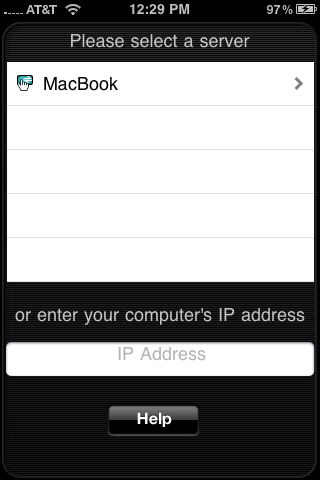
Touch Mouse turns your iPhone or iPod touch into a wireless mouse that features left, center, and right click buttons, two finger scrolling, click dragging, two finger right clicking, and a bunch of other customization options. It also allows you to enter text via your iPhone's keyboard, while also displaying the text on the device's screen, so you won't have to squint to see what you are typing on your computer or television display.
The companion desktop software is also entirely free and
available for Mac and PC computers, so as long as you have a working home Wi-Fi network, you should be good to go. Setup is extremely easy, and you can install the desktop software on multiple machines and access them all from the app. This type of software is perfect for anyone who connects their computer to a larger display, such as a television, for easy control from the sofa.
As I stated earlier, there are quite a few other solutions available in the App Store, but most of them come at a cost. Logitech's
Touch Mouse is free and surprisingly full-featured, making it at least worthy of a test drive.
[Thanks to Kevin for the tip!]