You are using an outdated browser. Please
upgrade your browser to improve your experience.

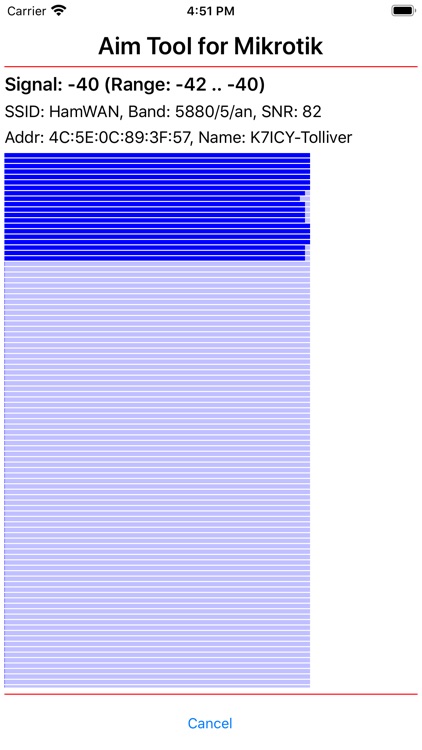
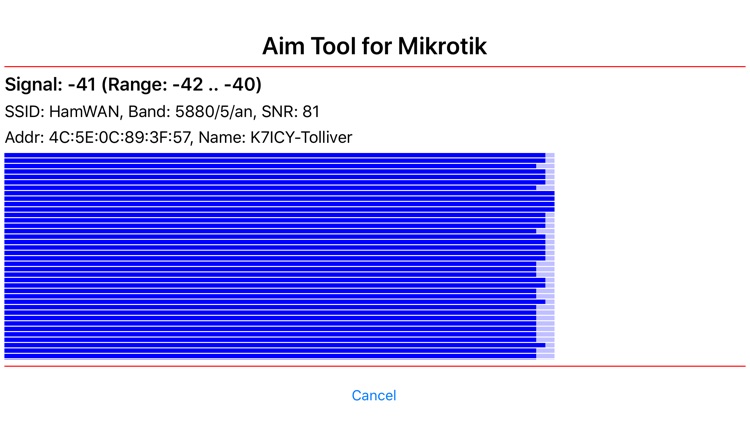
Aim Tool for Mikrotik is an app to facilitate aiming the antenna of a Mikrotik Wireless System such as an LHG-5, by providing real time visual and audio feedback showing the signal strength

Aim Tool for Mikrotik
by Herb Weiner

What is it about?
Aim Tool for Mikrotik is an app to facilitate aiming the antenna of a Mikrotik Wireless System such as an LHG-5, by providing real time visual and audio feedback showing the signal strength. Mikrotik Wireless Systems are commonly used to obtain Internet connectivity using amateur radio (refer to http://www.oregonhamwan.org). In order to achieve the highest connection speeds over distances of 25 miles or more, the local antenna must be precisely aimed towards the remote sector on a distant tower.
App Screenshots
App Store Description
Aim Tool for Mikrotik is an app to facilitate aiming the antenna of a Mikrotik Wireless System such as an LHG-5, by providing real time visual and audio feedback showing the signal strength. Mikrotik Wireless Systems are commonly used to obtain Internet connectivity using amateur radio (refer to http://www.oregonhamwan.org). In order to achieve the highest connection speeds over distances of 25 miles or more, the local antenna must be precisely aimed towards the remote sector on a distant tower.
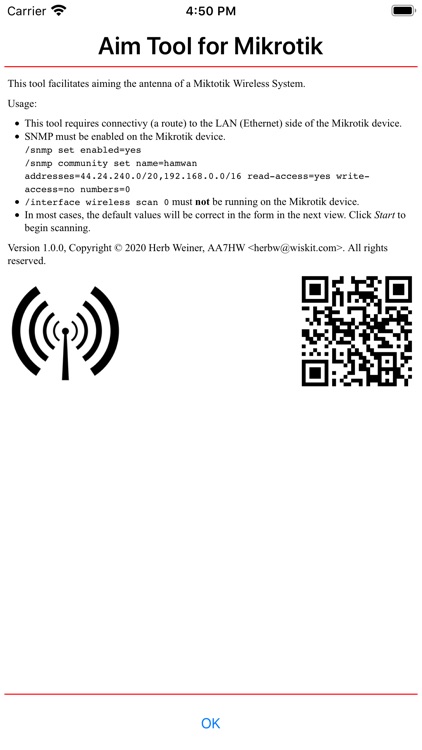
Connect the Ethernet interface of the Mikrotik system to the WAN (Internet) side of a wireless router, and choose the wireless router WiFi signal on your iPhone or iPad. Ensure that SNMP is enabled on your Mikrotik system. In most cases, the default Target (192.168.88.1), Community (hamwan), and Timeout (500 ms) will be correct. Press start to begin monitoring.
Disclaimer:
AppAdvice does not own this application and only provides images and links contained in the iTunes Search API, to help our users find the best apps to download. If you are the developer of this app and would like your information removed, please send a request to takedown@appadvice.com and your information will be removed.
AppAdvice does not own this application and only provides images and links contained in the iTunes Search API, to help our users find the best apps to download. If you are the developer of this app and would like your information removed, please send a request to takedown@appadvice.com and your information will be removed.
