You are using an outdated browser. Please
upgrade your browser to improve your experience.

CleanCraft: The Ultimate Phone Cleaner & Optimizer

CleanCraft: Clean Up Storage
by TRUSTED PILOT SOLUTIONS
What is it about?
CleanCraft: The Ultimate Phone Cleaner & Optimizer
App Screenshots
App Store Description
CleanCraft: The Ultimate Phone Cleaner & Optimizer
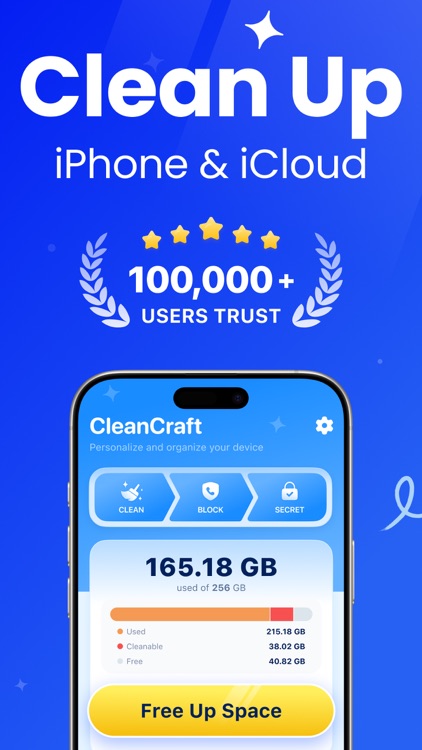
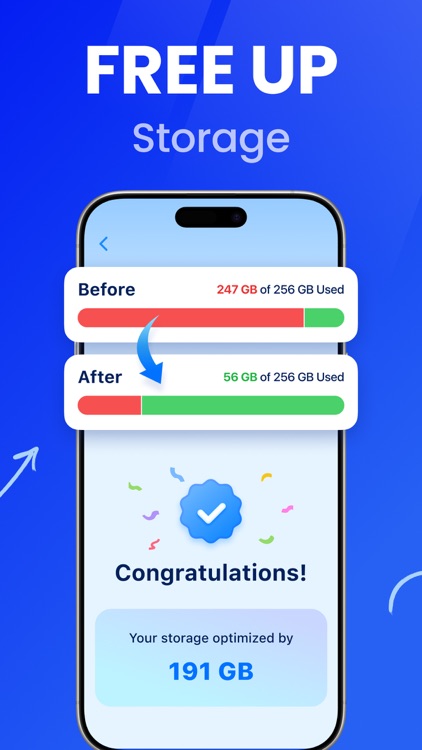
Free up space instantly! CleanCraft is your all-in-one solution for smarter storage management and privacy protection.
Key Features:
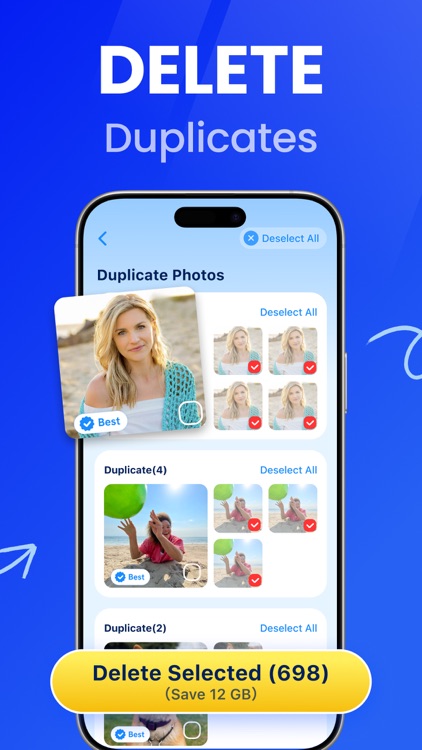
Smart Photo Cleaner:
Detect and remove similar/blurry photos in bulk
Preview before deleting to avoid mistakes
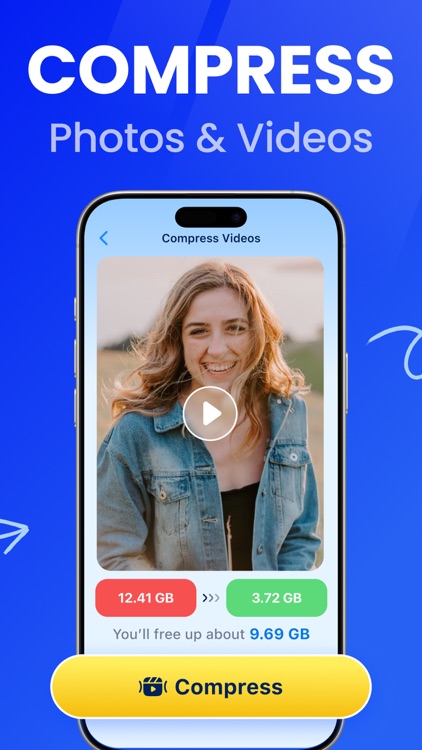
Video Optimizer:
Find and delete large duplicate videos
Compress videos without quality loss
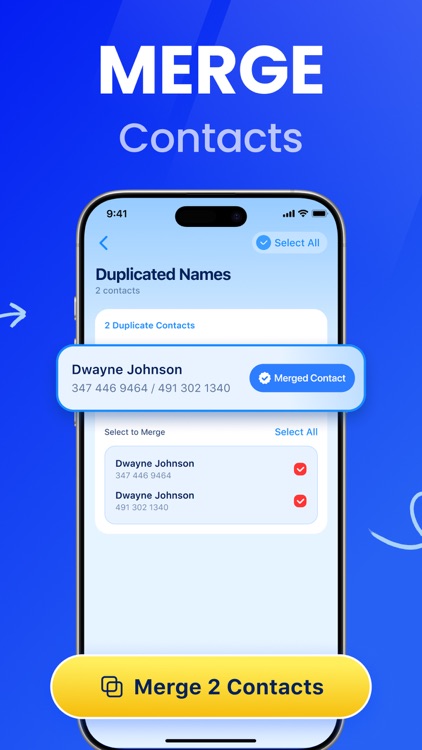
Contact Manager:
Merge duplicate contacts automatically
Remove invalid phone numbers
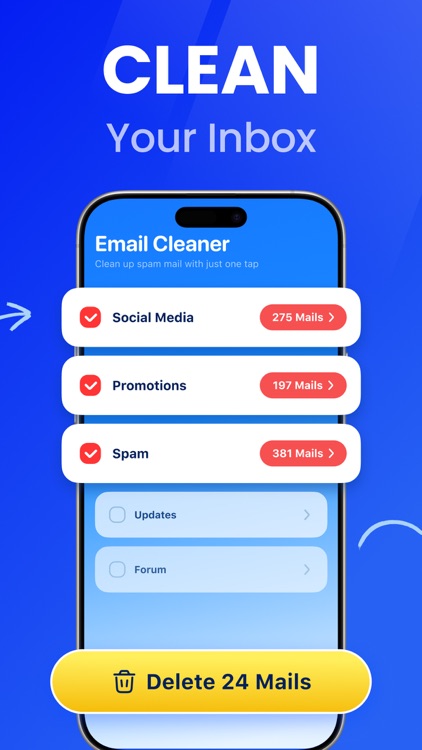
Email Cleanup:
Custom filters to delete useless emails
Bulk cleanup for inbox optimization
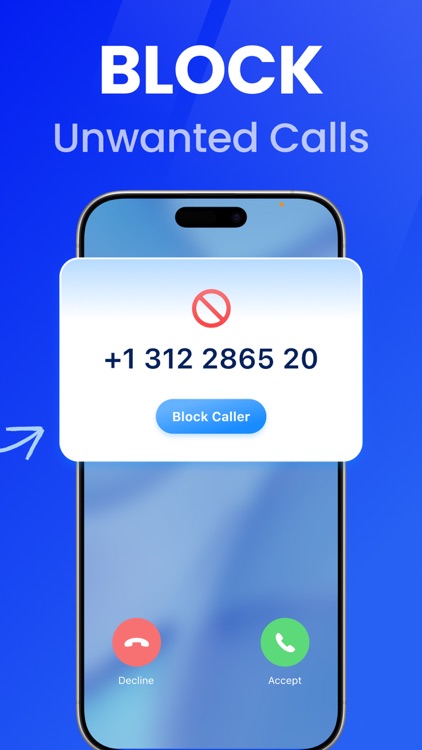
Call Blocker:
Block 100% of spam/unwanted calls
Enhanced call security protection
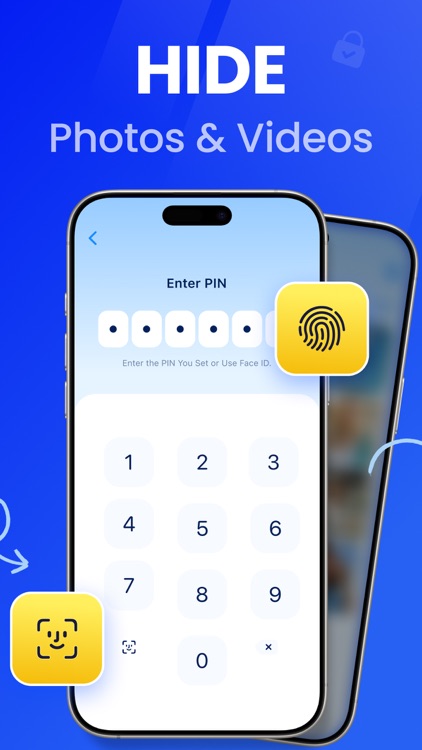
Privacy Vault:
Locally encrypt private photos/videos
Zero cloud uploads - your data stays private
--Payment and Subscription Terms--
Choose from the following subscription options to enjoy unlimited access to all features:
- CleanCraft Pro (Weekly): Priced at $6.99 per week, free for the first 3 days.
- CleanCraft Pro (Yearly): Priced at $39.99 per year.
Auto-Renewal: Subscriptions automatically renew unless auto-renew is turned off at least 24 hours before the end of the current period.
Manage Subscriptions: You can manage subscriptions and turn off auto-renewal by going to your Account Settings after purchase.
Free Trial: Any unused portion of a free trial period will be forfeited when you purchase a subscription.
Payment: Payment will be charged to your iTunes Account at confirmation of purchase.
Renewal Charges: Based on the selected plan, your account will be charged for renewal 24 hours before the end of the current period.
Manage your subscription directly from your iPhone:
Users can manage subscriptions and turn off auto-renewal by going to Account Settings:
- Open the Settings app.
- Tap your name.
- Tap “Subscriptions.”
- Tap the subscription you want to manage.
Privacy policy: https://sparkpilotmobile.com/privacy
Terms of use: https://sparkpilotmobile.com/terms
Contact us: https://sparkpilotmobile.com/support
Disclaimer:
AppAdvice does not own this application and only provides images and links contained in the iTunes Search API, to help our users find the best apps to download. If you are the developer of this app and would like your information removed, please send a request to takedown@appadvice.com and your information will be removed.
AppAdvice does not own this application and only provides images and links contained in the iTunes Search API, to help our users find the best apps to download. If you are the developer of this app and would like your information removed, please send a request to takedown@appadvice.com and your information will be removed.
