You are using an outdated browser. Please
upgrade your browser to improve your experience.

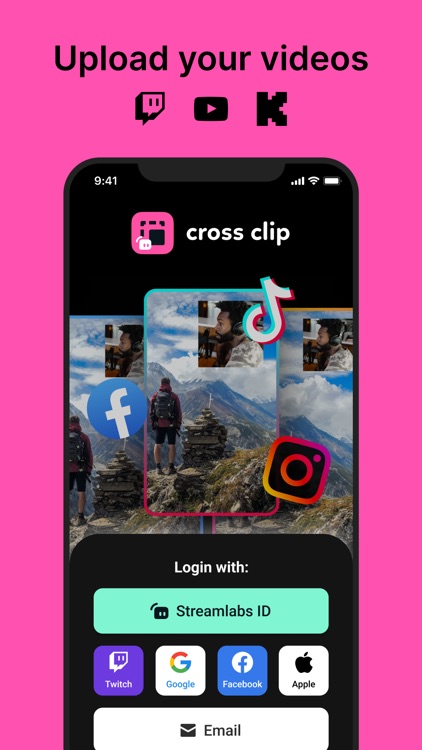
Cross Clip is the easiest way for live streamers to turn Twitch, Kick clips, and other short videos into content for TikTok, Instagram, YouTube, and other platforms

Cross Clip: Edit, Post, Grow
by Streamlabs

What is it about?
Cross Clip is the easiest way for live streamers to turn Twitch, Kick clips, and other short videos into content for TikTok, Instagram, YouTube, and other platforms.
App Screenshots
App Store Description
Cross Clip is the easiest way for live streamers to turn Twitch, Kick clips, and other short videos into content for TikTok, Instagram, YouTube, and other platforms.
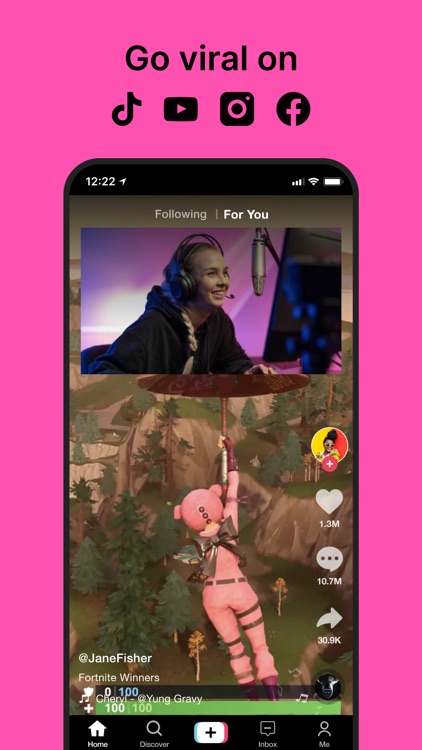
One of the most effective ways to grow your channel and gain viewers is to post content across multiple platforms, but layouts and orientations are fundamentally different when you’re live streaming. Cross Clip makes it easy to post your content across multiple platforms and gives your channel the best opportunity to reach more viewers and grow your audience.
GET CLIPS
Head to crossclip.streamlabs.com to get started. Either enter the URL of the Twitch clip you would like to use or upload the video file. Once imported, you’ll be taken to the editor.
EDIT
Select a preset layout or start from scratch. You can add and rearrange layers, clip your videos, and drag content boxes around the screen. When you’re finished, just click compile.
OPTIMIZE
Once happy with your clip, select your desired frames per second (FPS) and output resolution (720 or 1080). You can remove the watermark and outro video.
DOWNLOAD
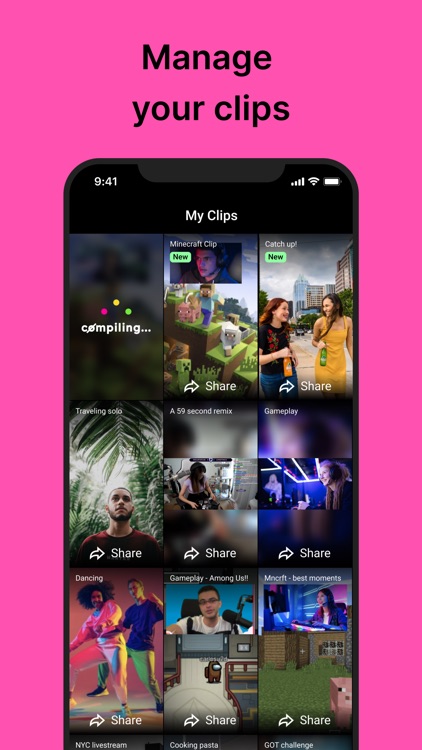
Once you’ve clicked compile, open this app and log in with Twitch to see all your clips in one place. Download, delete, or share your clips on different platforms. You will also receive an email notification when your clip has finished compiling.
SHARE
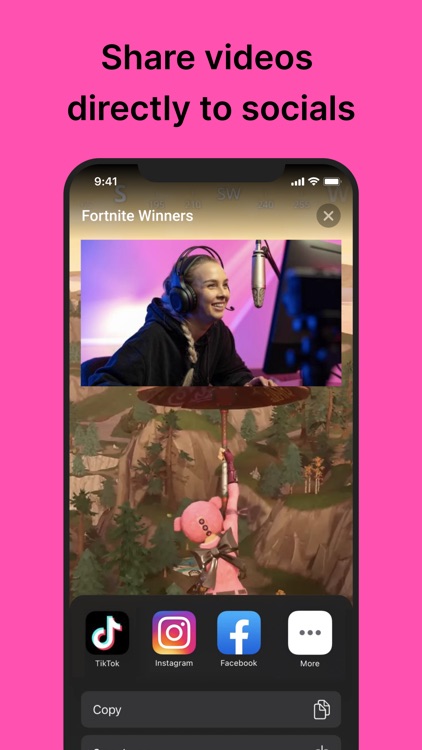
On each video, you’ll have the option to share directly to TikTok and other platforms when they’re available.
Happy clipping!
Privacy Policy: https://streamlabs.com/privacy
Terms of Service: https://streamlabs.com/terms
Disclaimer:
AppAdvice does not own this application and only provides images and links contained in the iTunes Search API, to help our users find the best apps to download. If you are the developer of this app and would like your information removed, please send a request to takedown@appadvice.com and your information will be removed.
AppAdvice does not own this application and only provides images and links contained in the iTunes Search API, to help our users find the best apps to download. If you are the developer of this app and would like your information removed, please send a request to takedown@appadvice.com and your information will be removed.
