You are using an outdated browser. Please
upgrade your browser to improve your experience.
The English Grammar Profile Pro allows learners develop competence in English grammatical form and meaning

English Grammar Profile - Pro
by Huong Nguyen
What is it about?
The English Grammar Profile Pro allows learners develop competence in English grammatical form and meaning.
App Screenshots
App Store Description
The English Grammar Profile Pro allows learners develop competence in English grammatical form and meaning.
If you use some well-known dictionaries such as Cambridge dictionary, you may notice symbols A1, A2, B1, B2, C1, C2.
These symbols show the English Profile levels. There are 6 levels.
A1: beginner
A2: Elementary
B1: Intermediate,
B2: Upper-Intermediate
C1: Advanced
C2: Proficiency
Like vocabulary, grammatical forms often have more than one meaning. For example, the modal verb 'may' can be used with various meanings at different levels.
Elementary: Weak possibility: "The weather may be hot."
Intermediate: Formal permission: "May I borrow your bike?"
Advanced: 'May well': "You may well find that this is not the case."
Proficiency: 'May as well': "We may as well go home."
English Grammar Profile divides these meanings into 6 levels, and tells us at which level we see learners of English using them correctly and appropriately.
If you are a teacher, English grammar profile will tell you which grammatical forms, structures your students should use frequently at different levels.
If you are preparing for standardized tests such as SAT, IELTS, TOEFL, CPE, CAE, FCE, GRE etc. this app will help you to improve your writing skills. In order to get high score, you should use grammar forms and structures in advanced and proficiency level as much as possible.
For example:
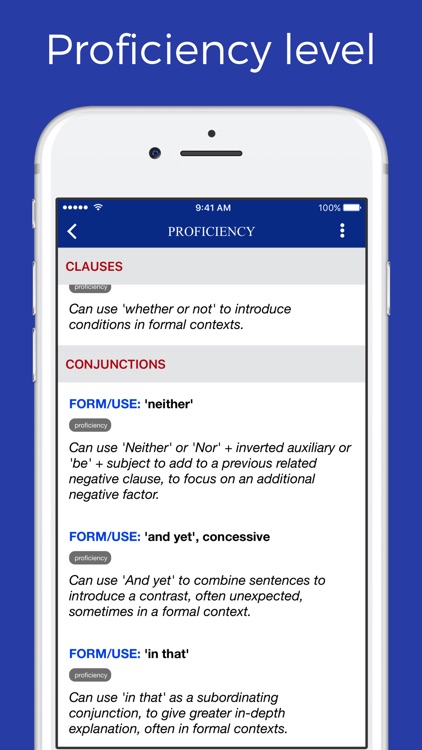
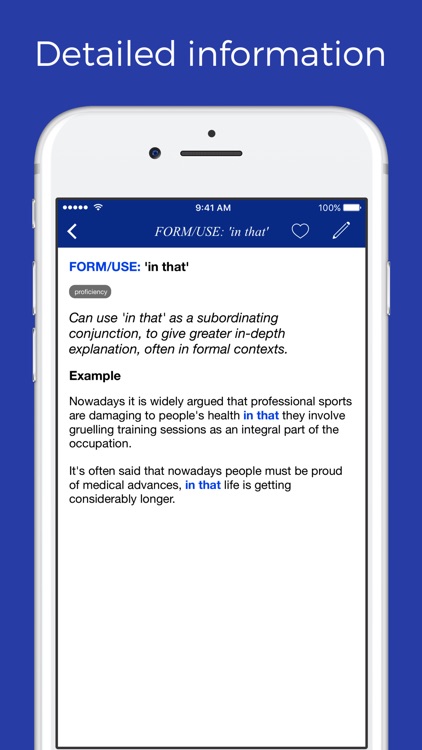
● "in that" (proficiency)
- You can use "in that" as a conjunction to give a greater in-depth explanation
● "And yet" (proficiency)
- You can use "and yet" to combine sentences to introduce a contrast
● "whether or not" (proficiency)
- You can use "whether or not" to introduce conditions
● "as if" + non-finite clause (proficiency)
- You can use "as if" + non-finite clause to introduce a second clause as a comparison
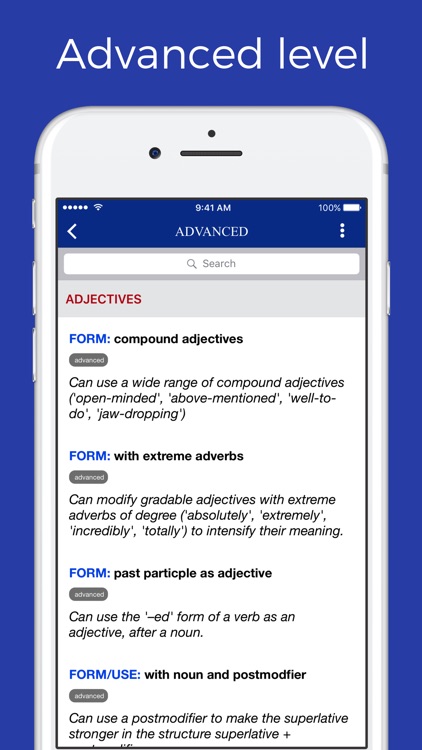
● past participle as adjective (advanced)
- You can use the '-ed' form of a verb as an adjective after a noun
● adverb + adverb (advanced)
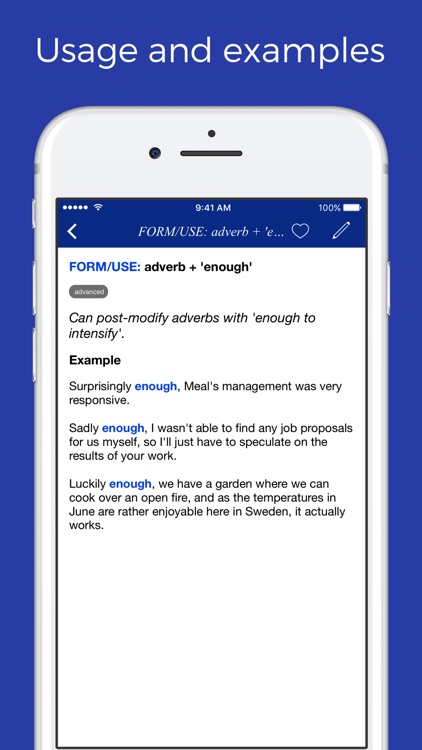
- You can modify a wide range of adverbs with other adverbs (hardly likely, relatively quickly)
● "be set to" (advanced)
- You can use "be set to" to talk about strong assertions about the future
●● Categories:
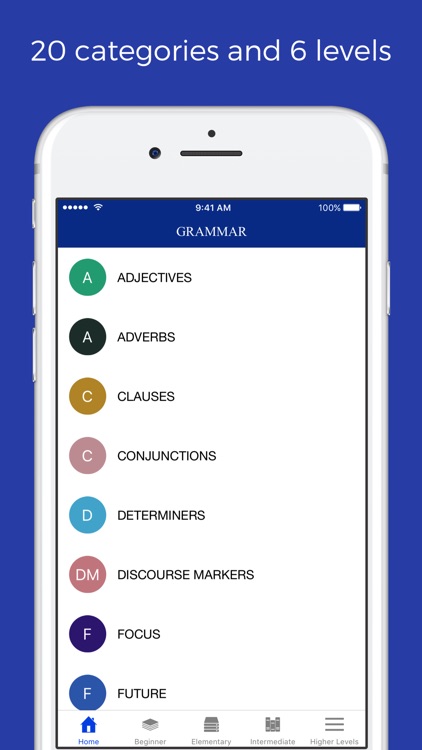
- Grammatical forms and structures are divided into 20 categories:
Adjectives, adverbs, clauses, conjunctions, determiners, discourse markers, focus, future, modality, negation, nouns, passives, past, prepositions, present, pronouns, questions, reported speech, verbs.
●● Levels:
- Grammatical forms and structures are divided into 7 levels
- beginner (A1), elementary (A2), intermediate (B1), upper-Intermediate (B2), advanced (C1), proficiency (C2)
● write note
- You can write note for each entry and review it later
● create a list
- You can create a list and add an entry into that list
● explore
- Search an entry by using its meaning with advanced option
● other features:
- bookmark an entry
- search for an entry
● View Pager
- Browse all entries in a list by sliding left or right
● If you want to give feedback or suggest a new feature, please use the feedback feature in the settings
Disclaimer:
AppAdvice does not own this application and only provides images and links contained in the iTunes Search API, to help our users find the best apps to download. If you are the developer of this app and would like your information removed, please send a request to takedown@appadvice.com and your information will be removed.
AppAdvice does not own this application and only provides images and links contained in the iTunes Search API, to help our users find the best apps to download. If you are the developer of this app and would like your information removed, please send a request to takedown@appadvice.com and your information will be removed.
