You are using an outdated browser. Please
upgrade your browser to improve your experience.

===Smart Phone Operation Thermal Imager===

ePlus One
by EPLUS INNOVATION CORP
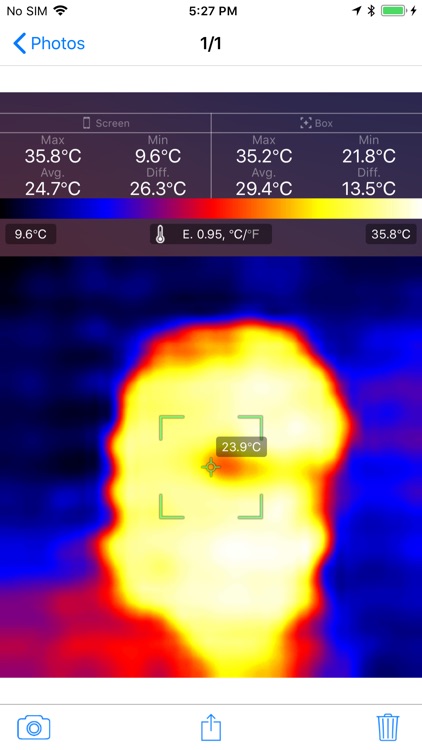
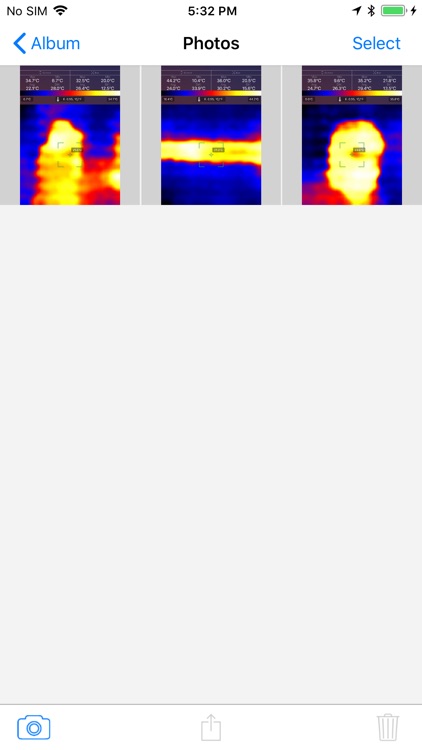
What is it about?
===Smart Phone Operation Thermal Imager===
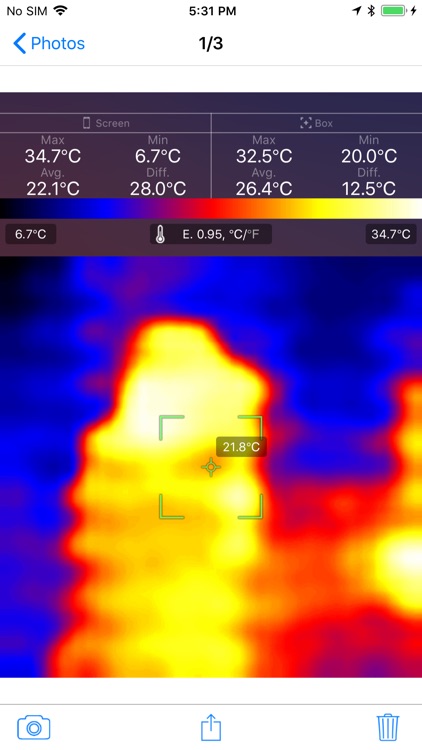
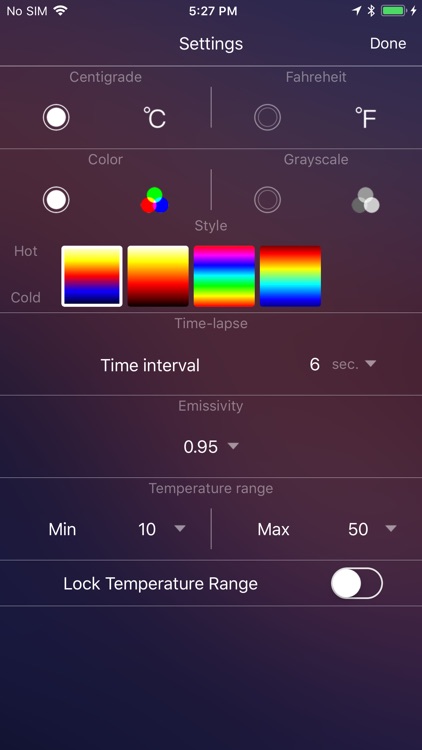
App Screenshots
App Store Description
===Smart Phone Operation Thermal Imager===
Website: http://www.eplus-innovation.com/product_ti_01.html
===How to use===
1. Power on TI-01 device.
2. Open iOS wifi setting page to find wifi name "TI-01", and connect to this device.
3. Open App, then this iPhone will be received thermal image from "TI-01" automatically.
This is a video to description how to use thermal Imager sensor TI-01.
https://www.youtube.com/watch?v=aw1d-KTPGAM
===Features===
1. Take accurate temperatures by Thermal Array 32 * 32 FoV [ 33° ]
2. Easy operation by friendly APP via WIFI — save, share and send immediately.
3. With gun handle and mount holder — compatible with Sport DV & camera accessories
4. Long battery life, main unit 3.5 hours, with handle 8.0 hours
Disclaimer:
AppAdvice does not own this application and only provides images and links contained in the iTunes Search API, to help our users find the best apps to download. If you are the developer of this app and would like your information removed, please send a request to takedown@appadvice.com and your information will be removed.
AppAdvice does not own this application and only provides images and links contained in the iTunes Search API, to help our users find the best apps to download. If you are the developer of this app and would like your information removed, please send a request to takedown@appadvice.com and your information will be removed.
