You are using an outdated browser. Please
upgrade your browser to improve your experience.

The only app in the App Store that exports SMS messages without the use of any external software

Export Texts, SMS Free - Secure Text & Message Exporter
by Alpha Labs, LLC

What is it about?
The only app in the App Store that exports SMS messages without the use of any external software.
Export Texts is FREE but there are more add-ons
-
$1.99
Unlimited Exports
App Screenshots
App Store Description
The only app in the App Store that exports SMS messages without the use of any external software.
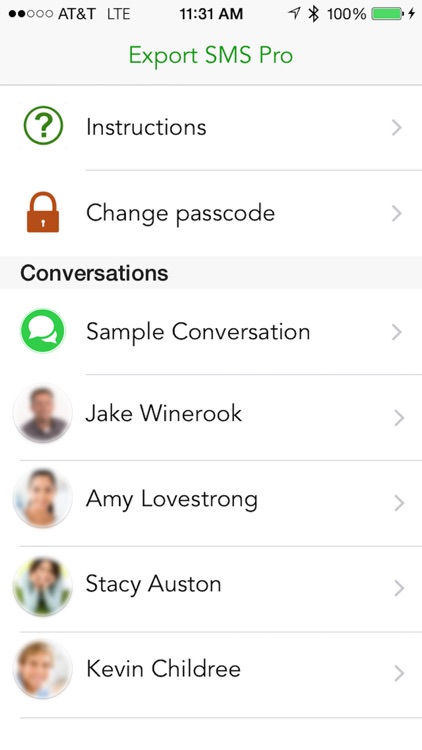
Are you worried about losing important SMS/iMessages? Are you looking for an App to export your iMessages to a CSV or excel format? Export SMS is the perfect app to help you do just that!
Export SMS is the most comprehensive solution available on the AppStore. It allows you to easily make a backup of all of your Messages right on your phone. You can then export any conversation you like into your favorite format!
Key Features:
+ Save exported messages directly to your computer
+ Supports both Mac and Windows PC.
+ Backup messaged would be saved in Excel format
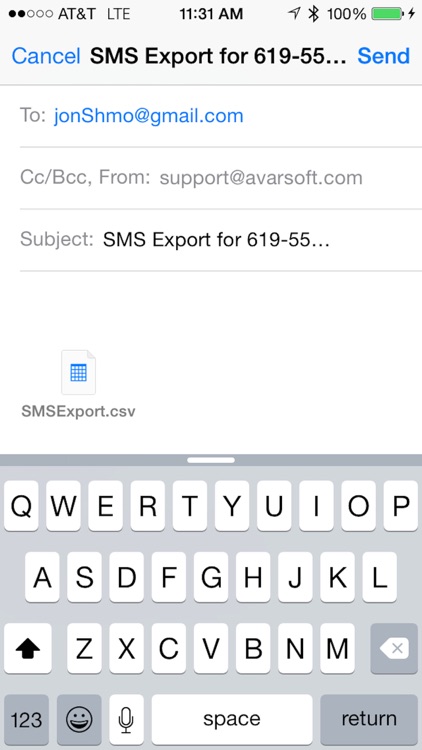
+ SMS Export app allows you to email your backup messages in Excel file
+ Sort the messages by date or conversation.
+ Powerful search can be used to select messages from within the app
+ You can browse all backup messages in Excel file very easily.
Note: To Backup SMS you need to have Mac or Windows PC and Latest iTunes Software.
Disclaimer:
AppAdvice does not own this application and only provides images and links contained in the iTunes Search API, to help our users find the best apps to download. If you are the developer of this app and would like your information removed, please send a request to takedown@appadvice.com and your information will be removed.
AppAdvice does not own this application and only provides images and links contained in the iTunes Search API, to help our users find the best apps to download. If you are the developer of this app and would like your information removed, please send a request to takedown@appadvice.com and your information will be removed.
