You are using an outdated browser. Please
upgrade your browser to improve your experience.

Fittest Alive is a workout challenge app to score your fitness level and see how you rank against yourself and others

Fittest Alive
by Alive Fitness, LLC


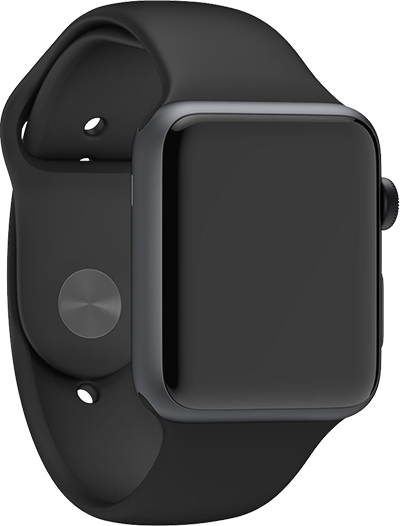

Fittest Alive Offers Apple Watch App
Check the details on WatchAware
Check the details on WatchAware
What is it about?
Fittest Alive is a workout challenge app to score your fitness level and see how you rank against yourself and others.
App Screenshots


App Store Description
Fittest Alive is a workout challenge app to score your fitness level and see how you rank against yourself and others.
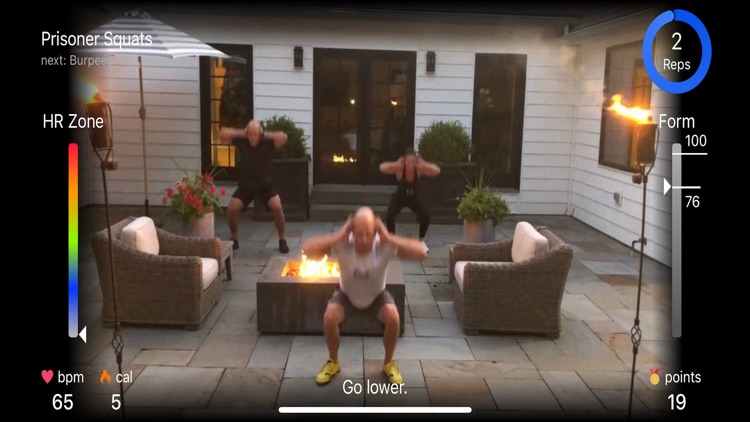
Our expert trainers will guide you through a video workout of bodyweight exercises. You will push yourself to complete as many reps as possible with the best possible form.
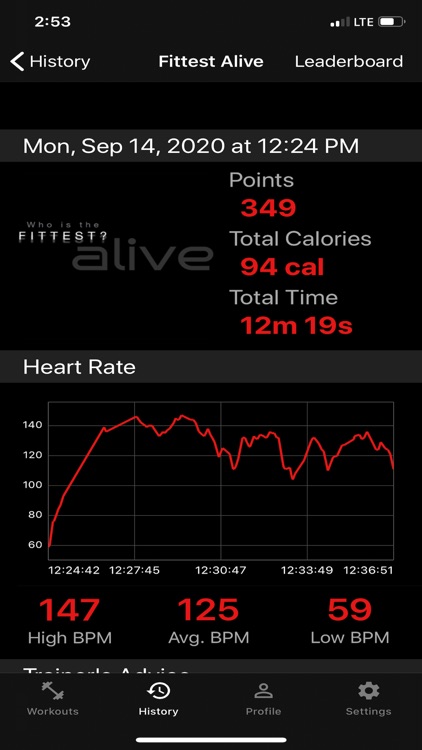
Each time you follow the Fittest Alive workout with an Apple Watch, Alive™ Exercise Analysis Software provides full time performance analysis that feature:
- Exercise Recognition
- Heart Rate Zone Mapping
- Repetition Counting
- Form Scoring
- Performance Scoring
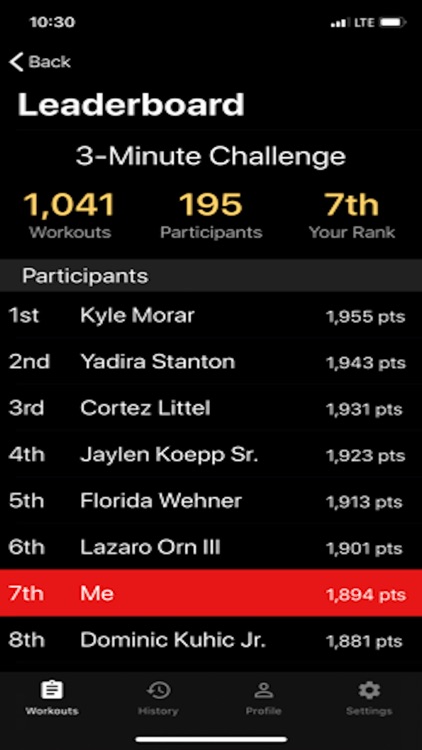
Alive™ recognizes and identifies your exercise movements, counts repetitions, analyzes form, provide real-time personal training feedback, and scores performance. Workouts are automatically logged to track progress. Dynamic leaderboards are available for each workout so you can compete with yourself and others.
Alive™ integrates with the Apple Health app to access your heart-rate data. Your heart rate is listed on the bottom left corner of the user interface during workouts and on the left side of the screen in the Heart Rate Zone Mapping widget.
Disclaimer:
AppAdvice does not own this application and only provides images and links contained in the iTunes Search API, to help our users find the best apps to download. If you are the developer of this app and would like your information removed, please send a request to takedown@appadvice.com and your information will be removed.
AppAdvice does not own this application and only provides images and links contained in the iTunes Search API, to help our users find the best apps to download. If you are the developer of this app and would like your information removed, please send a request to takedown@appadvice.com and your information will be removed.
