You are using an outdated browser. Please
upgrade your browser to improve your experience.

Your 2FA codes are your first line of defence for your online accounts

Gridlock Authenticator
by Gridlock

What is it about?
Your 2FA codes are your first line of defence for your online accounts. Use Gridlock to store them securely and never lose them again.
App Screenshots

App Store Description
Your 2FA codes are your first line of defence for your online accounts. Use Gridlock to store them securely and never lose them again.
Gridlock Authenticator stores 2-factor authentication codes and makes sure that they are never lost, even if you lose your phone. Gridlock makes it easy to recover lost 2FA keys with the help of your guardians. No registration required.
WHAT ARE GUARDIANS?
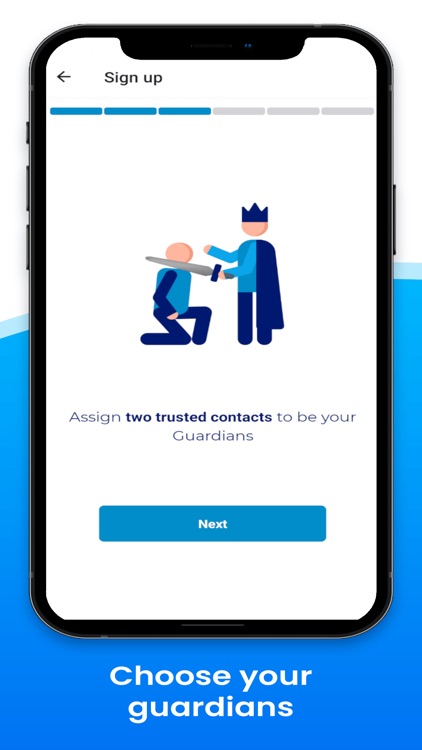
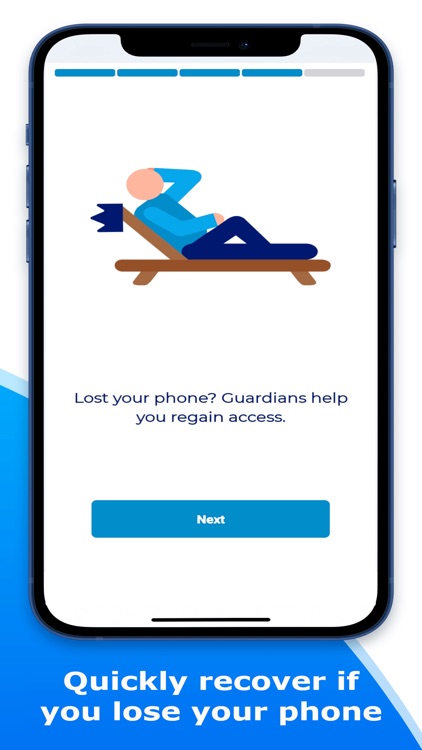
Losing your phone does not mean you have to jump through hoops to get your 2FA codes back. Invite 2 friends to be guardians to secure your 2FA account recovery.
Only you have access to your 2FA codes on your device. Recovery data for 2FA accounts is a long string of numbers and letters which normally means recovering your 2FA codes is difficult.
Guardians make this easy. Entrust a part of your recovery data with them by getting them to install Gridlock Authenticator. This does not give them access to your codes.
They cannot see the data you entrust them with and it would be useless without all the pieces coming together on your device!
Assign 2 friends to be guardians to help you recover your 2FA accounts if you lose your phone or get a new one. They can do this easily by sending you an invite link to bring you back to where you need to be!
Gridlock's guardians are the ultimate answer to 2FA storage recovery!
2FA STORAGE
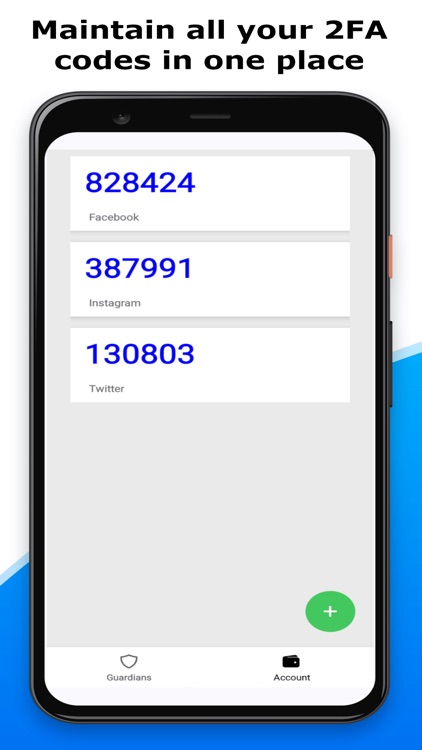
Maintain your 2FA codes from your favorite online services in one place.
Store unlimited accounts.
2FA codes cycle and correspond with the service's standards.
Add accounts easily using the QR code scanner.
Disclaimer:
AppAdvice does not own this application and only provides images and links contained in the iTunes Search API, to help our users find the best apps to download. If you are the developer of this app and would like your information removed, please send a request to takedown@appadvice.com and your information will be removed.
AppAdvice does not own this application and only provides images and links contained in the iTunes Search API, to help our users find the best apps to download. If you are the developer of this app and would like your information removed, please send a request to takedown@appadvice.com and your information will be removed.
