You are using an outdated browser. Please
upgrade your browser to improve your experience.

Use your smartphone to configure your Commtel entry system

GSM One
by Telguard
What is it about?
Use your smartphone to configure your Commtel entry system.
App Screenshots

App Store Description
Use your smartphone to configure your Commtel entry system.
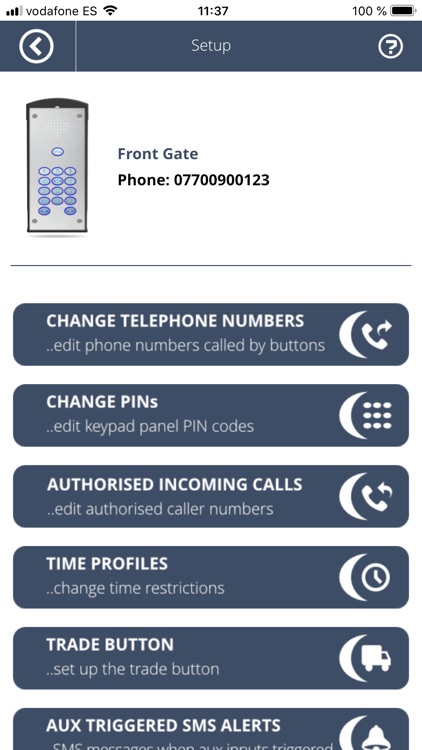
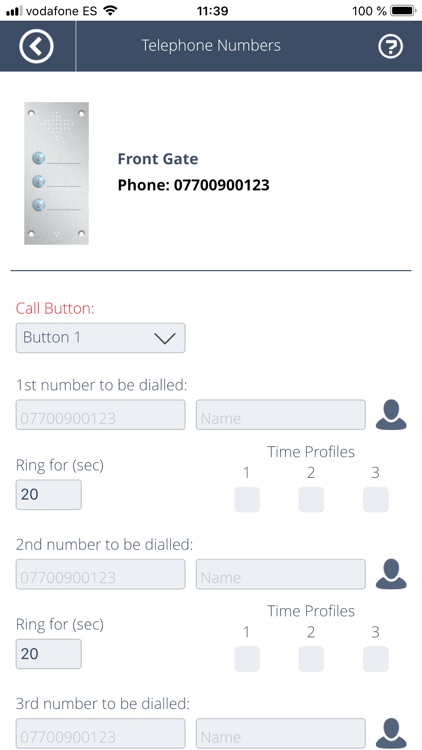
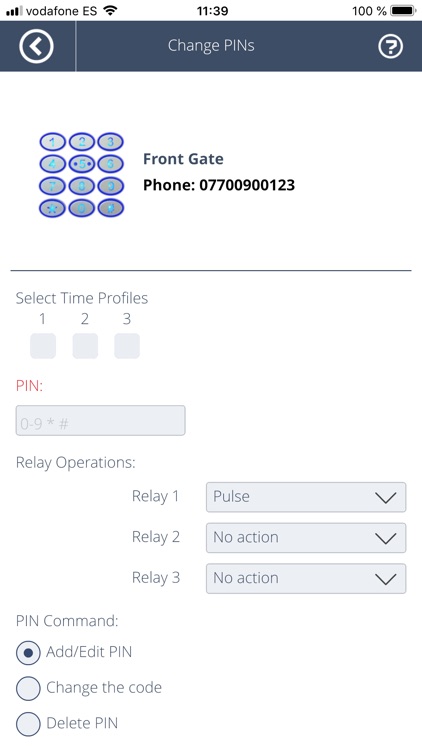
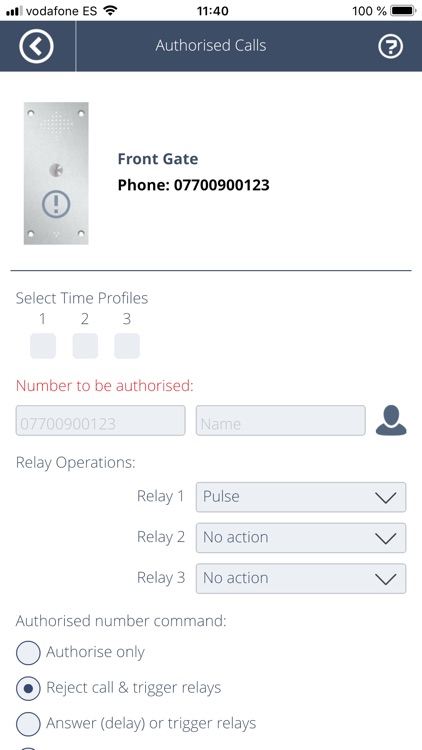
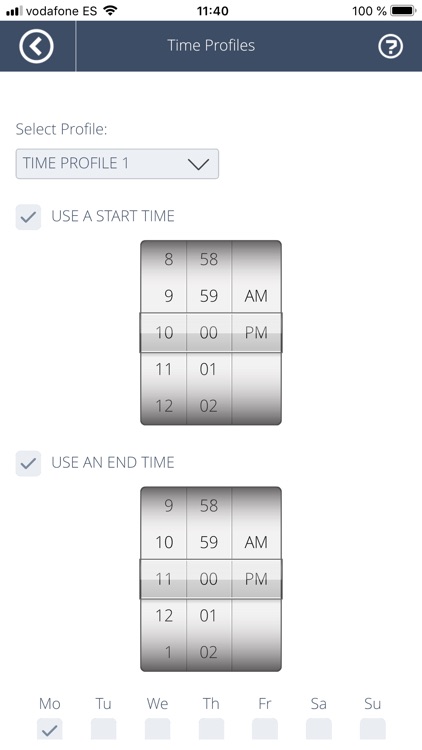
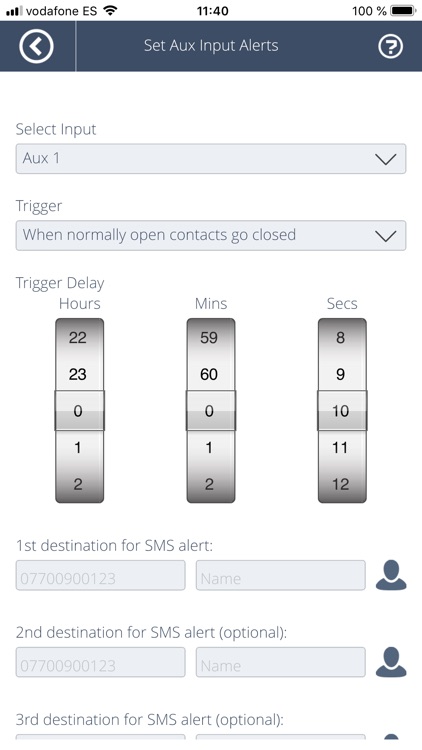
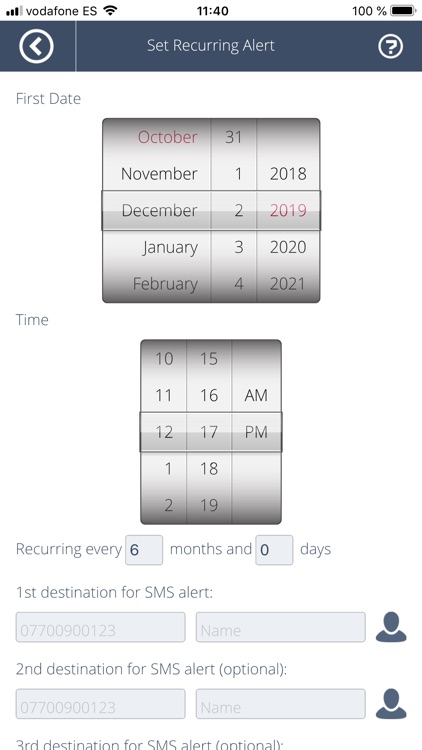
Fill in the on-screen boxes. Tap send, and your smartphone will compose and send SMS command messages to your Commtel entry system to make the changes.
No need to remember and type in SMS command words.
No need to re-type previous commands when you only want to modify something. Your smartphone will remember the Call Button numbers, PIN Codes and Authorised Numbers you have previously sent.
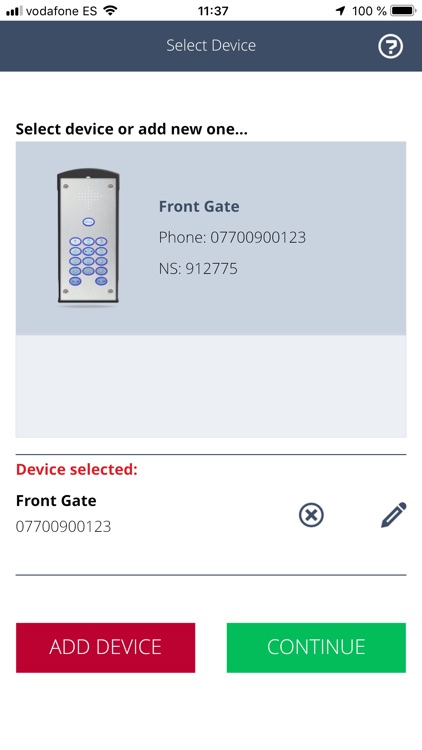
Store the details of one or more Commtel entry system in your smartphone. No need to remember or look up the telephone number or login code.
Name your Commtel entry system such as "Front Gate" or "Rear Gate".
See what you are controlling at a glance by renaming your relays such as "Relay 1" to "Vehicle gate" and "Relay 2" to "Pedestrian gate".
Pull in telephone numbers from your address book to use as Call Button numbers and Authorised Numbers.
Disclaimer:
AppAdvice does not own this application and only provides images and links contained in the iTunes Search API, to help our users find the best apps to download. If you are the developer of this app and would like your information removed, please send a request to takedown@appadvice.com and your information will be removed.
AppAdvice does not own this application and only provides images and links contained in the iTunes Search API, to help our users find the best apps to download. If you are the developer of this app and would like your information removed, please send a request to takedown@appadvice.com and your information will be removed.
