You are using an outdated browser. Please
upgrade your browser to improve your experience.

The iDigiMarkIT app is designed by Teachers for Teachers to be used in and out of the classroom

iDigiMarkIT
by martin jones

What is it about?
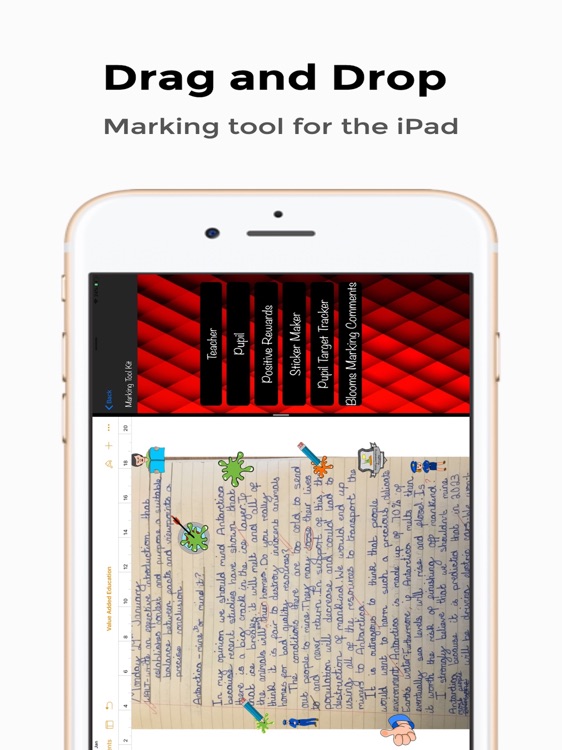
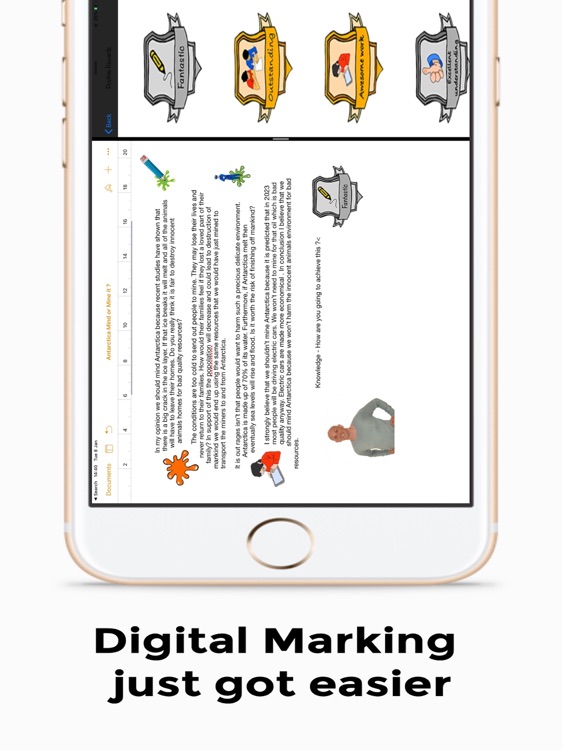
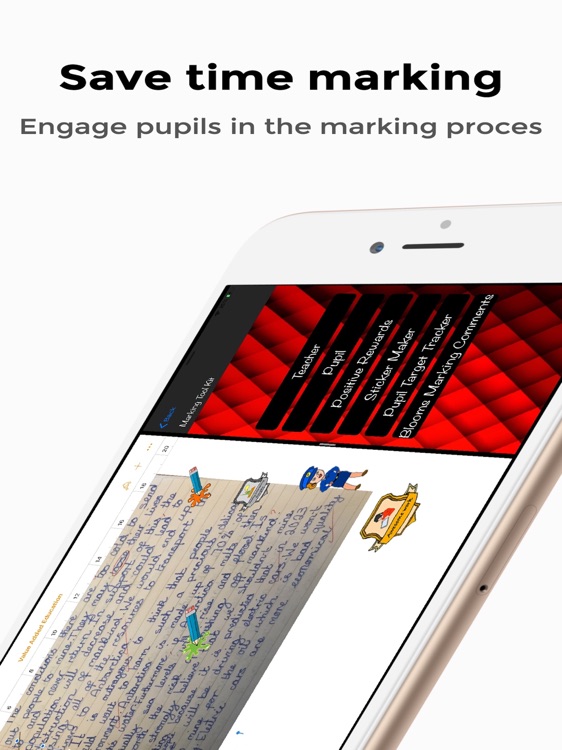
The iDigiMarkIT app is designed by Teachers for Teachers to be used in and out of the classroom. Speed up the marking process through drag and drop and also engage and motivate the pupils. Traditional marking can be extremely time consuming for the Teacher and daunting for the pupils to receive a page of red pen. Pupils also take ownership of marking their work during individual or peer assessment activities.
App Screenshots
App Store Description
The iDigiMarkIT app is designed by Teachers for Teachers to be used in and out of the classroom. Speed up the marking process through drag and drop and also engage and motivate the pupils. Traditional marking can be extremely time consuming for the Teacher and daunting for the pupils to receive a page of red pen. Pupils also take ownership of marking their work during individual or peer assessment activities.
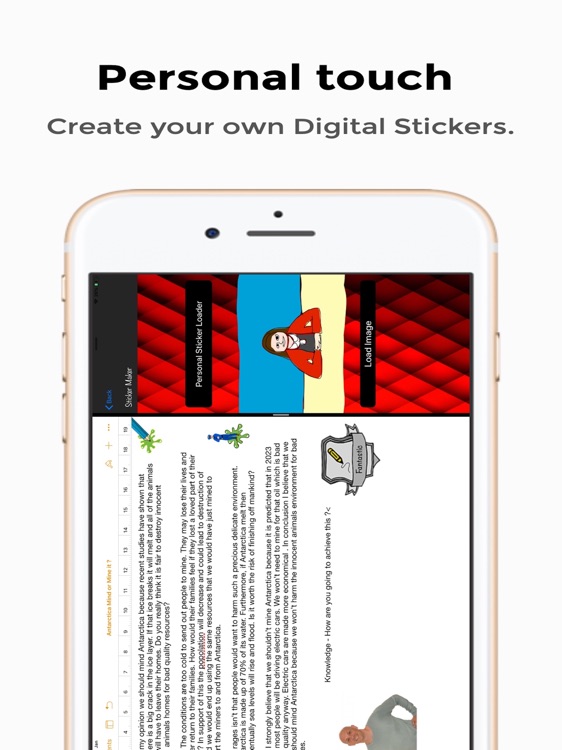
The iDigiMarkIT app is designed to be used in Split Screen on the iPad with the pupil’s work open at the same time. Digital Stickers are then simply dragged across to the pupil’s work saving Teachers time and giving pupils engaging feed back. You can add any photo from the Camera Roll in the app using the ‘StickerMaker’ tool and simply drag across to add a personal touch to marking.
Easily access the pupils’ current targets while you mark using the ‘Pupil Target Tracker’ tool, this allows the Teacher to mark towards the learning objective and individual targets.
Use the pre populated ‘Blooms Marking Comments’ tool to drag a comment across onto the pupil’s work and then easily adapt
Disclaimer:
AppAdvice does not own this application and only provides images and links contained in the iTunes Search API, to help our users find the best apps to download. If you are the developer of this app and would like your information removed, please send a request to takedown@appadvice.com and your information will be removed.
AppAdvice does not own this application and only provides images and links contained in the iTunes Search API, to help our users find the best apps to download. If you are the developer of this app and would like your information removed, please send a request to takedown@appadvice.com and your information will be removed.
