You are using an outdated browser. Please
upgrade your browser to improve your experience.

Steps to use:

Image Compressor Lite
by Lalit Prajapati
What is it about?
Steps to use:
App Screenshots

App Store Description
Steps to use:
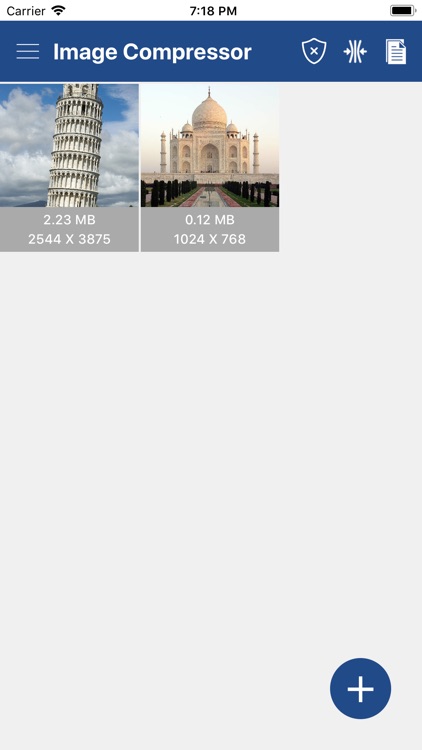
1. Select image/images from gallery with + icon.
2. Deselect unwanted images by long pressing on it.
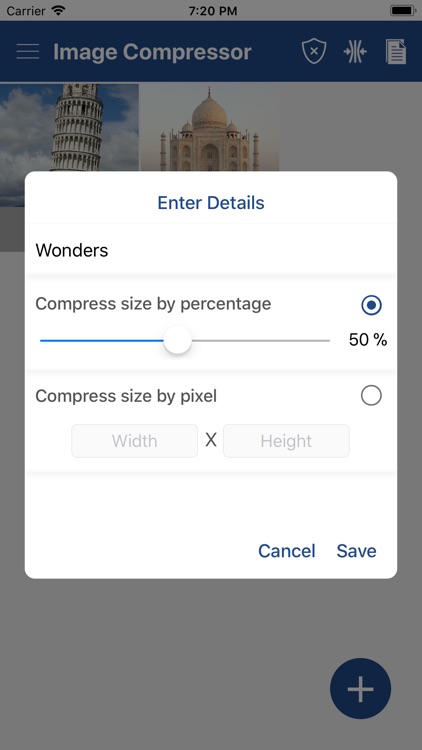
3. Compress image(s) by percentage or dimension(pixel).
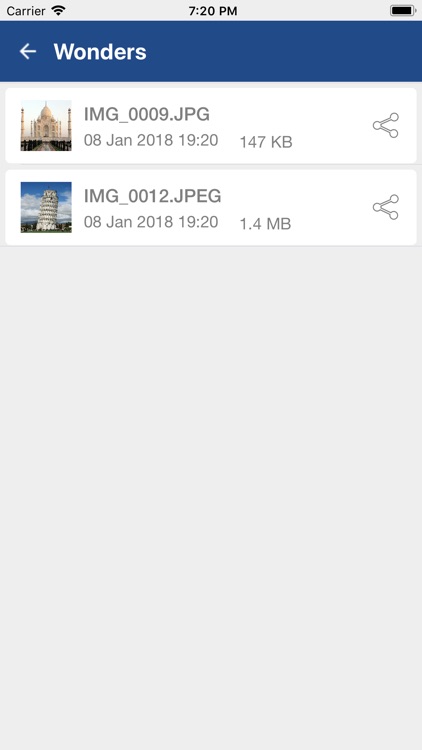
4. View list of all directories containing compressed images.
5. View list of all compressed images in each directory
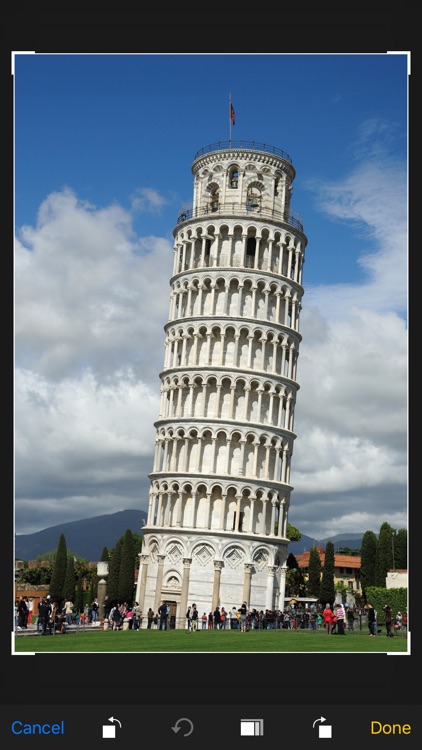
6. Preview image(s) with compression details.
7. Share or delete compressed image(s) by long pressing the image in the list.
Disclaimer:
AppAdvice does not own this application and only provides images and links contained in the iTunes Search API, to help our users find the best apps to download. If you are the developer of this app and would like your information removed, please send a request to takedown@appadvice.com and your information will be removed.
AppAdvice does not own this application and only provides images and links contained in the iTunes Search API, to help our users find the best apps to download. If you are the developer of this app and would like your information removed, please send a request to takedown@appadvice.com and your information will be removed.
