You are using an outdated browser. Please
upgrade your browser to improve your experience.

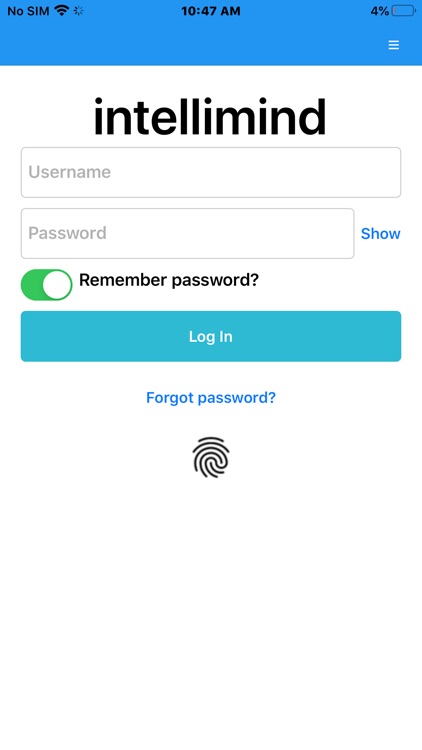
From a single app, you can use Intellimind for multiple companies, in multiple countries, in multiple languages

Intellimind
by Intellimind


What is it about?
From a single app, you can use Intellimind for multiple companies, in multiple countries, in multiple languages.
App Screenshots



App Store Description
From a single app, you can use Intellimind for multiple companies, in multiple countries, in multiple languages.
Once you log in you can see the main menu with three sections: Credit Applications, Dispute Management and Credit Review.
In the Credit Applications section you have 3 dashboards: New credit request, Pending and Decided. In the first one, you can create a new credit application. In the second, you can view what applications are waiting to be validated. In the third, you can see which ones were validated – either accepted or refused.
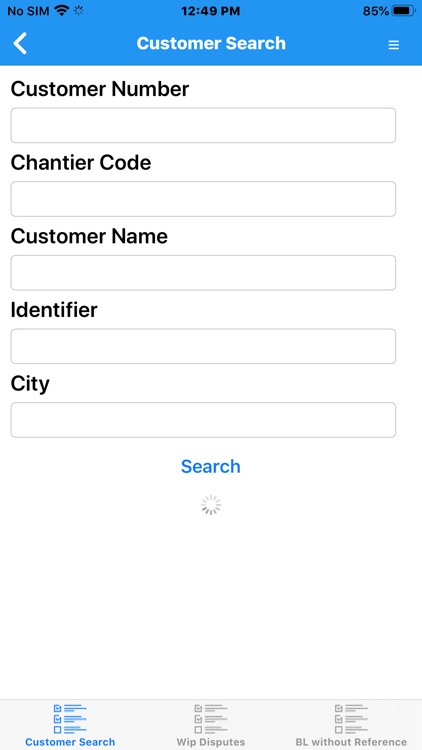
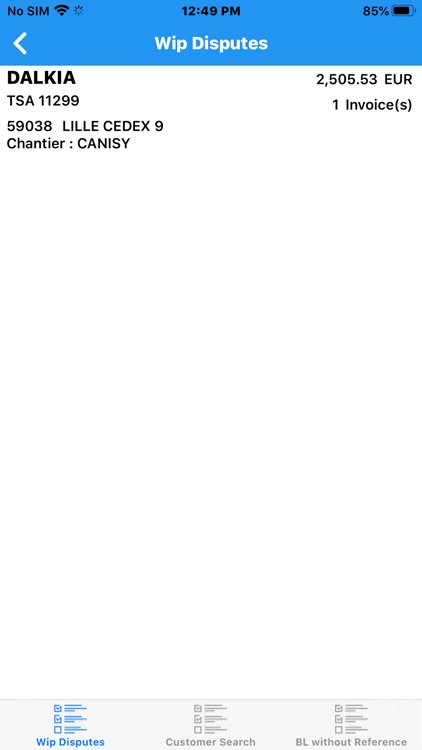
In the Dispute Management section you have 3 dashboards: Customer Search, Work In Progress(WiP) and Bl without References. In "Customer Search" you can search a customer by different filters, from "Wip Disputes" you can check for disputes in the list of disputes and on the last one you can see a list of invoices for different customers.
In the Credit Review section you also have 3 dashboards: To validate, Pending and Decided. In “To validate” you can either accept or refuse requests. The other two dashboards are the same as in the previous section.
Disclaimer:
AppAdvice does not own this application and only provides images and links contained in the iTunes Search API, to help our users find the best apps to download. If you are the developer of this app and would like your information removed, please send a request to takedown@appadvice.com and your information will be removed.
AppAdvice does not own this application and only provides images and links contained in the iTunes Search API, to help our users find the best apps to download. If you are the developer of this app and would like your information removed, please send a request to takedown@appadvice.com and your information will be removed.
