You are using an outdated browser. Please
upgrade your browser to improve your experience.
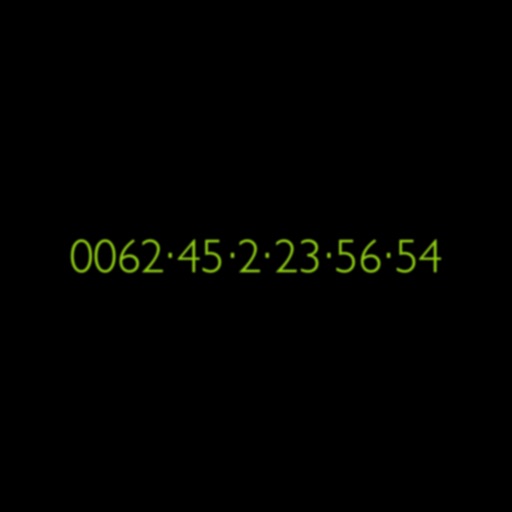
After the installation, you can give the date of birth, and the target age (for example

InTimeClock
by First-class Cloud
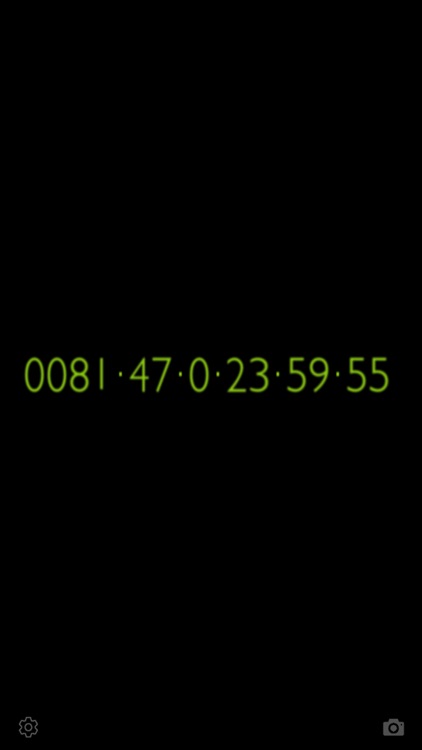
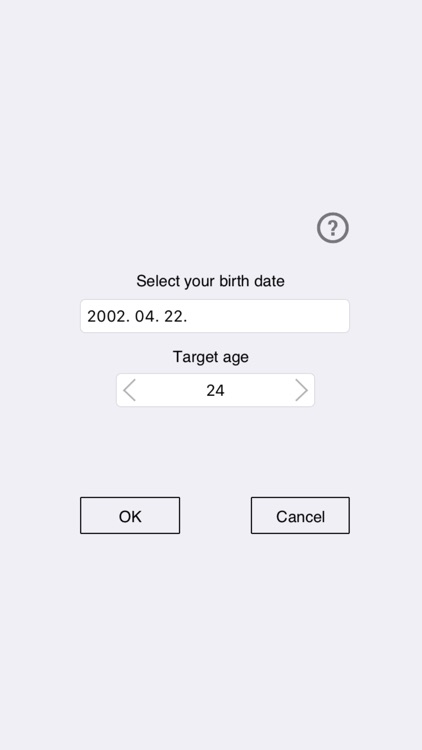
What is it about?
After the installation, you can give the date of birth, and the target age (for example
App Screenshots
App Store Description
After the installation, you can give the date of birth, and the target age (for example
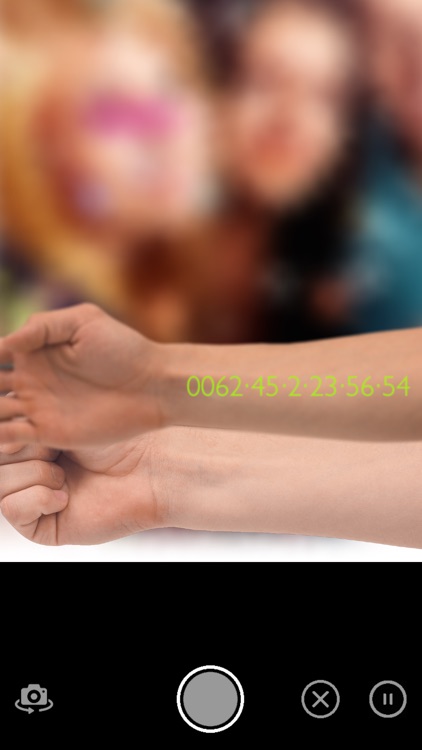
wedding, first child, driving license, first car etc.). Then the application show in InTimeClock design, how much time is up to target age.
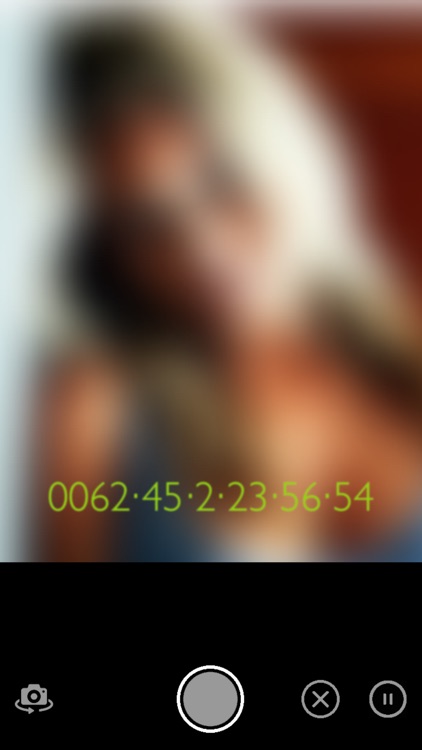
With this application, you can take a photos with the live InTimeClock in the picture.
Try it, and post your pictures to social media. Use the: #intimeclock, @intimeclock
Disclaimer:
AppAdvice does not own this application and only provides images and links contained in the iTunes Search API, to help our users find the best apps to download. If you are the developer of this app and would like your information removed, please send a request to takedown@appadvice.com and your information will be removed.
AppAdvice does not own this application and only provides images and links contained in the iTunes Search API, to help our users find the best apps to download. If you are the developer of this app and would like your information removed, please send a request to takedown@appadvice.com and your information will be removed.
