You are using an outdated browser. Please
upgrade your browser to improve your experience.
iPhone/iPad becomes a security camera

Karakuri Camera - Auto Shutter & WEB Monitoring
by Takahiko Hatano
What is it about?
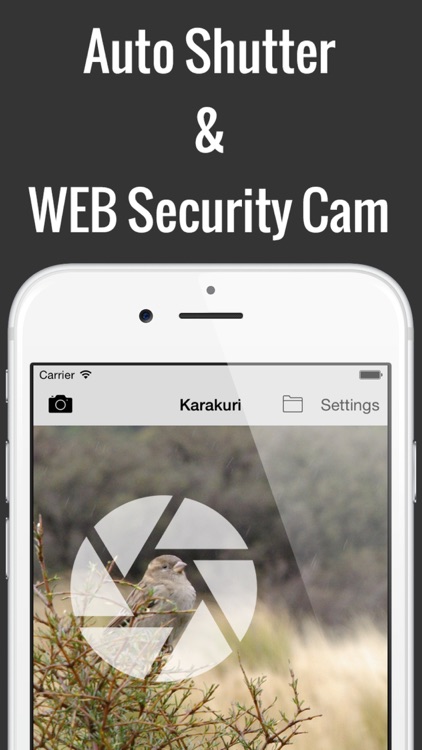
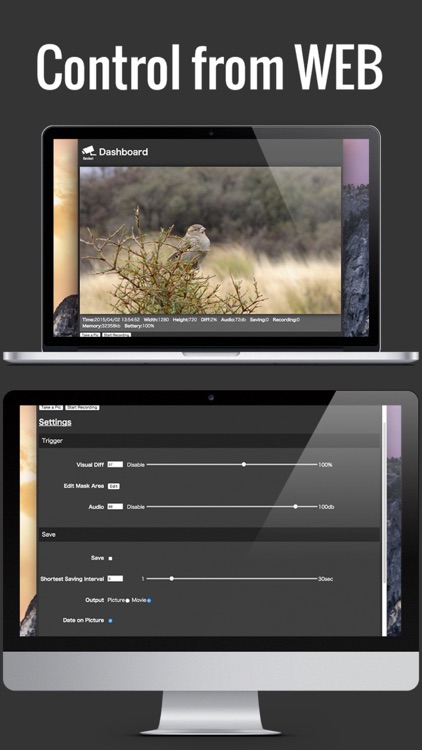
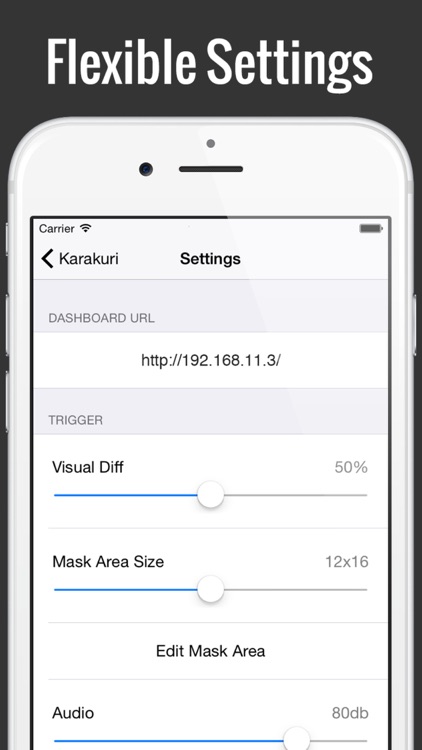
iPhone/iPad becomes a security camera. When the image changed or sound level rises, It will take a photo or video automatically. A built-in WEB server, you can monitor and control the video from another PC or tablet on Wi-Fi. Also access to the camera roll so easy to transfer images/videos to your PC. You do not need such as the WEB account registration!
App Screenshots
App Store Description
iPhone/iPad becomes a security camera. When the image changed or sound level rises, It will take a photo or video automatically. A built-in WEB server, you can monitor and control the video from another PC or tablet on Wi-Fi. Also access to the camera roll so easy to transfer images/videos to your PC. You do not need such as the WEB account registration!
・Auto shutter & security camera.
・Taking a picture or video starts automatically by the change rate of the image or sound level rises.
・Monitoring & settings can be controlled from WEB dashboard.
・Leverage your old iPhone/iPad. iOS6- support.
・A photograph can compose the date and time.
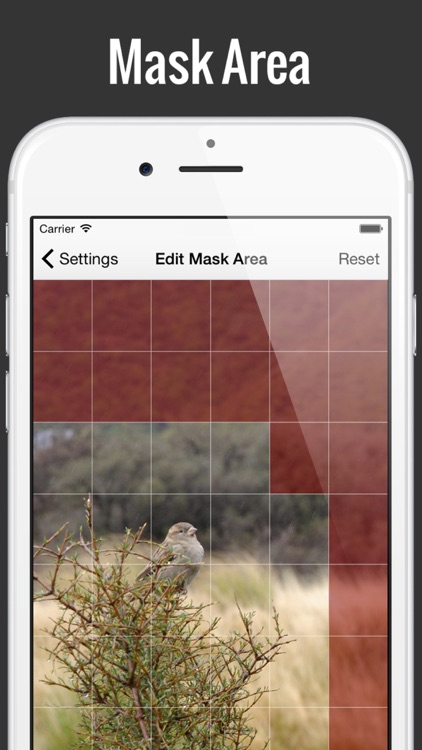
・Scope of the picture can be configured.
・Output resolution, FPS, compression rate can be configured.
・The TCP port and BASIC authentication can be configured for WEB security.
TIPS
Depending on the performance of your iPhone/iPad, In continuous operation for a long time,Memory may become lacking.
・Constant monitoring from WEB dashboard uses memory much.
・Reduce Output image size.
・Preview Update Interval to longer.
・Reduce FPS.
Disclaimer:
AppAdvice does not own this application and only provides images and links contained in the iTunes Search API, to help our users find the best apps to download. If you are the developer of this app and would like your information removed, please send a request to takedown@appadvice.com and your information will be removed.
AppAdvice does not own this application and only provides images and links contained in the iTunes Search API, to help our users find the best apps to download. If you are the developer of this app and would like your information removed, please send a request to takedown@appadvice.com and your information will be removed.
