You are using an outdated browser. Please
upgrade your browser to improve your experience.

Contact apps@lightiron

LIVE PLAY
by Light Iron
What is it about?
Contact apps@lightiron.com to download and activate LivePlay Server. Live Play 3 only works with a corresponding LivePlay Server installation
App Screenshots
App Store Description
Contact apps@lightiron.com to download and activate LivePlay Server. Live Play 3 only works with a corresponding LivePlay Server installation
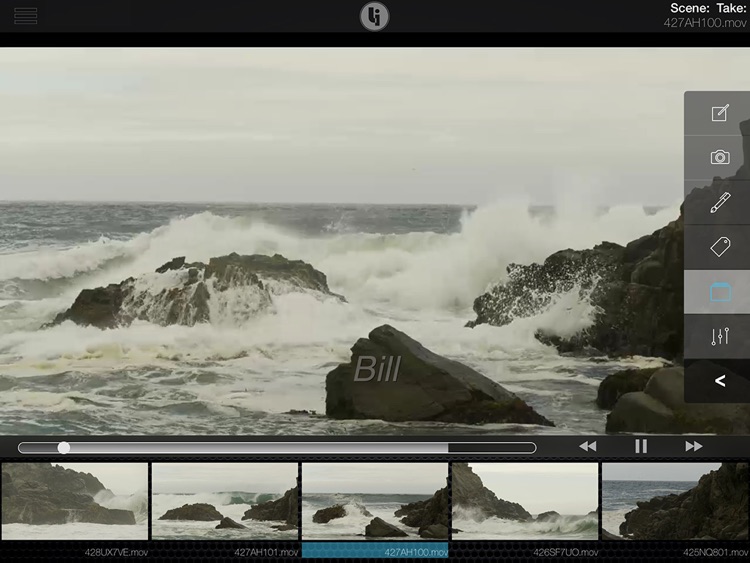
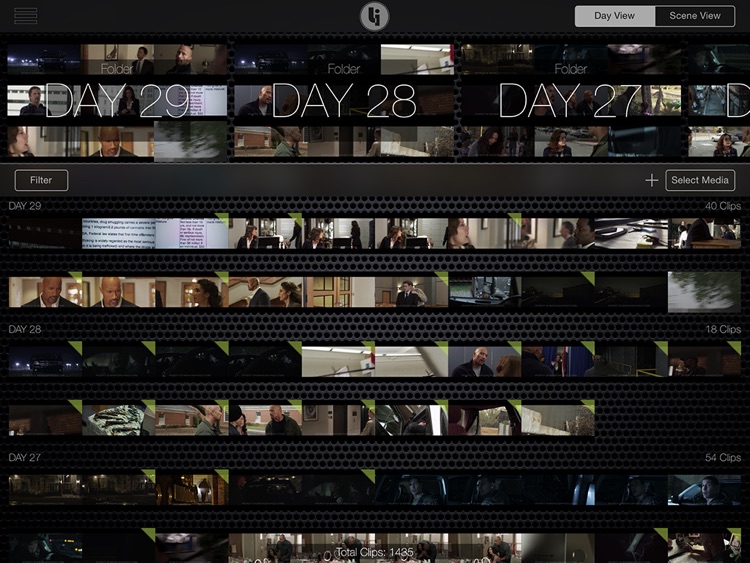
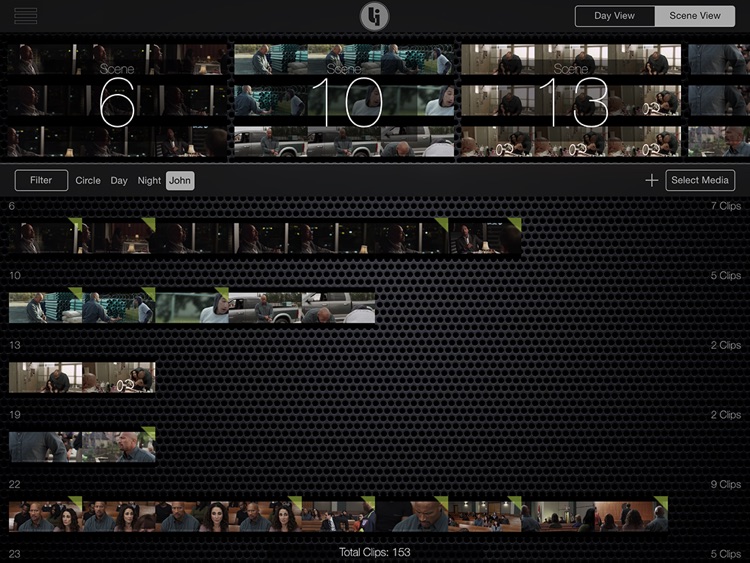
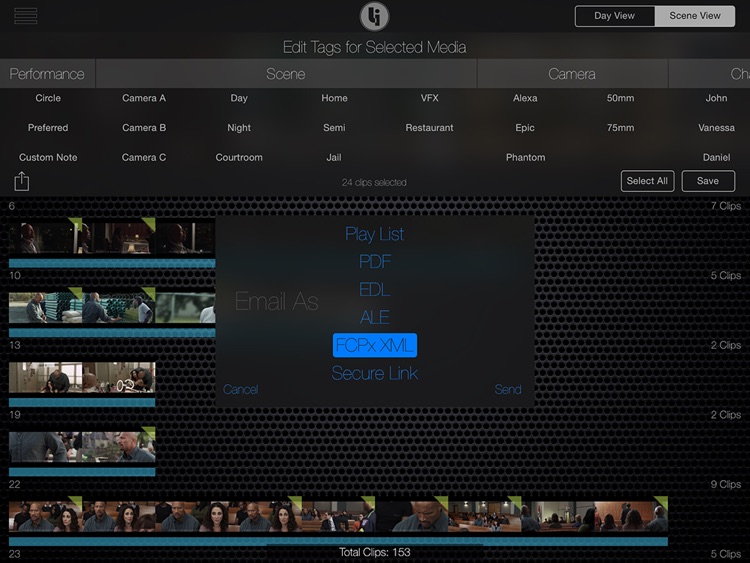
With Live Play 3, you can review takes instantly on-set, stream remote units live, and send same-day dailies to editorial and beyond. Toggle from Day View to Scene View, easily tag and sort clips, create playlists, and share private links – all in the palm of your hand.
Get immediate feedback on-set with high-performance clip distribution. Users can review and tag thousands of clips on demand.
Harness the cloud to access live camera streams of remote units.
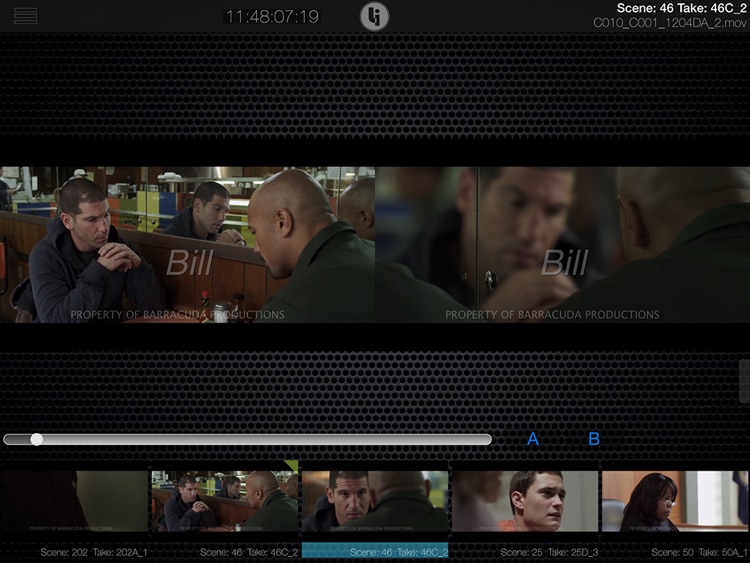
See all the angles with the world’s first multicam review.
Save and distribute playlists to other users.
Send PDFs, EDLs, ALEs, or XMLs to Editorial and VFX.
If you have any support issues please contact apps@lightiron.com.
Disclaimer:
AppAdvice does not own this application and only provides images and links contained in the iTunes Search API, to help our users find the best apps to download. If you are the developer of this app and would like your information removed, please send a request to takedown@appadvice.com and your information will be removed.
AppAdvice does not own this application and only provides images and links contained in the iTunes Search API, to help our users find the best apps to download. If you are the developer of this app and would like your information removed, please send a request to takedown@appadvice.com and your information will be removed.
