You are using an outdated browser. Please
upgrade your browser to improve your experience.

This camera app is easy to use and features a simple and intuitive interface

Lomograph Camera Instant 1888
by Florent Pottevin


What is it about?
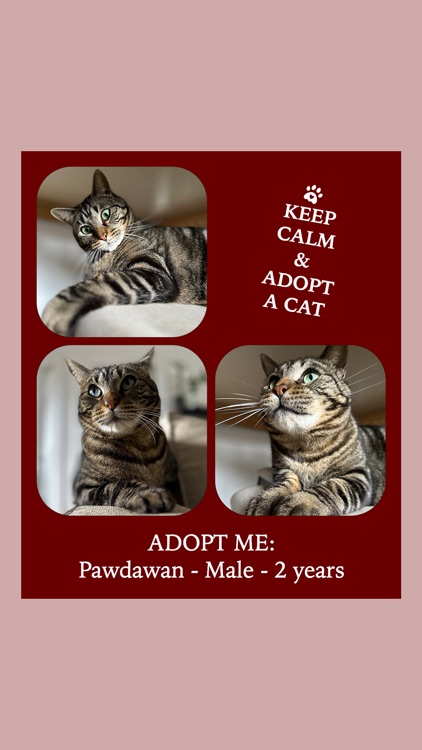
This camera app is easy to use and features a simple and intuitive interface. Simply take a series of photos and let our app do the rest. Our advanced algorithm automatically arranges your photos in a beautiful collage that looks just like a Polaroid. You can then customise your collage with a range of filters, frames, and stickers to make your photos look even more amazing.
App Screenshots

App Store Description
This camera app is easy to use and features a simple and intuitive interface. Simply take a series of photos and let our app do the rest. Our advanced algorithm automatically arranges your photos in a beautiful collage that looks just like a Polaroid. You can then customise your collage with a range of filters, frames, and stickers to make your photos look even more amazing.
Whether you're a professional photographer or just a casual snap-happy user, our camera app is perfect for you. So why wait? Download our app today and start capturing your memories in style and make a lomograph for the year, a trip, a celebration, alone, with family, friends or pets...
How to use:
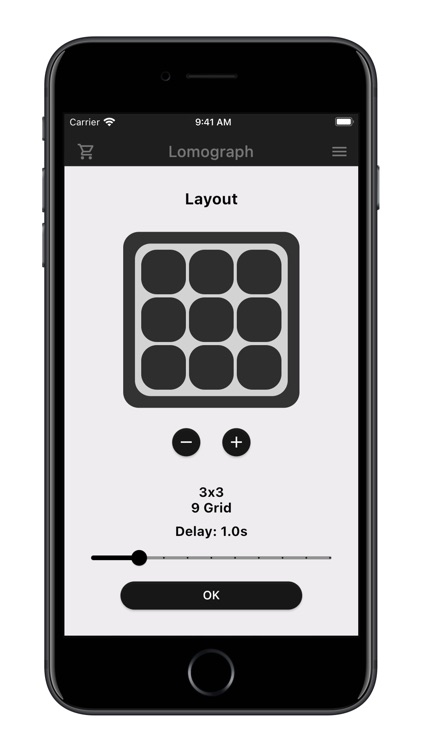
- select how many pictures you want to take
- you can take 1, 4, 9, 16 or 25 pictures
- select the delay between pictures (0.5 to 5 sec)
- when ready start shooting
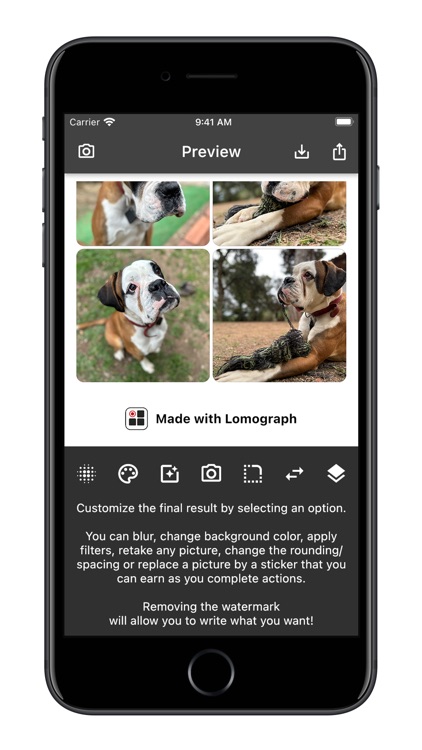
- once done, customise the final result
- apply blurring
- change the background colour
- apply a photo filter
- change the rounding and spacing
- change a picture for a sticker
- write something
- you can even retake a failed picture
- then save the final result
- or even save each pictures individually to reuse
Disclaimer:
AppAdvice does not own this application and only provides images and links contained in the iTunes Search API, to help our users find the best apps to download. If you are the developer of this app and would like your information removed, please send a request to takedown@appadvice.com and your information will be removed.
AppAdvice does not own this application and only provides images and links contained in the iTunes Search API, to help our users find the best apps to download. If you are the developer of this app and would like your information removed, please send a request to takedown@appadvice.com and your information will be removed.
