You are using an outdated browser. Please
upgrade your browser to improve your experience.

Manage your bank accounts from your iPhone using Community Partners Savings Bank’s mobile banking app

MyBank2Go
by Community Partners Savings Bank


MyBank2Go Offers Apple Watch App
Check the details on WatchAware
Check the details on WatchAware
What is it about?
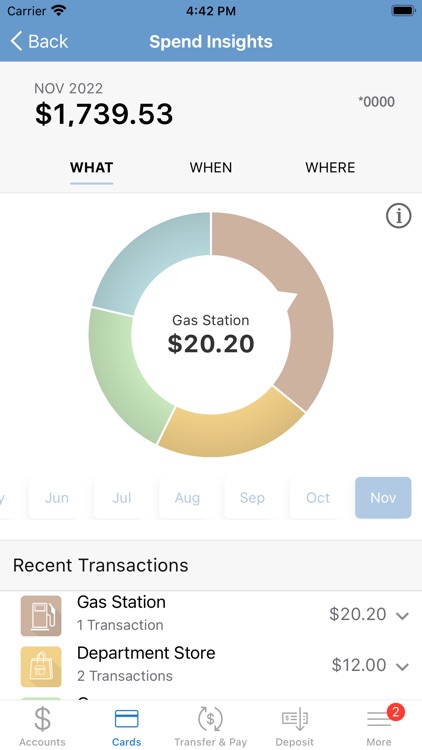
Manage your bank accounts from your iPhone using Community Partners Savings Bank’s mobile banking app.
App Screenshots


App Store Description
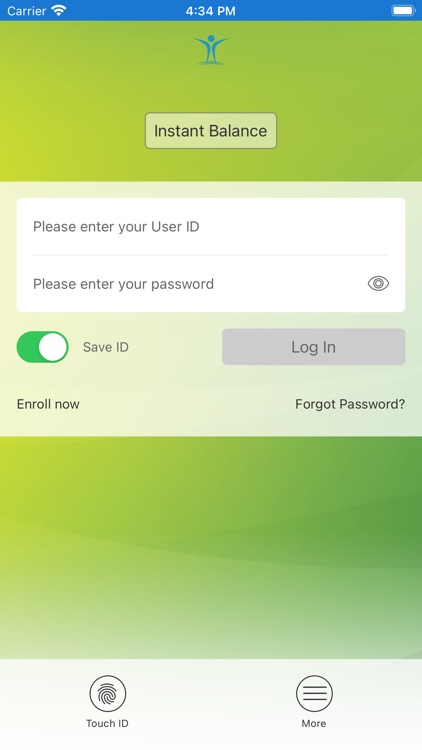
Manage your bank accounts from your iPhone using Community Partners Savings Bank’s mobile banking app.
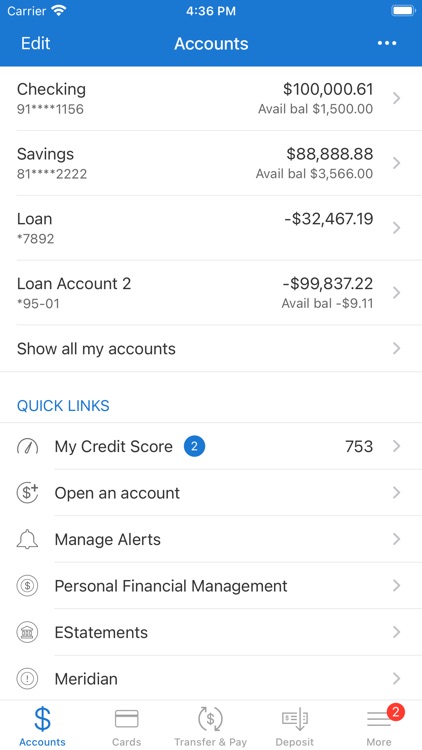
MyBank2Go lets you:
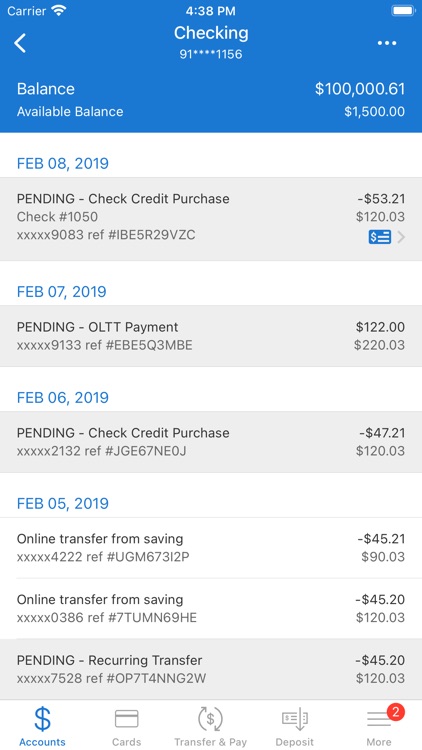
• View account balances, transactions, and account history
• Pay bills using Bill Payment
• Transfer funds between accounts and financial institutions
• Make loan payments
• Make mobile deposits
• Setup mobile alerts
• Find the nearest branch and ATM locations.
To access account information from your mobile device, use your existing online banking credentials. If you aren’t currently an online banking user, sign up from our mobile banking app. Mobile Banking features the same level of security as Online Banking.
For more information, email support@communitypartnerssb.com.
Community Partners Savings Bank, Member FDIC.
*Standard mobile web fees may apply. Please contact your mobile carrier for more information.
Disclaimer:
AppAdvice does not own this application and only provides images and links contained in the iTunes Search API, to help our users find the best apps to download. If you are the developer of this app and would like your information removed, please send a request to takedown@appadvice.com and your information will be removed.
AppAdvice does not own this application and only provides images and links contained in the iTunes Search API, to help our users find the best apps to download. If you are the developer of this app and would like your information removed, please send a request to takedown@appadvice.com and your information will be removed.
