You are using an outdated browser. Please
upgrade your browser to improve your experience.

Learn to Read Piano Notes Quickly and Easily

Note Reader
by Hieu Huynh

What is it about?
Learn to Read Piano Notes Quickly and Easily
App Store Description
Learn to Read Piano Notes Quickly and Easily
Master Treble Clef Notes
Level 1-3 for Treble and Bass notes lesson.
Start with Basic Notes - Immediate Feedback on Your Progress
1. Start the App
Open Note Reader and choose a lesson: Treble or Bass clef notes to begin your musical journey.
2. Recognize the Note
Look at the note displayed on the screen and get ready to identify it.
3. Play the Note
Use the on-screen keyboard to play the note. Receive instant feedback with a green check for correct answers and a red cross for incorrect ones.
4. Turn ON/OFF Hint
Enable hints in the settings. If you need help, the correct key will be highlighted after 8 seconds. Alternatively, long-press the note image to see the note name.
5. Progress and Levels
Track your progress at the bottom of the screen and advance through levels as you improve your skills.
6. Mute and Reset
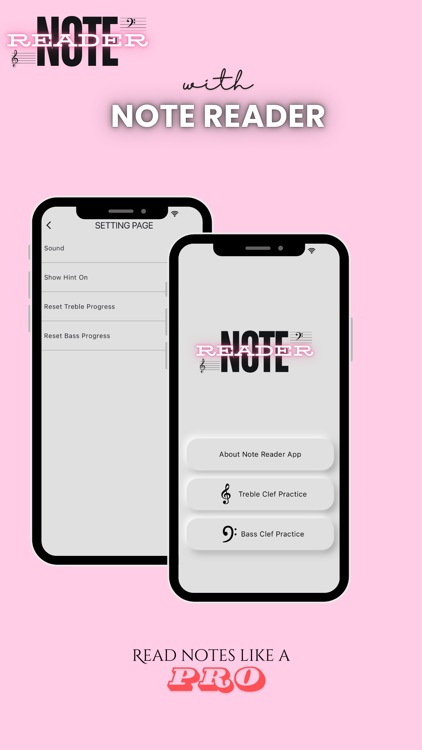
Mute sounds or reset your progress anytime in the settings page. Just tap the settings icon in the top right corner.
7. Practice Regularly
Regular practice is the key to mastering note reading. Enjoy and have fun while you learn!
Disclaimer:
AppAdvice does not own this application and only provides images and links contained in the iTunes Search API, to help our users find the best apps to download. If you are the developer of this app and would like your information removed, please send a request to takedown@appadvice.com and your information will be removed.
AppAdvice does not own this application and only provides images and links contained in the iTunes Search API, to help our users find the best apps to download. If you are the developer of this app and would like your information removed, please send a request to takedown@appadvice.com and your information will be removed.
