You are using an outdated browser. Please
upgrade your browser to improve your experience.

Introducing RemotePad, the ultimate companion app for your computer

RemotePad mouse
by Amit Nadir


What is it about?
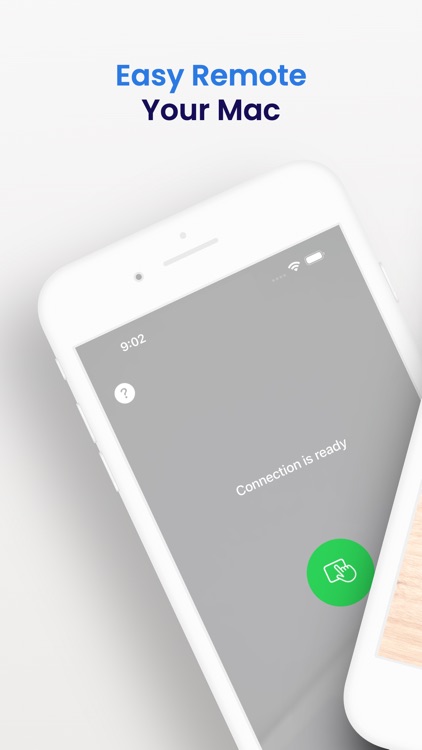
Introducing RemotePad, the ultimate companion app for your computer! Transform your iPhone or iPad into a powerful remote mouse, effortlessly controlling your computer from the palm of your hand. Say goodbye to wires and hello to effortless navigation. Experience a fluid interface with intuitive gestures and customizable settings. Enhance productivity and elevate your computer experience with RemotePad – the future of trackpad and mouse control.
App Screenshots

App Store Description
Introducing RemotePad, the ultimate companion app for your computer! Transform your iPhone or iPad into a powerful remote mouse, effortlessly controlling your computer from the palm of your hand. Say goodbye to wires and hello to effortless navigation. Experience a fluid interface with intuitive gestures and customizable settings. Enhance productivity and elevate your computer experience with RemotePad – the future of trackpad and mouse control.
Get started in a few simple steps:
1. Download the free app "RemotePad Control" from the Mac App Store, install and run.
2. Open RemotePad on your iPhone or iPad. Ensure Bluetooth is enabled on ALL devices.
3. Sit back as the connection is automatically established.
4. Control your computer with you iPhone / iPad device as a mouse.
Effortlessly control your computer with ease.
Say goodbye to trackpads and mice and embrace the convenience of RemotePad.
Try it now for a whole new level of computer navigation.
Disclaimer:
AppAdvice does not own this application and only provides images and links contained in the iTunes Search API, to help our users find the best apps to download. If you are the developer of this app and would like your information removed, please send a request to takedown@appadvice.com and your information will be removed.
AppAdvice does not own this application and only provides images and links contained in the iTunes Search API, to help our users find the best apps to download. If you are the developer of this app and would like your information removed, please send a request to takedown@appadvice.com and your information will be removed.
