You are using an outdated browser. Please
upgrade your browser to improve your experience.

Rocket is a powerful app which lets you browse, receive, and manage your files and share them anywhere that you want

Rocket App
by armin habiban
What is it about?
Rocket is a powerful app which lets you browse, receive, and manage your files and share them anywhere that you want.
App Screenshots
App Store Description
Rocket is a powerful app which lets you browse, receive, and manage your files and share them anywhere that you want.
No limits on storage or downloads!
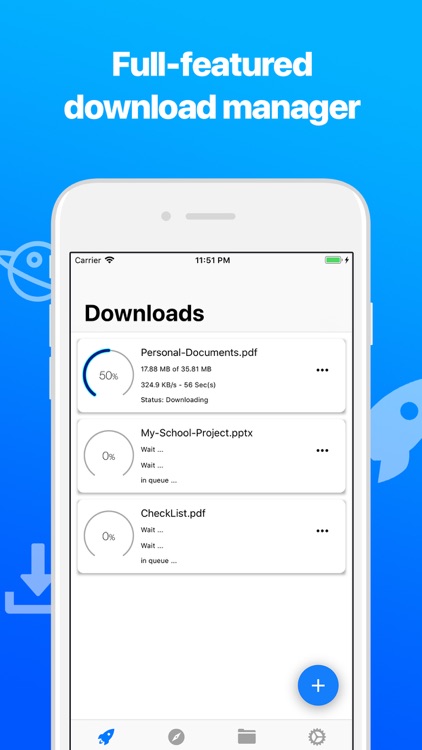
√ Full-featured Download Manager
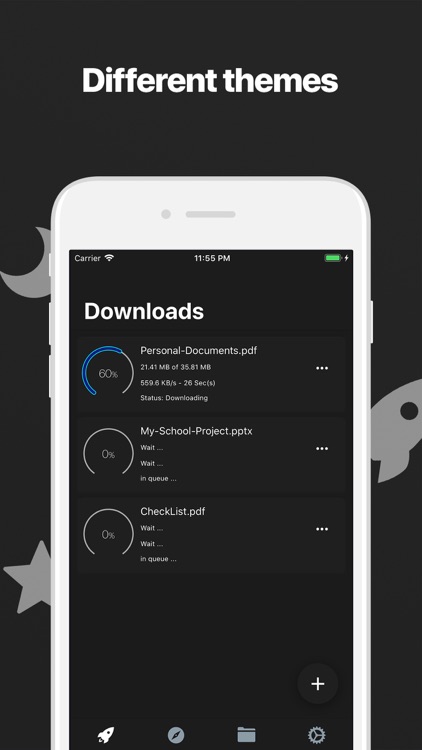
Resumable background downloads, safe pause, high speed, full progress details, scheduled downloads, receive a notification when download complicated or failed, choose your download folder destination.
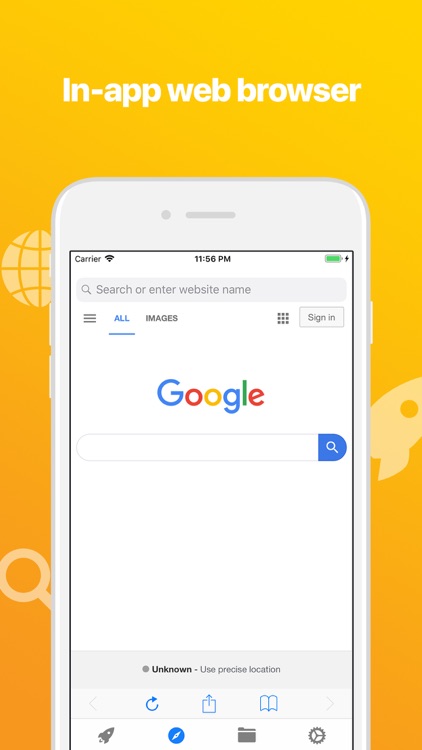
√ In-app Web Browser
Add bookmarks, extract webpages, browse and download files directly from websites. No need to use other apps!
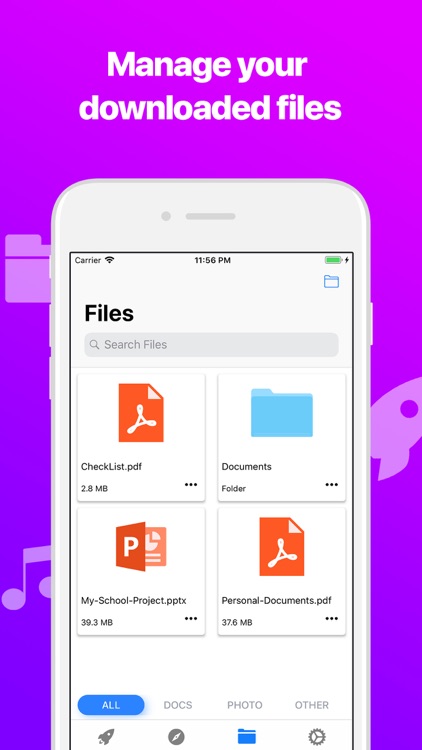
√ File Manager
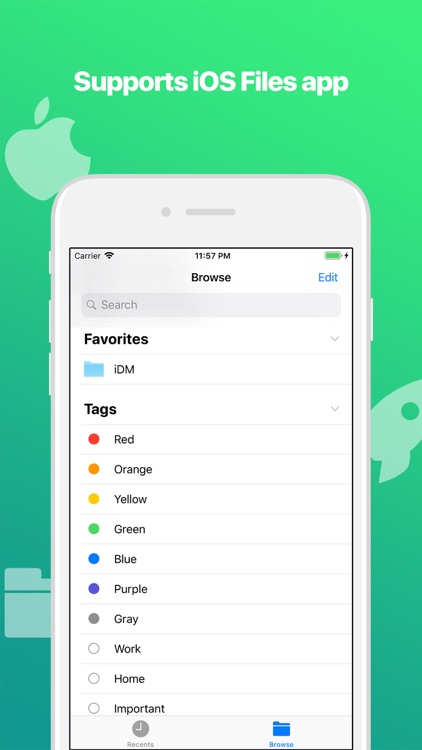
View your downloaded files, create new folders, hide or pin your favorite files, share them to other apps, zip or unzip files, view their information, rename or delete them, also support iTunes file sharing.
√ Categorize Your Files
With this feature, you can manage files easier. You just need to enable it from the settings.
√ Do Your Tasks With 3D Touch
If your device supports 3D Touch, it's time to use Rocket and do your tasks faster. With Rocket 3D Touch menu, you can immediately add your copied link and download it.
√ Different Themes
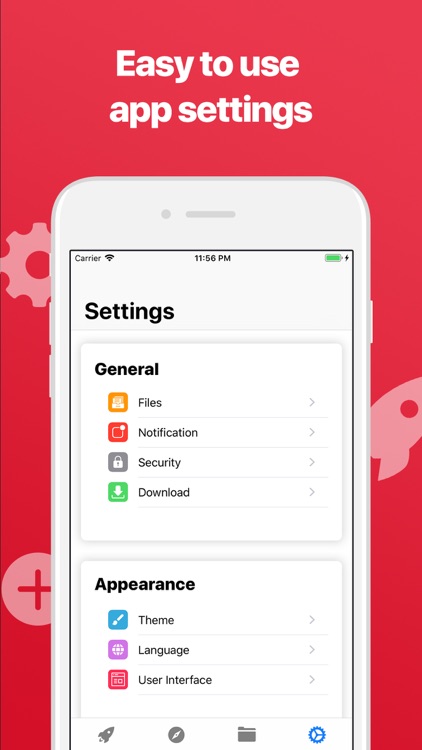
Rocket has different themes like night mode which you can enable it for using the app easier in the nights.
√ Protect Files With A Passcode Lock, Touch ID or Face ID
With Rocket, you can protect your files by enabling the security mode in the app settings.
√ Download Widget
Rocket let you track your downloading progress with a widget.
** WARNING: Due to Copyright rules, this app does not include any audio or video download feature or any related functionality.
Disclaimer:
AppAdvice does not own this application and only provides images and links contained in the iTunes Search API, to help our users find the best apps to download. If you are the developer of this app and would like your information removed, please send a request to takedown@appadvice.com and your information will be removed.
AppAdvice does not own this application and only provides images and links contained in the iTunes Search API, to help our users find the best apps to download. If you are the developer of this app and would like your information removed, please send a request to takedown@appadvice.com and your information will be removed.
