You are using an outdated browser. Please
upgrade your browser to improve your experience.

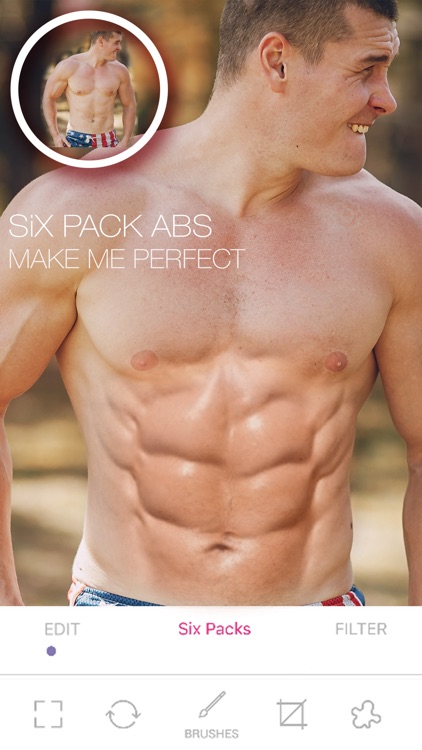
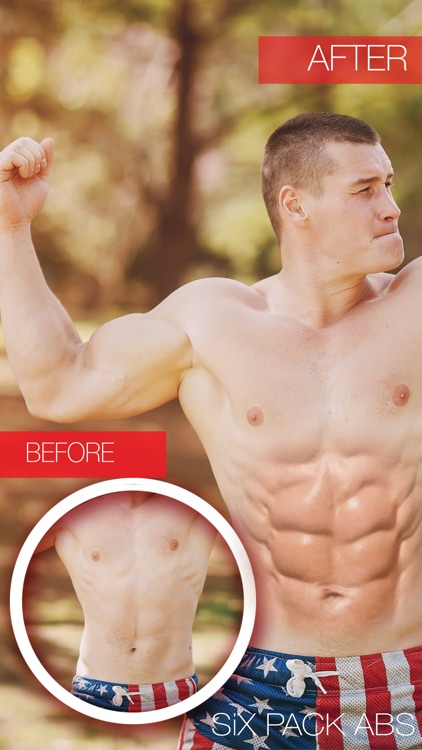
Using Six Pack Photo Editor you create cool Six Pack Abs looks using only your photo and transform your self into a Six Pack Abs man quickly and easy

Six Pack ABS Editor Pro For Men
by Shraddha Dungrani
What is it about?
Using Six Pack Photo Editor you create cool Six Pack Abs looks using only your photo and transform your self into a Six Pack Abs man quickly and easy.
App Screenshots

App Store Description
Using Six Pack Photo Editor you create cool Six Pack Abs looks using only your photo and transform your self into a Six Pack Abs man quickly and easy.
==>Six Pack Photo Editor Also Known As 8 (Eight) Pack Photo Editor.
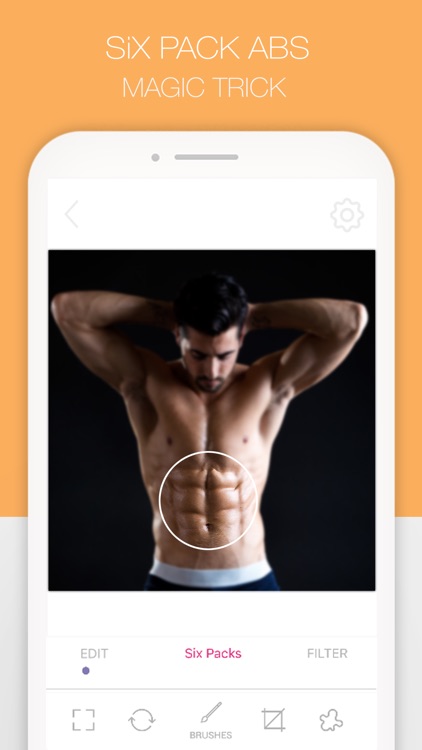
- Tap to camera or gallery for Six Pack Photo Editor.
- Using Gallery option you can select any one photo at a time and go to Cropping Photo options.
- You can Zoom in, Zoom Out, Drag and Drop Six Pack Stickers.
- You Can Add Multiple Six Pack Sticker in a One Image.
- Save photos made in this six pack image editor!
- Using this application you can save and edit very easy.
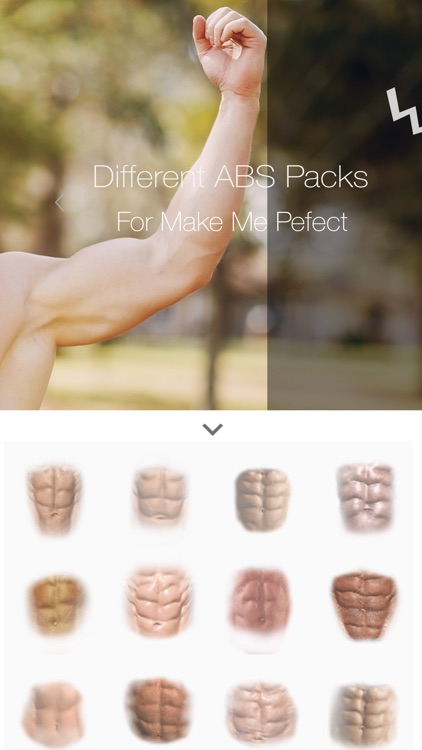
-> Sticker facility provided
-> Add Effects such as Paper and Bokeh effect
-> Flip/Rotate - Rotate Left,Rotate Right,Flip Vertical,Flip Horizontal
-> Adjust - Brightness,Contrast,Saturation,Sharpness
-> Splash - Zoom in,Zoom out,Pointer size,Gray effect,Color effect,undo redo,reset.
->Six Pack Opacity.
->Refresh Editor Features.
-> Add Photo - Add photo from gallery
-> Crop - crop using diff ratio like fit
-> Crop - freely crop
-> Splash Effect
-> Draw on image
- Share your photo makeover with your friends on Facebook, Instagram, Twitter, etc!
Disclaimer:
AppAdvice does not own this application and only provides images and links contained in the iTunes Search API, to help our users find the best apps to download. If you are the developer of this app and would like your information removed, please send a request to takedown@appadvice.com and your information will be removed.
AppAdvice does not own this application and only provides images and links contained in the iTunes Search API, to help our users find the best apps to download. If you are the developer of this app and would like your information removed, please send a request to takedown@appadvice.com and your information will be removed.
