You are using an outdated browser. Please
upgrade your browser to improve your experience.

The GPS tracking device plugs directly into your car’s diagnostic port (OBD) or at the vehicle battery allowing you to monitor car movement via your smartphone, tablet laptop or PC

Smartracker
by Ioannis Tsakiridis


What is it about?
The GPS tracking device plugs directly into your car’s diagnostic port (OBD) or at the vehicle battery allowing you to monitor car movement via your smartphone, tablet laptop or PC.
App Screenshots
App Store Description
The GPS tracking device plugs directly into your car’s diagnostic port (OBD) or at the vehicle battery allowing you to monitor car movement via your smartphone, tablet laptop or PC.
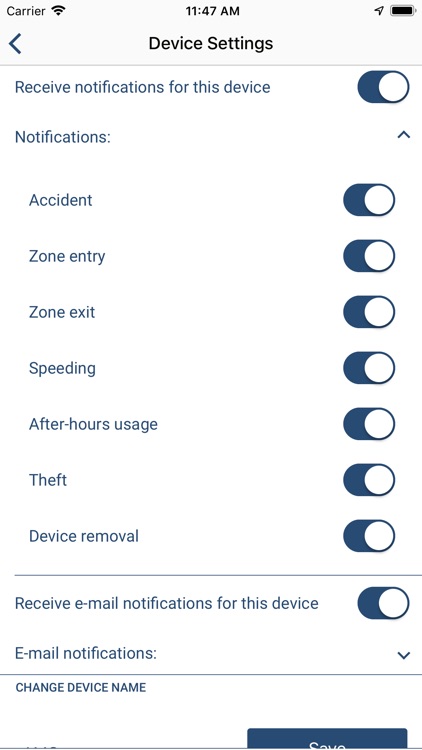
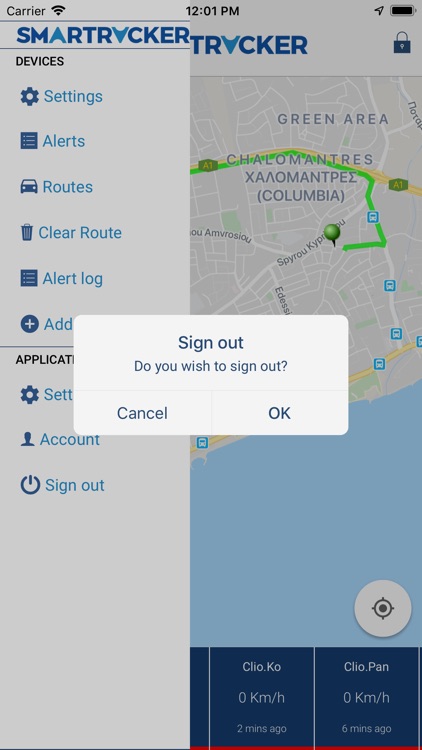
Via your account in the Smartracker App you can:
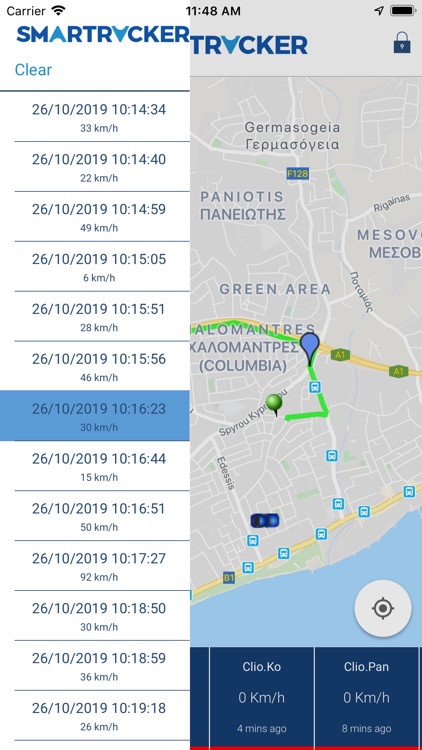
i.check your car current location
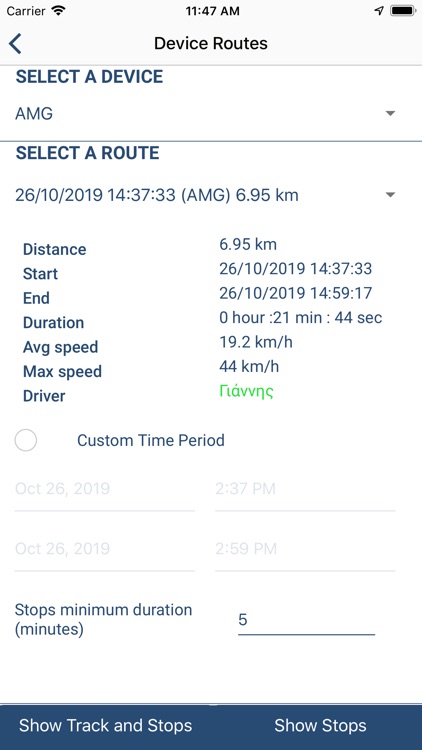
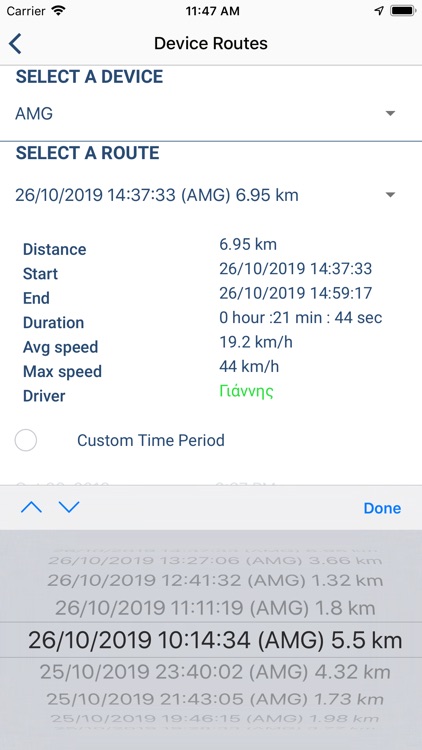
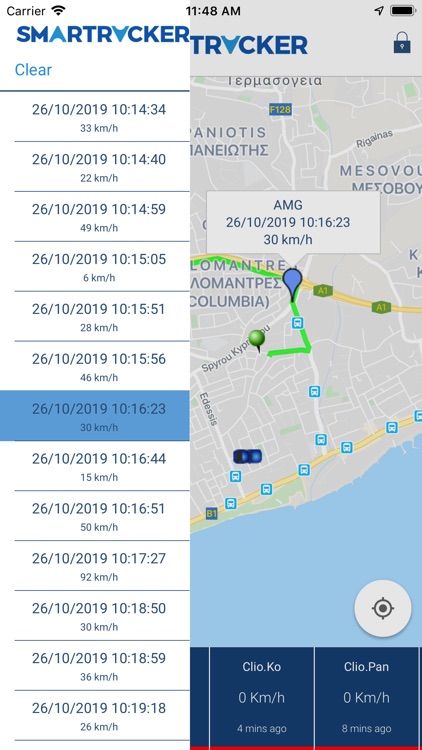
ii.monitor daily route history & stops
iii.arm/disarm anti-theft alarm so as to get notified if your car moves unexpectedly without you
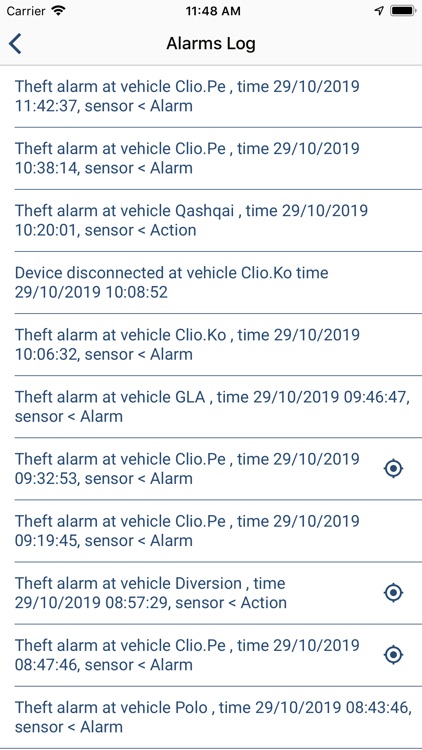
iv. get alert notifications
Disclaimer:
AppAdvice does not own this application and only provides images and links contained in the iTunes Search API, to help our users find the best apps to download. If you are the developer of this app and would like your information removed, please send a request to takedown@appadvice.com and your information will be removed.
AppAdvice does not own this application and only provides images and links contained in the iTunes Search API, to help our users find the best apps to download. If you are the developer of this app and would like your information removed, please send a request to takedown@appadvice.com and your information will be removed.
