You are using an outdated browser. Please
upgrade your browser to improve your experience.

This is the official companion app for your Swivl Robot and mobile version of our web-based platform for reflection, coaching, and collaboration

Swivl Capture
by Swivl, Inc


What is it about?
This is the official companion app for your Swivl Robot and mobile version of our web-based platform for reflection, coaching, and collaboration.
App Store Description
This is the official companion app for your Swivl Robot and mobile version of our web-based platform for reflection, coaching, and collaboration.
Getting Started
1. Open this app and connect to your Swivl Robot.
2. Login to your Reflectivity account.
3. Connect all the Markers you have to capture or stream multiple audio channels.
Recording
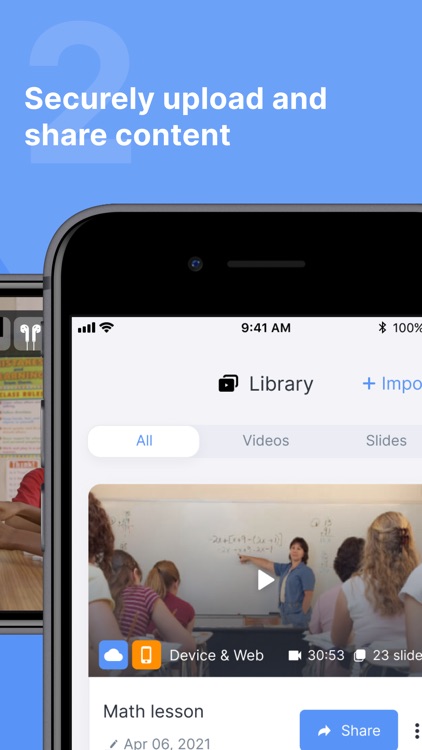
Record, upload, and share videos with other Swivl Capture users for collaboration.
Streaming
Launch your favorite live streaming app, like Zoom, to stream content to remote students.
Compatibility
-Works alone or with your C Series and CX Robots.
-Connects up to 5 Markers (microphones) for independent audio channels.
Links:
Swivl Capture+: https://itunes.apple.com/us/app/swivl-student/id1156641090
Swivl Screencast+: https://www.swivl.com/downloads/
Reflectivity Web: https://cloud.swivl.com/
Help: https://swivl.com/setup
Disclaimer:
AppAdvice does not own this application and only provides images and links contained in the iTunes Search API, to help our users find the best apps to download. If you are the developer of this app and would like your information removed, please send a request to takedown@appadvice.com and your information will be removed.
AppAdvice does not own this application and only provides images and links contained in the iTunes Search API, to help our users find the best apps to download. If you are the developer of this app and would like your information removed, please send a request to takedown@appadvice.com and your information will be removed.
