You are using an outdated browser. Please
upgrade your browser to improve your experience.

Full control of your Roku device - right from your iPhone

TV Remote: Universal TV Smart
by Yury Lipnitski
What is it about?
Full control of your Roku device - right from your iPhone!
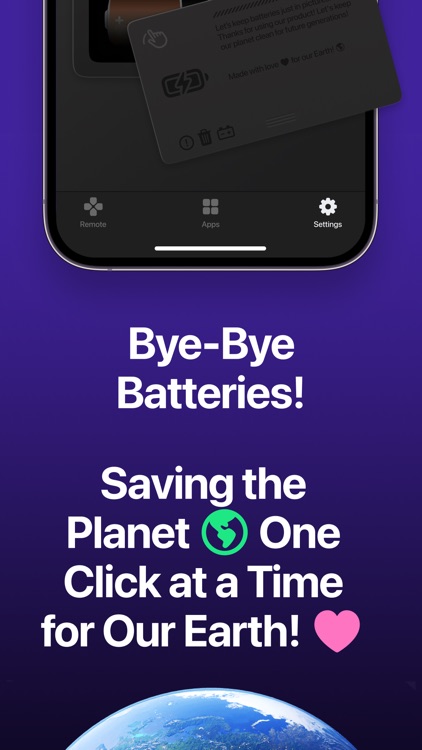
App Screenshots
App Store Description
Full control of your Roku device - right from your iPhone!
Lost your remote or want easier control of your TV? TV Remote: Universal TV Smart turns your iPhone into a powerful and convenient remote for Roku and other compatible Smart TVs. No complicated setup - just connect via Wi-Fi and control all functions with a tap.
Key Features:
• Full Roku Remote Control
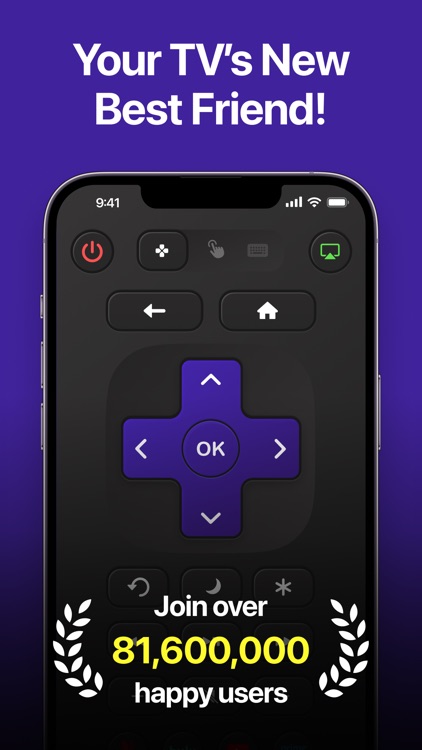
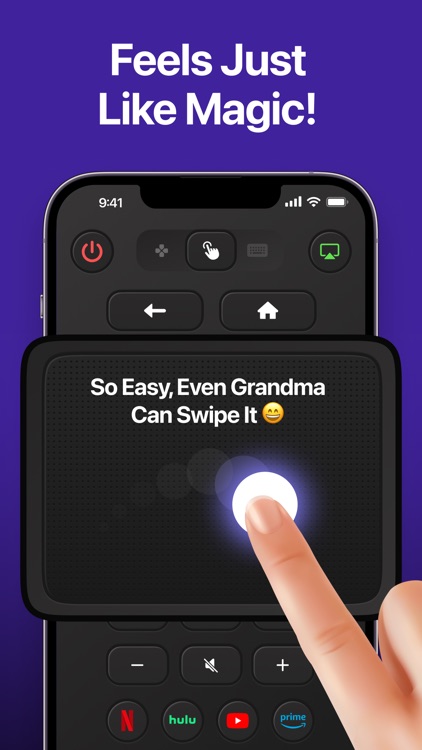
Easily browse your favorite channels, control playback with pause, play, rewind, and fast-forward, adjust the volume to your liking, and navigate smoothly through Roku menus - all from your iPhone. The app’s layout closely mimics the physical Roku remote, making it intuitive and easy to use, even if you’re new to the app.
• Voice Control
Control your Roku device hands-free by simply speaking commands. Search for shows, movies, or channels, navigate through menus, or control playback using your voice. This feature offers a quick and convenient way to interact with your Roku, perfect for multitasking or when you don’t want to type.
• Control From Your iPhone
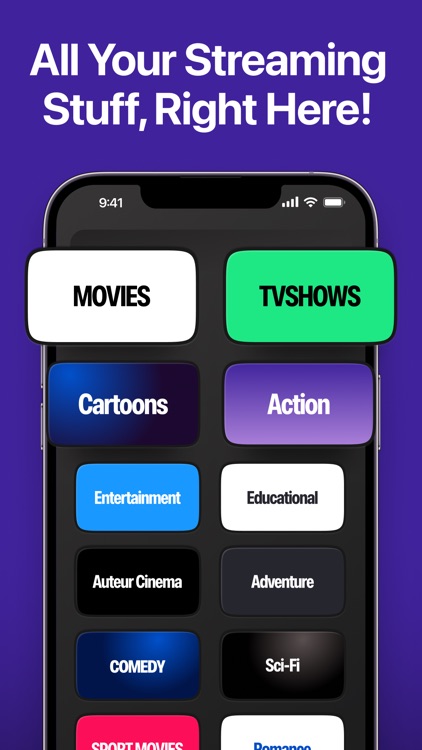
No more hunting for a lost physical remote! With this app, your iPhone becomes your universal remote control, putting all essential functions right at your fingertips. Switch channels, browse streaming apps, or adjust settings quickly and efficiently from your phone screen.
• Instant Connection
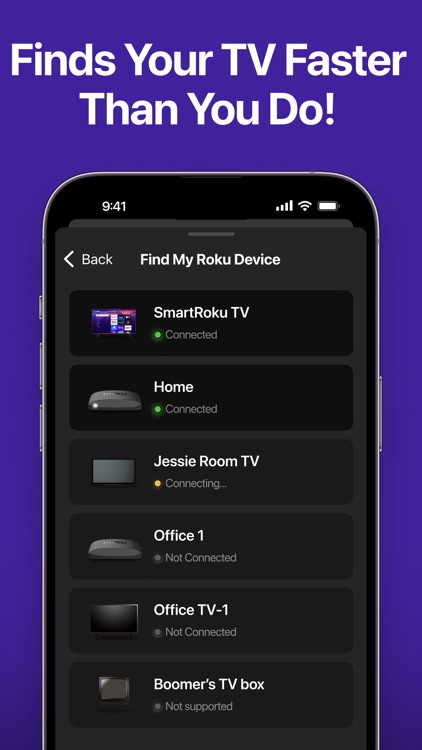
The app automatically scans your Wi-Fi network to detect compatible Roku devices nearby. Connecting takes just a few seconds with no complex setup or pairing required. This ensures a hassle-free experience for users of all levels of technical expertise.
• Simple and Clean Interface
Enjoy a minimalist design with clear, easy-to-read buttons and a smooth, responsive interface. The clean layout makes controlling your Roku device straightforward and stress-free, so you can focus on enjoying your entertainment without distractions.
Compatibility:
Supports Roku Streaming Stick™, Roku Express™, Roku Ultra™, Roku Premiere™, Roku TV™ and other devices connected to the same Wi-Fi network.
How to Use:
1. Download TV Remote: Universal TV Smart from the App Store.
2. Make sure your iPhone and TV are connected to the same Wi-Fi network.
3. Select your device from the list.
4. Enjoy full Roku control from your iPhone screen.
Download now and take smart control of your TV - right in the palm of your hand!
Disclaimer: This app is not affiliated with or endorsed by Roku, Inc. Roku is a registered trademark of Roku, Inc., and all trademarks mentioned are the property of their respective owners.
Privacy Policy: https://tvremoteaaapps.wixsite.com/main/privacy-policy
Terms of Use: https://tvremoteaaapps.wixsite.com/main/terms-of-use-1
Disclaimer:
AppAdvice does not own this application and only provides images and links contained in the iTunes Search API, to help our users find the best apps to download. If you are the developer of this app and would like your information removed, please send a request to takedown@appadvice.com and your information will be removed.
AppAdvice does not own this application and only provides images and links contained in the iTunes Search API, to help our users find the best apps to download. If you are the developer of this app and would like your information removed, please send a request to takedown@appadvice.com and your information will be removed.
