You are using an outdated browser. Please
upgrade your browser to improve your experience.

Play full screen tweets, one at a time, while keeping your hands free

TweetPlay
by Marko Tadic
What is it about?
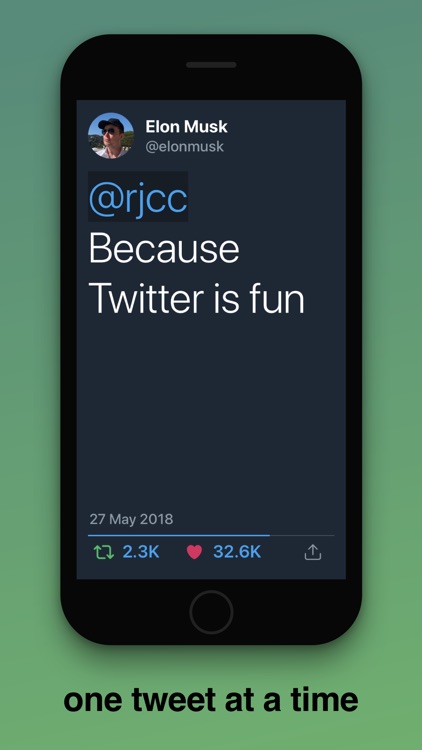
Play full screen tweets, one at a time, while keeping your hands free. Just login, play and that's it!
App Screenshots
App Store Description
Play full screen tweets, one at a time, while keeping your hands free. Just login, play and that's it!
- Toggle playback with 3D touch
- Swipe or tap left and right to navigate manually
- Turn on "Screen Mirroring" to play on external display (via Apple TV)
---
# Main features:
- Login with your Twitter account
- Play tweets from your Home Timeline
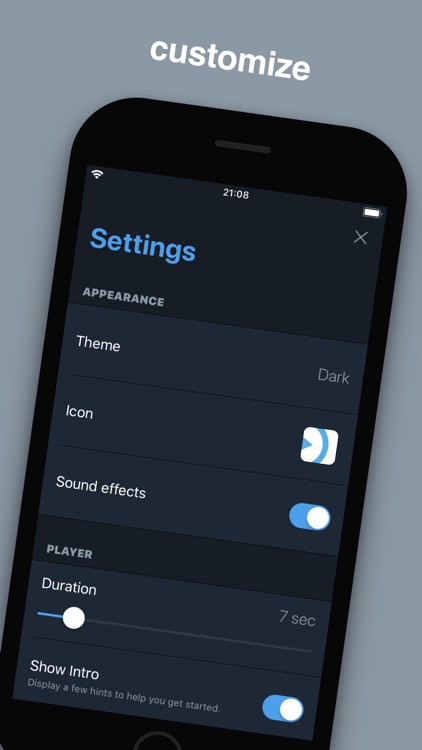
- Customize Settings (theme, player speed etc.)
# Details:
## Dashboard
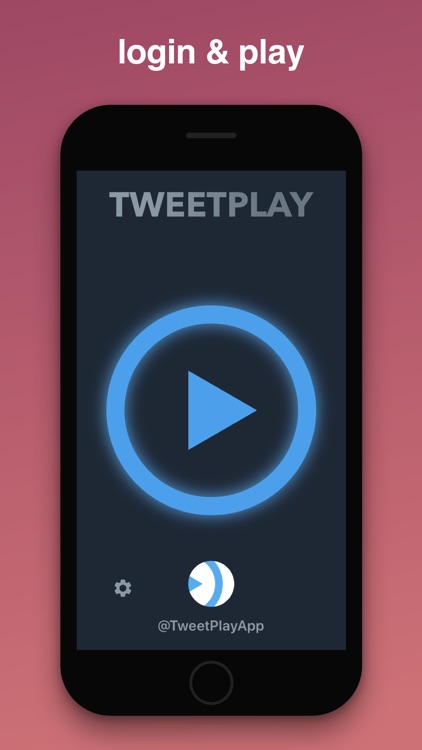
- Play
- Settings
- Profile
- there is also a heart behind the play
## Player
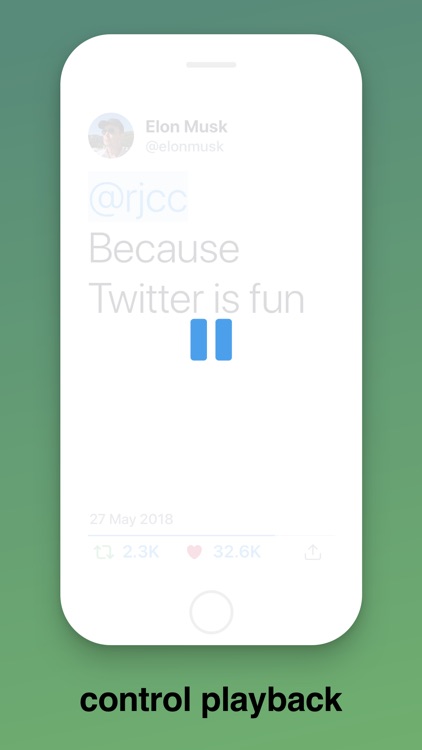
- Touch screen lightly for quick pause, touch up to continue
- Touch screen harder to Play / Pause indefinitely
- Swipe back and forth (or tap left and right) to navigate tweets manually
- Tap "Like" or "Retweet" icon to immediately interact with the current tweet
- Tap "Actions" icon to display additional options:
* Play / Pause
* Open (open tweet in Twitter app if installed, or Safari if not)
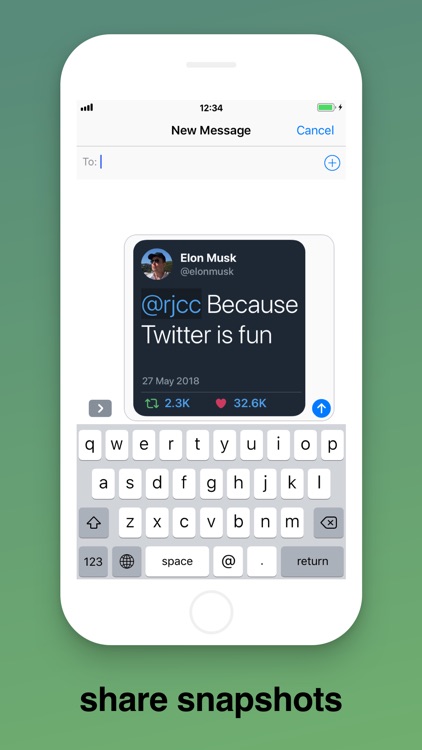
* Share (share a snapshot image of the current tweet)
* Settings (open quick Settings)
- Start new player by tapping on any user's profile image, mention or hashtag
- Open any link in Safari by tapping on it
- Swipe up or down to close the player and return on Dashboard
- When "Face Control" is enabled in Settings:
* Wink left eye to go back
* Wink right eye to go forward
* Blink both eyes to toggle Play/Pause
## Settings
- Toggle theme
- Toggle app icon
- Toggle sound effects
- Set player duration (1-60 seconds)
- Toggle Intro
- Toggle "Face Control"
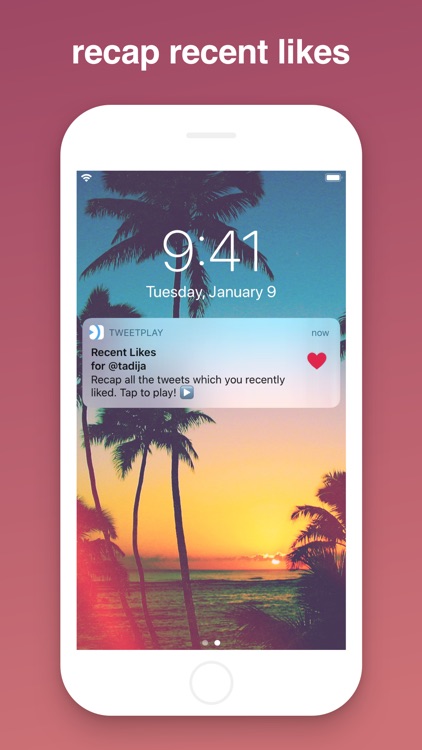
- Toggle "Recent Likes" (weekly notification that plays all the tweets which you liked last week)
- Log out
Disclaimer:
AppAdvice does not own this application and only provides images and links contained in the iTunes Search API, to help our users find the best apps to download. If you are the developer of this app and would like your information removed, please send a request to takedown@appadvice.com and your information will be removed.
AppAdvice does not own this application and only provides images and links contained in the iTunes Search API, to help our users find the best apps to download. If you are the developer of this app and would like your information removed, please send a request to takedown@appadvice.com and your information will be removed.
