You are using an outdated browser. Please
upgrade your browser to improve your experience.

WORLD OF THE WORDS - WORDS OF THE WORLD

Word Enclosure
by Hayrettin Koktas


What is it about?
WORLD OF THE WORDS - WORDS OF THE WORLD
App Screenshots


App Store Description
WORLD OF THE WORDS - WORDS OF THE WORLD
An application for students, teachers, writers, academics and readers.
You can comparatively follow the meanings of the words you read, follow, write, research, the meanings of the words you want to have at hand, the words that interest you, the words you want to know, by compiling them from different books, encyclopedias and other sources.
Make friends with words. Enrich your world with words. Let me also care about the richness of your world of meaning. May your words be abundant and your world of meaning big.
You can use the application for free without subscribing and logging in. In this case, your data is stored only on your local device.
Subscription required to sync data across all your devices.
When you cancel your subscription, you will continue to access your existing data. However, you cannot enter new data or make changes to existing data.
With the application you can do the following.
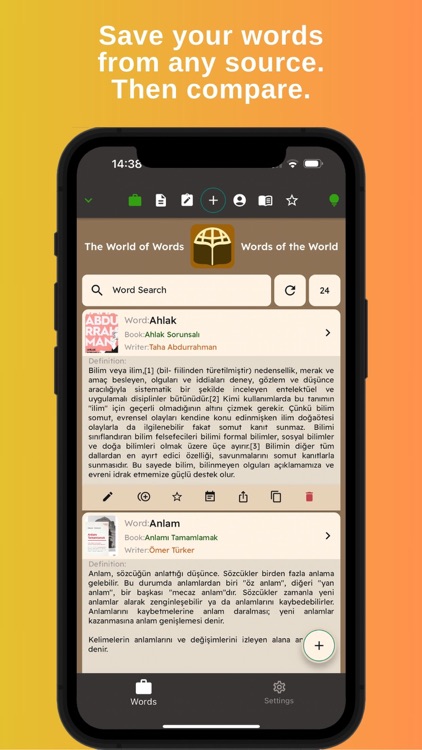
1-You can compare the meanings of the same word in different sources by recording them.
2-You can save and follow your highlights in the books.
3-You can add the name of the source and the images of its author.
4-You can write notes about the words.
5-You can search words and notes.
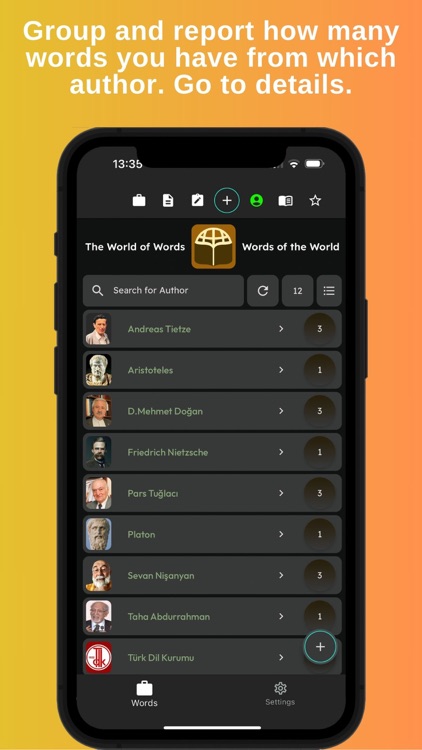
6-You can group words according to author and source.
7-You can filter words according to a source or author and search within them.
8-You can set favorite words.
9-You can share your words and notes with others.
10-You can edit or delete your words, notes, and favorites.
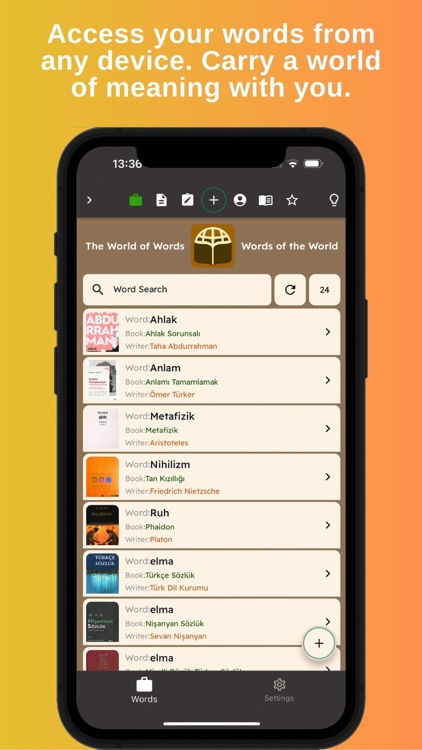
11-When you log in, you can access your words from all devices.
Terms of Use: https://www.apple.com/legal/internet-services/itunes/dev/stdeula/
Disclaimer:
AppAdvice does not own this application and only provides images and links contained in the iTunes Search API, to help our users find the best apps to download. If you are the developer of this app and would like your information removed, please send a request to takedown@appadvice.com and your information will be removed.
AppAdvice does not own this application and only provides images and links contained in the iTunes Search API, to help our users find the best apps to download. If you are the developer of this app and would like your information removed, please send a request to takedown@appadvice.com and your information will be removed.
