You are using an outdated browser. Please
upgrade your browser to improve your experience.

Yoma Car Share is the leading car rental service in Myanmar

Yoma Car Share
by Yoma Strategic Holdings Ltd
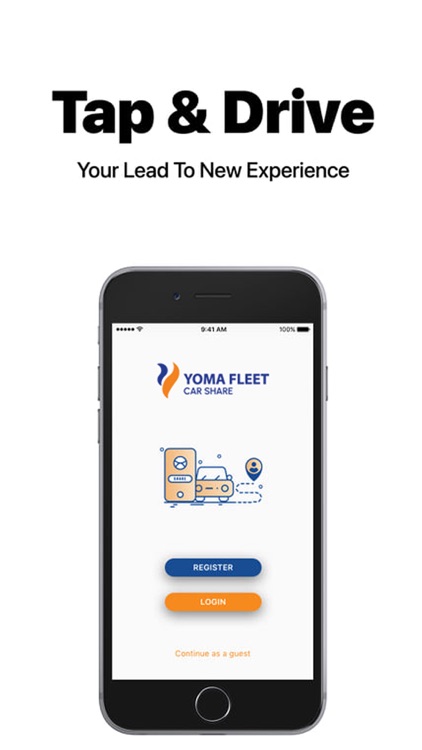
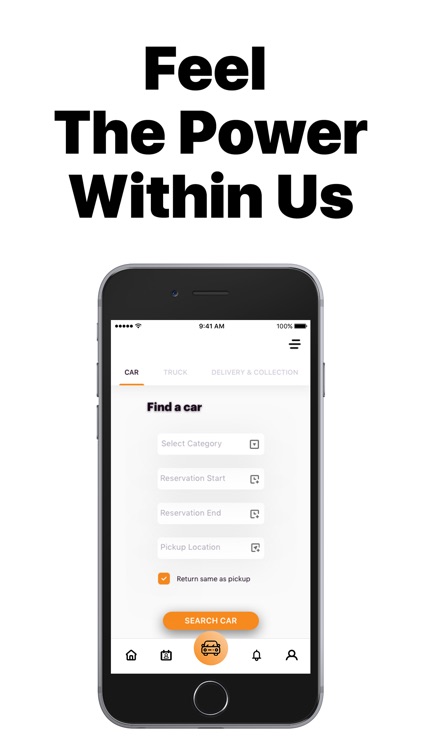
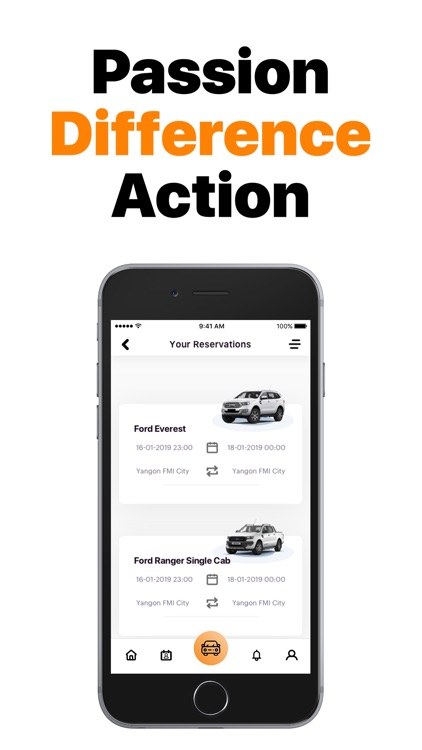
What is it about?
Yoma Car Share is the leading car rental service in Myanmar. Self Drive for The Self Driven.
App Screenshots
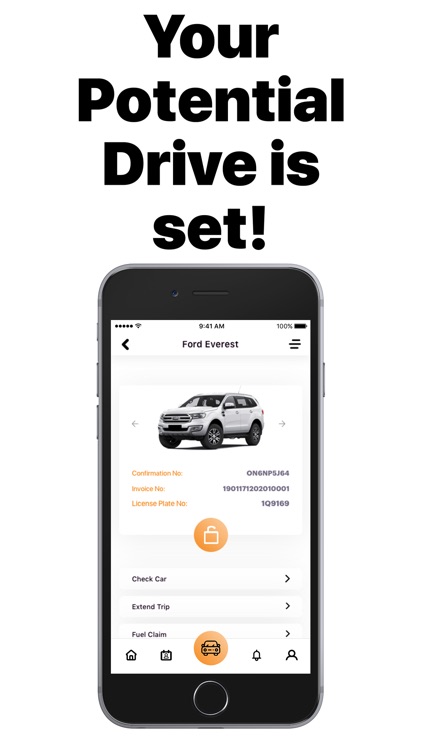
App Store Description
Yoma Car Share is the leading car rental service in Myanmar. Self Drive for The Self Driven.
Rented hourly, daily, weekly, monthly. Available at 19 rental hubs nationwide.
Why Yoma Car Share?
You just reserve, drive, and return. There’s no cost to sign up, and you’ll never be required to pay a monthly fee. Plus, it’s not only about what you get but also what you can completely forget about like car payments, insurance and parking, just to name a few.
How it works
For Corporate Account Users
1. Join Yoma Car Share
Submit corporate account application form and corporate card application form with information of three authorized representatives
2. Receive Yoma Car Share Corporate Card
Once approved, receive Yoma Car Share Corporate Card with username and password
3. Reserve
Log in to www.yomacarshare.com, select vehicle of your preference and vehicle pick-up location & time. Get approval from one of three authorized representatives mentioned in application form
4. Pick-up
Tap corporate card on windscreen sensor, unlock the door and enjoy comfortable rental experience
5. Return
At the end of the reservation, return the car to the nearest Yoma Car Share station, tap the card on the sensor for the last time to lock the door and end the rental
For Credit Card Users
1. Join Yoma Car Share
Register at www.yomacarshare.com
2. Receive Yoma Car Share Membership Card
Once approved, receive Yoma Car Share membership card with the username and password at Yoma Fleet Branch
3. Reserve
Log in to www.yomacarshare.com, select vehicle of your preference and vehicle pick-up location & time
4. Pick-up
Tap corporate card on windscreen sensor, unlock the door and enjoy comfortable rental experience
5. Return
Return At the end of the reservation, return the car to the nearest Yoma Car Share station, tap the card on the sensor for the last time to lock the door and end the rental
Disclaimer:
AppAdvice does not own this application and only provides images and links contained in the iTunes Search API, to help our users find the best apps to download. If you are the developer of this app and would like your information removed, please send a request to takedown@appadvice.com and your information will be removed.
AppAdvice does not own this application and only provides images and links contained in the iTunes Search API, to help our users find the best apps to download. If you are the developer of this app and would like your information removed, please send a request to takedown@appadvice.com and your information will be removed.
