You are using an outdated browser. Please
upgrade your browser to improve your experience.
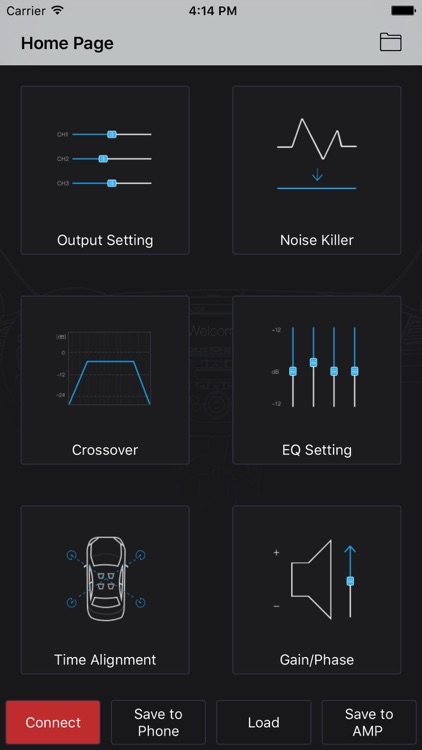
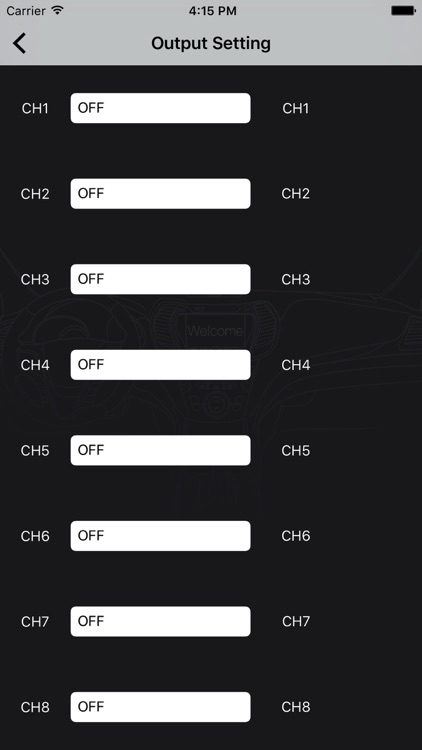
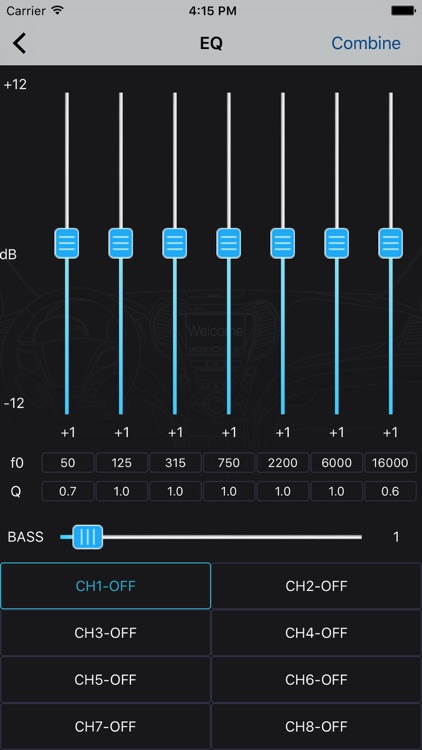
通过集成的DSP,EQ,BASS,时间对准,相位,静音,滤波器,保存声音设置到电话,将音色设置放大,从电话加载声音设置,RCA输出等应用程序连接到汽车功放。

车乐享680
by xingsheng lu

What is it about?
通过集成的DSP,EQ,BASS,时间对准,相位,静音,滤波器,保存声音设置到电话,将音色设置放大,从电话加载声音设置,RCA输出等应用程序连接到汽车功放。
App Details
Version
1.0
Rating
NA
Size
4Mb
Genre
Utilities
Last updated
June 8, 2018
Release date
May 25, 2018
More info
App Screenshots
App Store Description
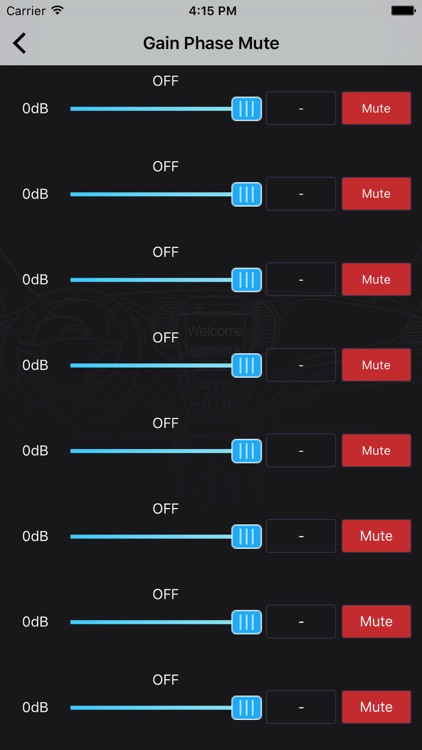
通过集成的DSP,EQ,BASS,时间对准,相位,静音,滤波器,保存声音设置到电话,将音色设置放大,从电话加载声音设置,RCA输出等应用程序连接到汽车功放。
如何使用:
1.安装应用,并开启汽车的动力
2.打开蓝牙在您的iPhone
3.打开应用程序,并等待大约5秒钟,然后单击底部的左下角“连接”图标。放大器将自动连接到App。
4.您调好声音,然后单击“保存到主机”图标进行保存。 或点击“保存到手机”进行保存。
注意:
保存时不退出应用程序,不要关闭电源,程序可能会被关闭正由此引起。
Disclaimer:
AppAdvice does not own this application and only provides images and links contained in the iTunes Search API, to help our users find the best apps to download. If you are the developer of this app and would like your information removed, please send a request to takedown@appadvice.com and your information will be removed.
AppAdvice does not own this application and only provides images and links contained in the iTunes Search API, to help our users find the best apps to download. If you are the developer of this app and would like your information removed, please send a request to takedown@appadvice.com and your information will be removed.
