You are using an outdated browser. Please
upgrade your browser to improve your experience.

Unleash your creativity with 3D Print Creator, the ultimate app for designing and exporting STL files for 3D printing

3D Printer - Text to 3D STL
by BSK Studios Private Limited
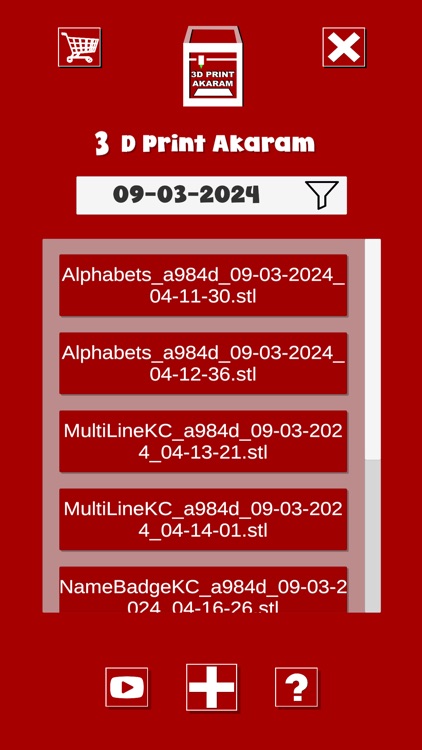
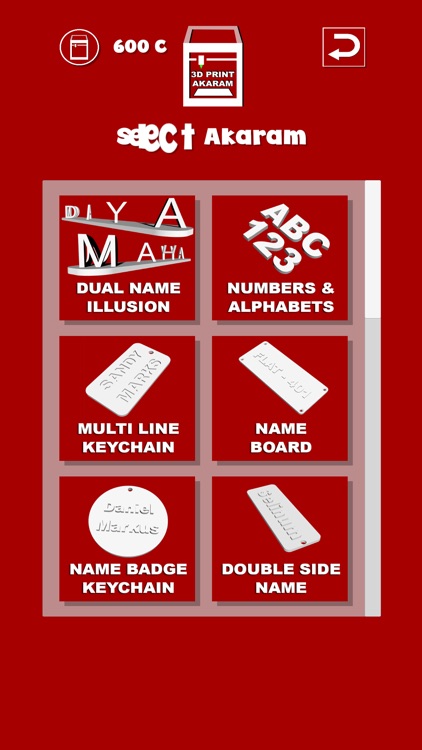
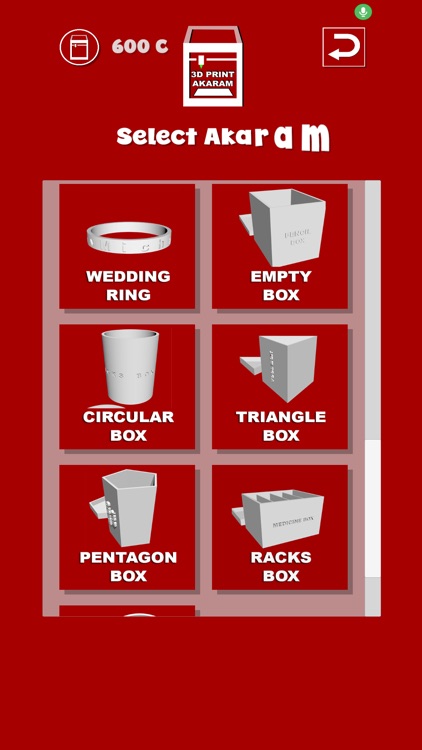
What is it about?
Unleash your creativity with 3D Print Creator, the ultimate app for designing and exporting STL files for 3D printing! Whether you're a hobbyist, designer, or engineer, our app provides all the tools you need to bring your ideas to life.
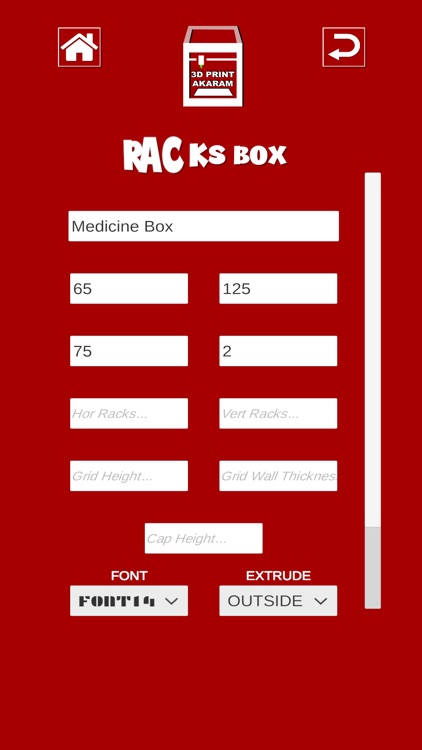
App Screenshots
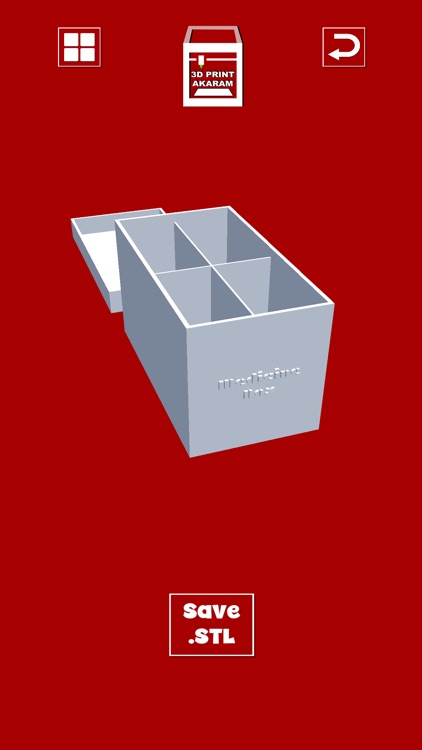
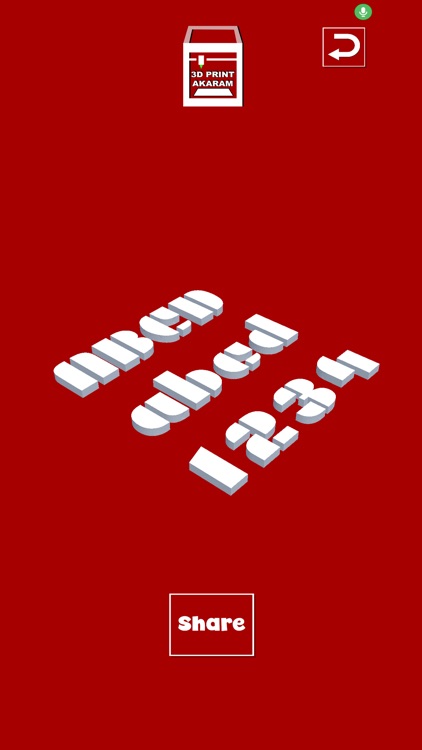
App Store Description
Unleash your creativity with 3D Print Creator, the ultimate app for designing and exporting STL files for 3D printing! Whether you're a hobbyist, designer, or engineer, our app provides all the tools you need to bring your ideas to life.
"All users will be given 50 credits to use in the app upon their first use."
Key Features:
Easy-to-Use Interface: Design complex models effortlessly with our intuitive, user-friendly tools.
Powerful Modelling Tools: Create shapes, add text, and apply patterns with precision.
Export to STL: Seamlessly export your 3D models to STL format, ready for 3D printing.
Extensive Library: Access a wide range of pre-made models and templates to kickstart your project.
Real-Time Preview: See your designs come to life with our real-time 3D preview and manipulation tools.
Supports All Skill Levels: Whether you're a beginner or a seasoned pro, our app adapts to your needs with customisation tools and features.
Community Sharing: Share your designs with our community and explore creations from other users.
Note : To create and publish content on this app, a purchase is required. Please check our pricing plans and make a selection to unlock content creation features. Thank you for understanding!
Disclaimer:
AppAdvice does not own this application and only provides images and links contained in the iTunes Search API, to help our users find the best apps to download. If you are the developer of this app and would like your information removed, please send a request to takedown@appadvice.com and your information will be removed.
AppAdvice does not own this application and only provides images and links contained in the iTunes Search API, to help our users find the best apps to download. If you are the developer of this app and would like your information removed, please send a request to takedown@appadvice.com and your information will be removed.
