You are using an outdated browser. Please
upgrade your browser to improve your experience.

ABE FCU Mobile Access allows you to manage your finances on the go

ABE FCU Mobile Banking
by American Broadcast Employees Federal Credit Union
What is it about?
ABE FCU Mobile Access allows you to manage your finances on the go!
App Store Description
ABE FCU Mobile Access allows you to manage your finances on the go!
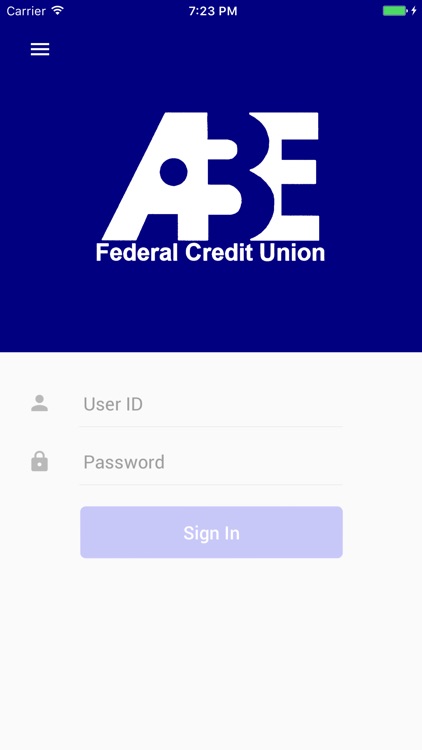
FAST, SECURE and FREE* – Mobile Access is available to all Internet Branch online banking users**
IMPORTANT ** - To enroll and activate Mobile Access, log in to ABE FCU online banking, select the Account Services tab, click “Mobile Access”, and follow the instructions to activate the mobile banking service.
FEATURES:
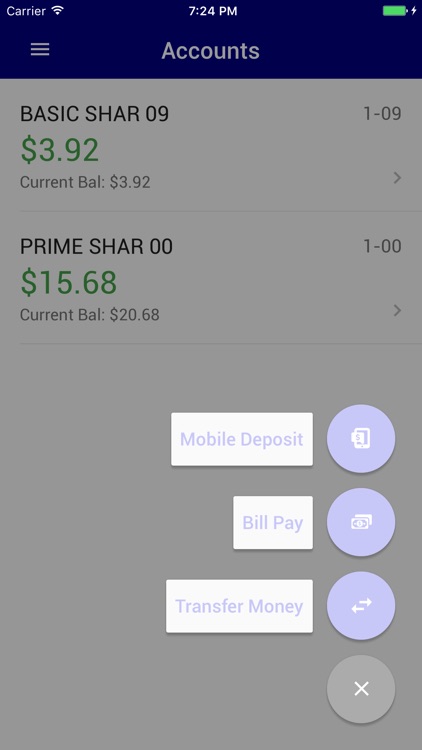
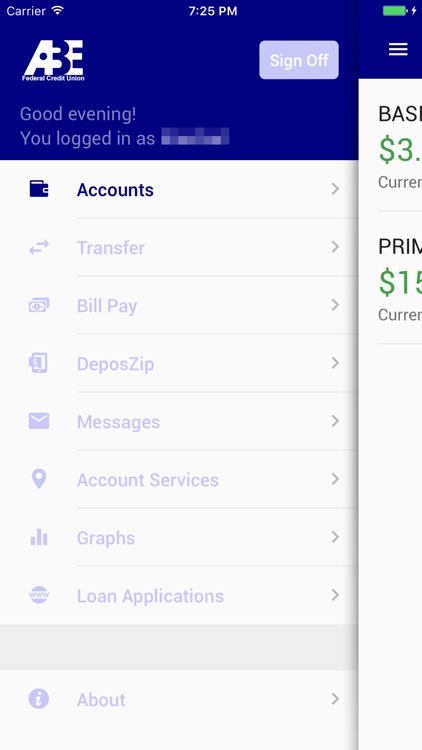
• Check Available Balances*** 24/7.
• View Transaction History for checking and savings.
• Transfer Funds between your ABE FCU accounts.
• Pay Bills****.
• Contact us via Secure Messaging for support.
SECURITY:
Your online banking experience and the security of your personal and financial information are very important to us.
• Mobile Access is protected by 128-bit encryption, just like ABE FCU online banking.
• No personal information is stored on your phone.
• Account number information is not transmitted.
• Transfers and bill payments can only be made to existing accounts/payees.
Visit http://www.abefcu.org/ for further details.
*There is no charge to use Mobile Access from ABE FCU, but messaging and data rates from your mobile provider still apply.
**Must be enrolled in ABE FCU online banking. Not enrolled in Internet Branch yet? Visit our web site to get started.
***Note, some transaction activities may not be immediately recorded to your account and may not yet be reflected in the available balance.
****You must have bill pay previously set up in Internet Branch to use this function.
Disclaimer:
AppAdvice does not own this application and only provides images and links contained in the iTunes Search API, to help our users find the best apps to download. If you are the developer of this app and would like your information removed, please send a request to takedown@appadvice.com and your information will be removed.
AppAdvice does not own this application and only provides images and links contained in the iTunes Search API, to help our users find the best apps to download. If you are the developer of this app and would like your information removed, please send a request to takedown@appadvice.com and your information will be removed.
