You are using an outdated browser. Please
upgrade your browser to improve your experience.

With this app, you can control all the major functions of the powerful KOD-2000/3000/4000 karaoke jukebox

Acesonic KOD-2/3/4000 Songbook
by David Su
What is it about?
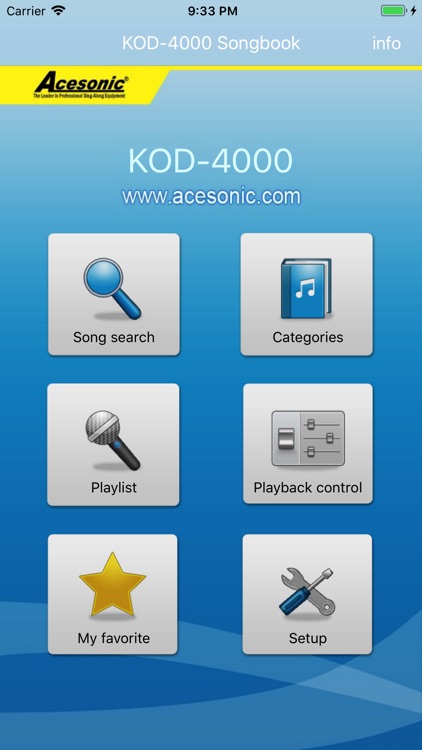
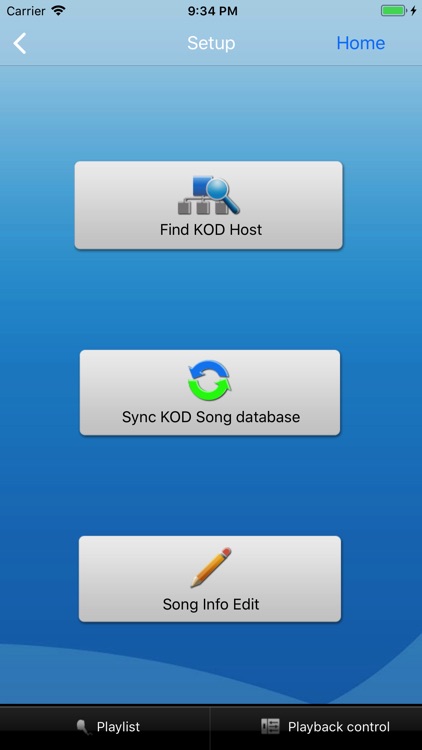
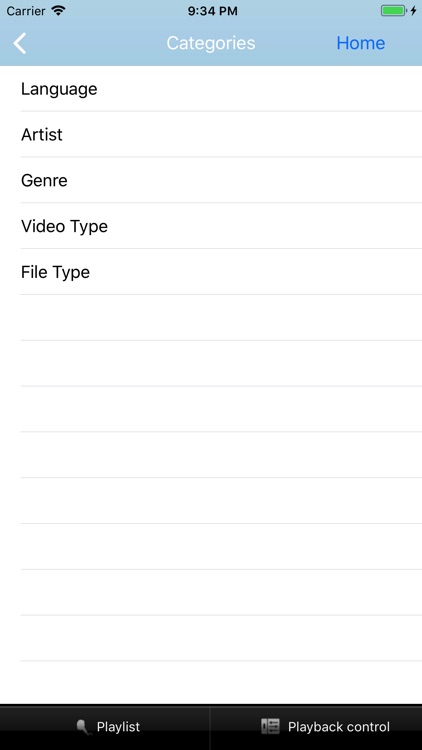
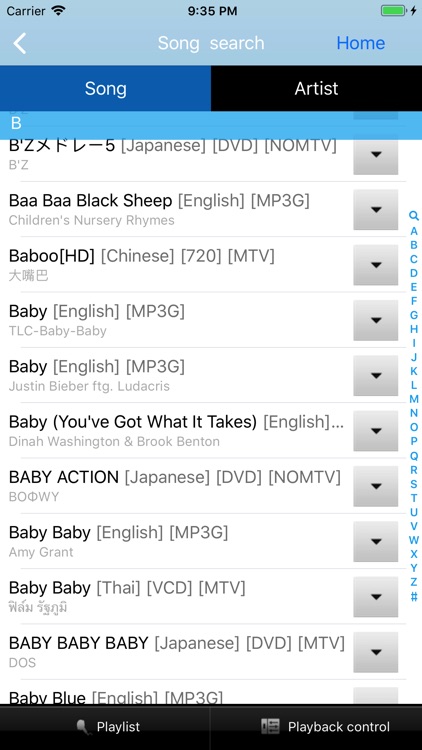
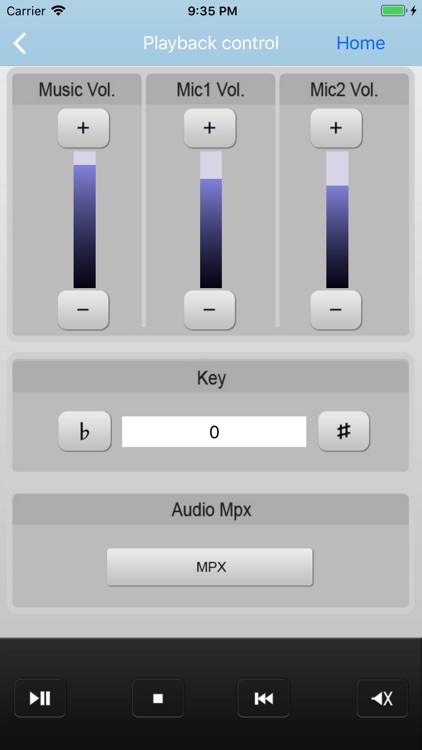
With this app, you can control all the major functions of the powerful KOD-2000/3000/4000 karaoke jukebox. This app allows you to search and play the songs on the hard drives of your KOD-2000/3000/4000, browse by category, build your custom playlist, adjust music and microphone volumes, adjust the key, and pick your favorite songs. This app automatically syncs to your KOD-2000/3000/4000 via a wi-fi.
App Screenshots
App Store Description
With this app, you can control all the major functions of the powerful KOD-2000/3000/4000 karaoke jukebox. This app allows you to search and play the songs on the hard drives of your KOD-2000/3000/4000, browse by category, build your custom playlist, adjust music and microphone volumes, adjust the key, and pick your favorite songs. This app automatically syncs to your KOD-2000/3000/4000 via a wi-fi.
Disclaimer:
AppAdvice does not own this application and only provides images and links contained in the iTunes Search API, to help our users find the best apps to download. If you are the developer of this app and would like your information removed, please send a request to takedown@appadvice.com and your information will be removed.
AppAdvice does not own this application and only provides images and links contained in the iTunes Search API, to help our users find the best apps to download. If you are the developer of this app and would like your information removed, please send a request to takedown@appadvice.com and your information will be removed.
