You are using an outdated browser. Please
upgrade your browser to improve your experience.

Once you see a QR code, whether as payment gateways, tourist information, videos, or any other QR code type - use your device camera to capture the QR code

Adams Group QR
by INVENTO KRZYSZTOF ADAMSKI
What is it about?
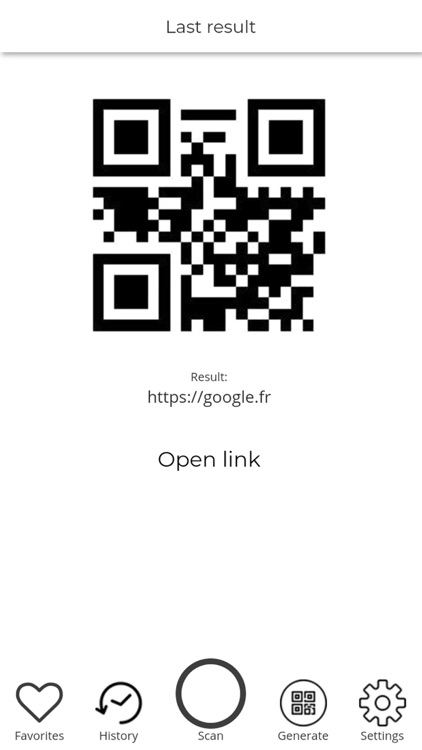
Once you see a QR code, whether as payment gateways, tourist information, videos, or any other QR code type - use your device camera to capture the QR code. Simply point the camera at the QR code to be scanned and you’re done.
App Screenshots

App Store Description
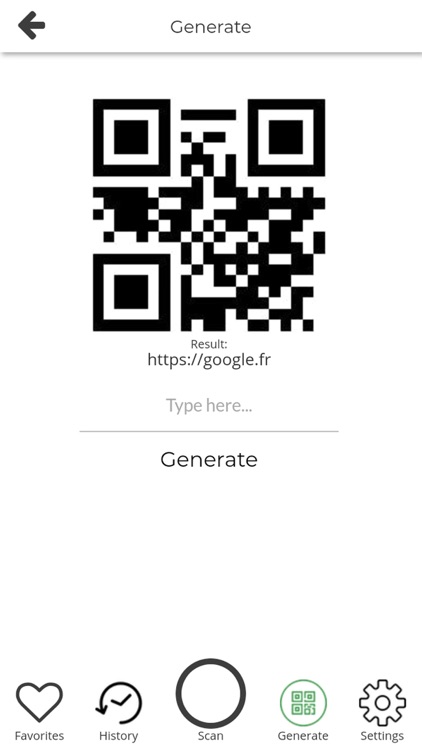
Once you see a QR code, whether as payment gateways, tourist information, videos, or any other QR code type - use your device camera to capture the QR code. Simply point the camera at the QR code to be scanned and you’re done.
The first time you scan a QR code with us you be asked to give our QR code scanner permission to access the camera on your device, but after that, it’s straight down to business every time.
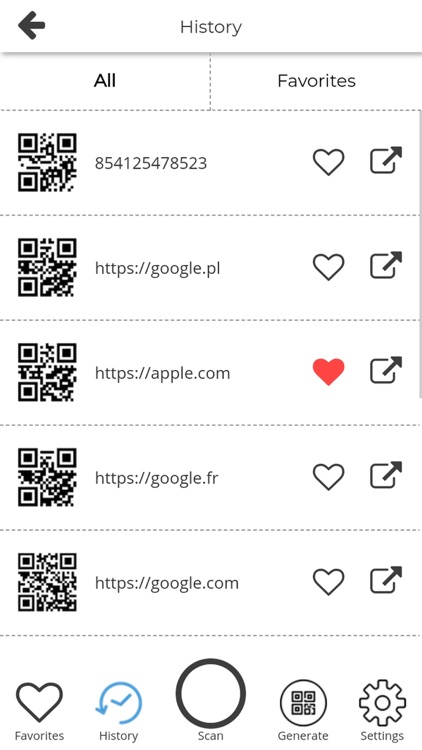
The app’s history log and its favorites tab will help you keep all scanned content organized and ready to be accessed or shared.
Disclaimer:
AppAdvice does not own this application and only provides images and links contained in the iTunes Search API, to help our users find the best apps to download. If you are the developer of this app and would like your information removed, please send a request to takedown@appadvice.com and your information will be removed.
AppAdvice does not own this application and only provides images and links contained in the iTunes Search API, to help our users find the best apps to download. If you are the developer of this app and would like your information removed, please send a request to takedown@appadvice.com and your information will be removed.
