You are using an outdated browser. Please
upgrade your browser to improve your experience.
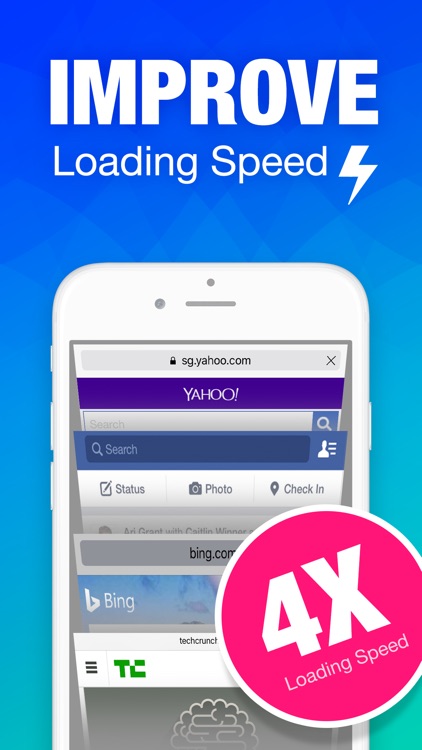
Experience your Safari without any Ads, the most efficient ADBlock will improve browse loading speed up to 4X on average

ADBlock Lite - Block all Ads for Safari, fast browsing and data saving
by shuxiang li
What is it about?
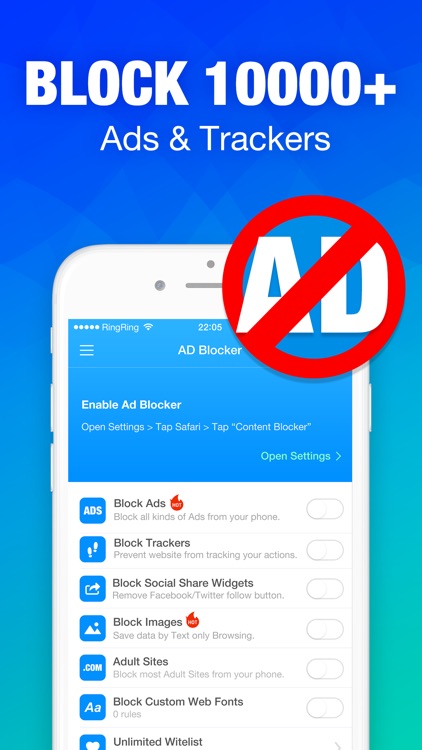
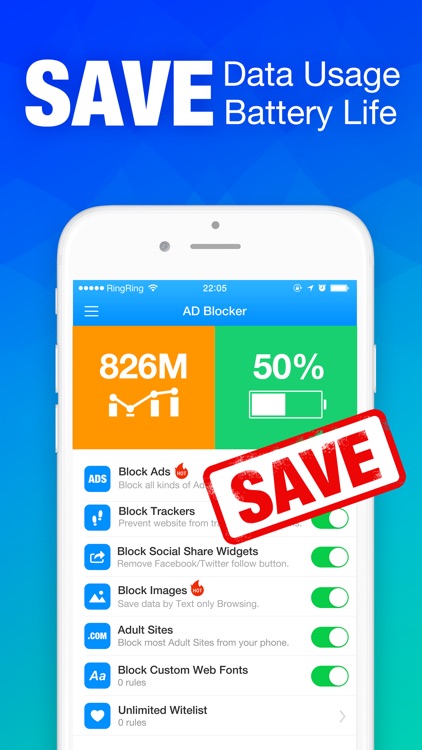
Experience your Safari without any Ads, the most efficient ADBlock will improve browse loading speed up to 4X on average! Lower Data Usage. Better Battery Life. Fast Web Browsing!
App Details
Version
1.3
Rating
NA
Size
5Mb
Genre
Utilities Productivity
Last updated
June 5, 2016
Release date
April 13, 2016
App Screenshots
App Store Description
Experience your Safari without any Ads, the most efficient ADBlock will improve browse loading speed up to 4X on average! Lower Data Usage. Better Battery Life. Fast Web Browsing!
Better than any other similar app, ADBlock:
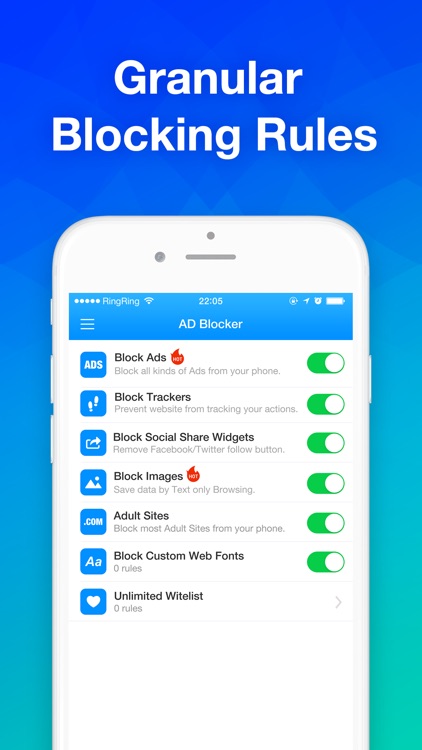
- 30,000+ preinstalled Ad blockers, already configured.
- Speed up web loading up to 4X on average.
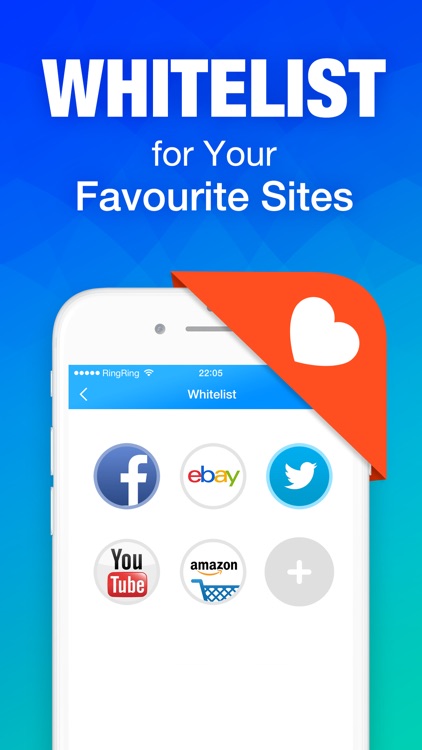
- Whitelist your favourite webs with Safari extension.
- Block images to save up to 80% data.
- Works on both Wi-Fi and cellular networks
How do you block ads in Safari?
Step 1: Simple enable ADBlock in the settings app: Settings -> Safari -> Content Blockers ->ADBlock
Step 2: Open switch in ADBlock app to block all the ads you do not need.
Step 3: Restart Safari and you will see the miracle!
ADBlock is a universal app and is optimised for all 64 bit devices that run iOS9.
Disclaimer:
AppAdvice does not own this application and only provides images and links contained in the iTunes Search API, to help our users find the best apps to download. If you are the developer of this app and would like your information removed, please send a request to takedown@appadvice.com and your information will be removed.
AppAdvice does not own this application and only provides images and links contained in the iTunes Search API, to help our users find the best apps to download. If you are the developer of this app and would like your information removed, please send a request to takedown@appadvice.com and your information will be removed.
