You are using an outdated browser. Please
upgrade your browser to improve your experience.

To use Add Me, all you need to do is:

Add Me: AI Take Group Photo
by Decent Softwares


What is it about?
To use Add Me, all you need to do is:
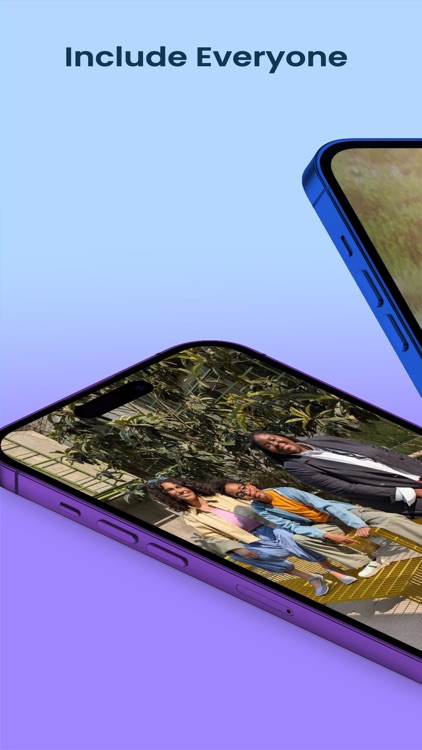
App Screenshots


App Store Description
To use Add Me, all you need to do is:
1. Take a group photo.
2. Switch places with someone else who was in the picture.
3. Have the second photographer tell you where you should stand in the photo based on the directions in the viewfinder.
4. Have the second photographer take another picture.
5. Use Add Me to seamlessly stitch together both takes using AI and augmented reality.
SUBSCRIPTION INFO:
Payment will be charged to the iTunes Account at confirmation of purchase.
Subscription automatically renews unless auto-renew is turned off at least 24-hours before the end of the current period.
Account will be charged for renewal within 24 hours before the end of the current period.
Subscriptions may be managed and auto-renewal may be turned off by going to Account Settings after purchase.
Privacy Policy - https://polite-cornet-dd6.notion.site/Privacy-Policy-for-Add-Me-e64386ca67bc4736b28341750a4db14d
T&C - https://polite-cornet-dd6.notion.site/Privacy-Policy-for-Add-Me-e64386ca67bc4736b28341750a4db14d
Terms of Use - https://www.apple.com/legal/internet-services/itunes/dev/stdeula/
Disclaimer:
AppAdvice does not own this application and only provides images and links contained in the iTunes Search API, to help our users find the best apps to download. If you are the developer of this app and would like your information removed, please send a request to takedown@appadvice.com and your information will be removed.
AppAdvice does not own this application and only provides images and links contained in the iTunes Search API, to help our users find the best apps to download. If you are the developer of this app and would like your information removed, please send a request to takedown@appadvice.com and your information will be removed.
