You are using an outdated browser. Please
upgrade your browser to improve your experience.

Take AgFed’s Mobile App with you, wherever you are so you can take care of a variety of financial transactions

AgFed Credit Union Mobile
by Agriculture Federal Credit Union

What is it about?
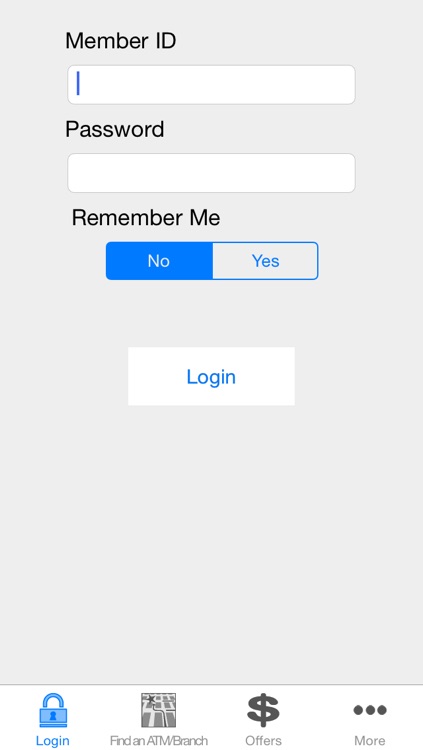
Take AgFed’s Mobile App with you, wherever you are so you can take care of a variety of financial transactions. If your iPhone can determine where you are, the location-aware feature will help you find the nearest branch or ATM anywhere in the United States. Convenient and efficient, AgFed Mobile provides easy access to AgFed’s services and it’s free to members.
App Screenshots
App Store Description
Take AgFed’s Mobile App with you, wherever you are so you can take care of a variety of financial transactions. If your iPhone can determine where you are, the location-aware feature will help you find the nearest branch or ATM anywhere in the United States. Convenient and efficient, AgFed Mobile provides easy access to AgFed’s services and it’s free to members.
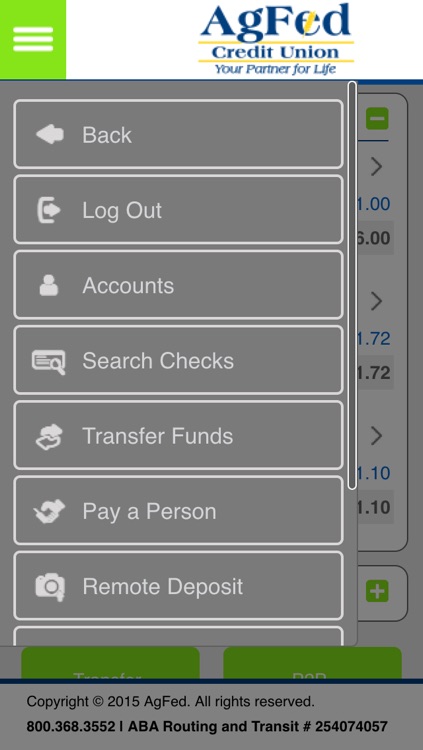
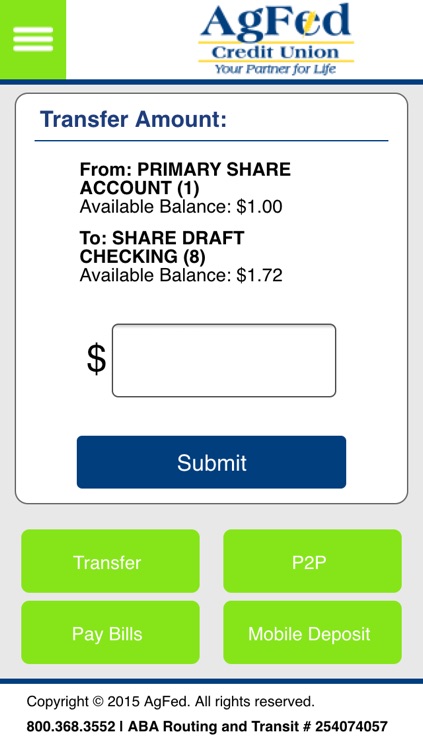
Our iPhone web-app gives users the ability to:
- Check balances 24/7
- Pay bills
- Remote Deposit
- Transfer funds
- Monitor recent transactions and see a complete history of deposits, withdrawals, transfers, purchases, and ATM activity
- Find an AgFed ATM or CO-OP Network ATM
- Locate an AgFed branch or shared branch
- Safe, secure and fast
To activate AgFed Mobile, you need to be an existing AgFed Online Banking user. After you opt in to “Mobile Access” from within Online Banking, you’ll have access to Mobile Banking from your iPhone.
For your security, the system will confirm your login information and your device to ensure it’s really you. Once you are logged in, you can view your information and make transactions safely and securely.
Normal data charges apply; please check with your mobile service provider for details.
Disclaimer:
AppAdvice does not own this application and only provides images and links contained in the iTunes Search API, to help our users find the best apps to download. If you are the developer of this app and would like your information removed, please send a request to takedown@appadvice.com and your information will be removed.
AppAdvice does not own this application and only provides images and links contained in the iTunes Search API, to help our users find the best apps to download. If you are the developer of this app and would like your information removed, please send a request to takedown@appadvice.com and your information will be removed.
