You are using an outdated browser. Please
upgrade your browser to improve your experience.

AirSync Sender is a screen sharing app specially designed for AirSync

AirSync Sender
by ViewSonic_International


What is it about?
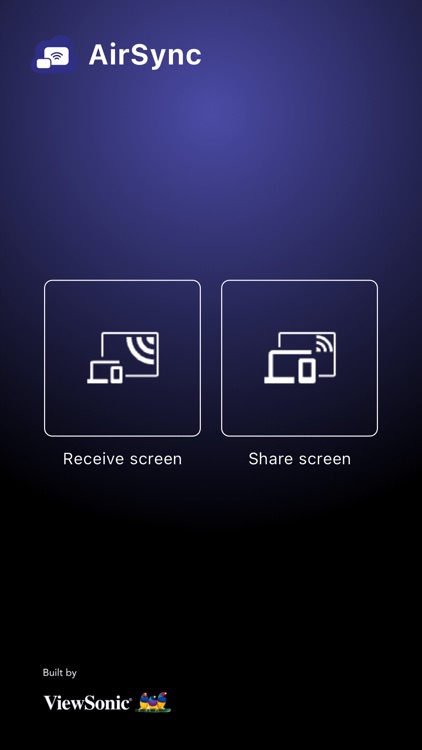
AirSync Sender is a screen sharing app specially designed for AirSync. With AirSync Sender, you can easily share your screen to AirSync devices, such as the ViewSonic ViewBoard interactive flat panel.
App Screenshots

App Store Description
AirSync Sender is a screen sharing app specially designed for AirSync. With AirSync Sender, you can easily share your screen to AirSync devices, such as the ViewSonic ViewBoard interactive flat panel.
Whether connected through the Internet or a local area network, you can use AirSync Sender to share your ideas wirelessly and create a more efficient multi-person communication environment.
You can also share AirSync device screen to multiple iOS devices through AirSync sender.
The main functions of AirSync Sender include:
1. Screen sharing based on WebRTC technology
2. Sharing screen through QR code
3. Split screen to support multiple sharing screens
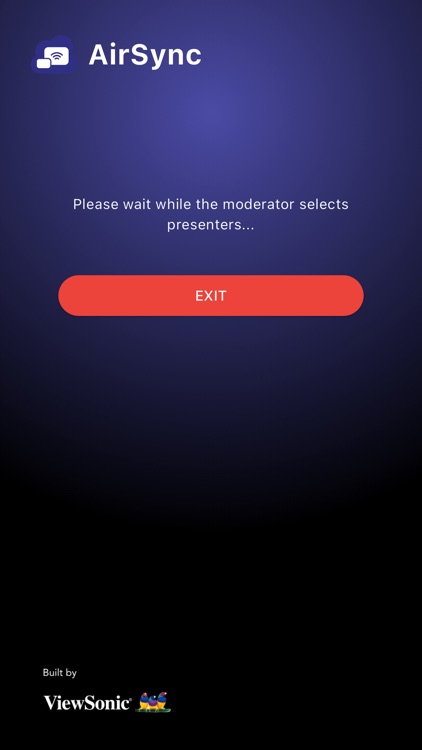
4. Support moderator mode
5. Receive device side screen and remote control
6. Annotation
7. Screen mirroring
Quick screen sharing guide:
1. Launch the AirSync application on the receiving side
2. Launch the AirSync Sender
3. Enter the display code and one-time password
4. After pressing "Next", and click "Start broadcast"
System requirements:
1. iOS 11 or above
2. LAN or WAN connection required
Disclaimer:
AppAdvice does not own this application and only provides images and links contained in the iTunes Search API, to help our users find the best apps to download. If you are the developer of this app and would like your information removed, please send a request to takedown@appadvice.com and your information will be removed.
AppAdvice does not own this application and only provides images and links contained in the iTunes Search API, to help our users find the best apps to download. If you are the developer of this app and would like your information removed, please send a request to takedown@appadvice.com and your information will be removed.
