You are using an outdated browser. Please
upgrade your browser to improve your experience.
【Features】

Albums Backup-USB to PC/Mac
by 欢 陈
What is it about?
【Features】
App Store Description
【Features】
- Lossless Quality: Keep every photo and video in original resolution—no compression.
- Full Details: Preserve time, location, device info, and settings. Includes both originals and edits.
- All Formats: Supports Live Photos, Spatial Video, GIFs, Bursts, Slow Motion, and more.
- Smart Albums: Export exactly as organized on your iPhone, with album names and order intact.
- iCloud Ready: Download full-resolution iCloud photos and back them up to your computer.
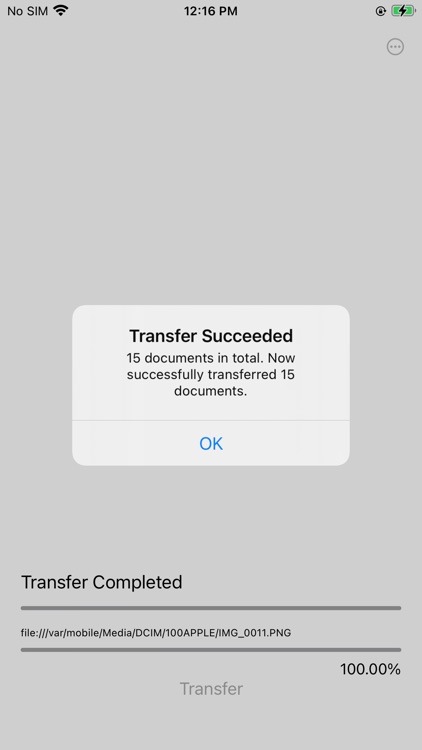
- Incremental Backup: Choose “New Additions” to back up only photos not yet transferred.
- Resume Transfers: Continue from where you left off after an interruption.
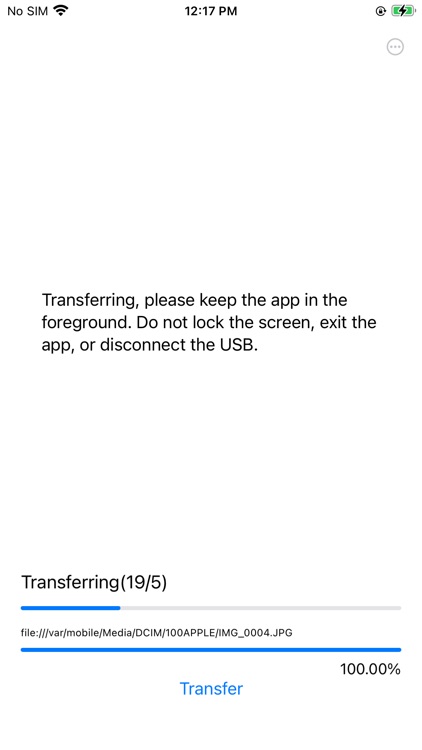
- Fast Transfer: USB wired connection delivers stable speed, tested at 35MB/s+.
- Private & Secure: Direct device-to-computer transfer. Nothing goes through the cloud.
- Mac & PC: Works on macOS and Windows; external drives supported through your computer.
【Requirements】
- iOS 15 or later
- macOS 12 or later
- Windows 10 (64-bit) or later
【Instructions】
- Install Albums Backup on both your iPhone/iPad and computer. In the mobile app, tap More → macOS App or Windows App to download and install the desktop app.
- To include iCloud photos, open the mobile app, go to More → Preferences, and turn on iCloud Transfer.
【Contact Us】
- Email: oneshark666@gmail.com
- You can also go to More → Contact Us in the app to send feedback. We’ll respond promptly.
【Plans】
- Annual: $1.99/year
- Monthly: $0.99/month
- To transfer your entire photo library to Mac or PC, a Premium subscription is required. You can start with the Basic version to see if the app fits your needs before upgrading.
【Auto-Renewal】
- Subscriptions renew automatically. Cancel anytime via iTunes Settings.
- Privacy Policy: https://privacy.oneshark.com.cn/CameraRollTransfer-Subscription
- Support: oneshark666@gmail.com
- Terms of Use: https://www.apple.com/legal/internet-services/itunes/dev/stdeula/
Disclaimer:
AppAdvice does not own this application and only provides images and links contained in the iTunes Search API, to help our users find the best apps to download. If you are the developer of this app and would like your information removed, please send a request to takedown@appadvice.com and your information will be removed.
AppAdvice does not own this application and only provides images and links contained in the iTunes Search API, to help our users find the best apps to download. If you are the developer of this app and would like your information removed, please send a request to takedown@appadvice.com and your information will be removed.
