You are using an outdated browser. Please
upgrade your browser to improve your experience.
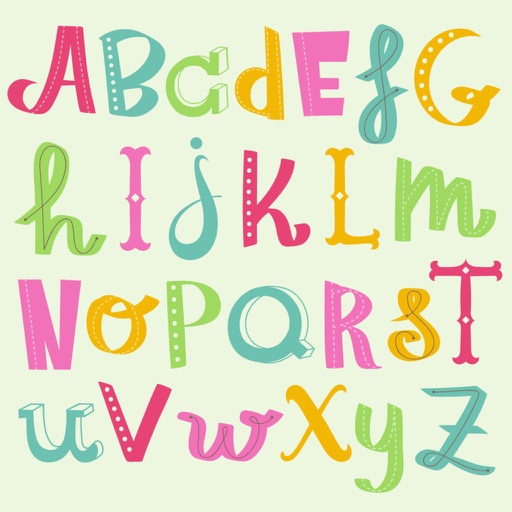
Get beautiful Alphabet stickers to use when creating your own customized text

Alphabet Stickers For iMessage
by Acar Bilican Kemaloglu

What is it about?
Get beautiful Alphabet stickers to use when creating your own customized text. Use the letters to accentuate names or messages.
App Store Description
Get beautiful Alphabet stickers to use when creating your own customized text. Use the letters to accentuate names or messages.
--------
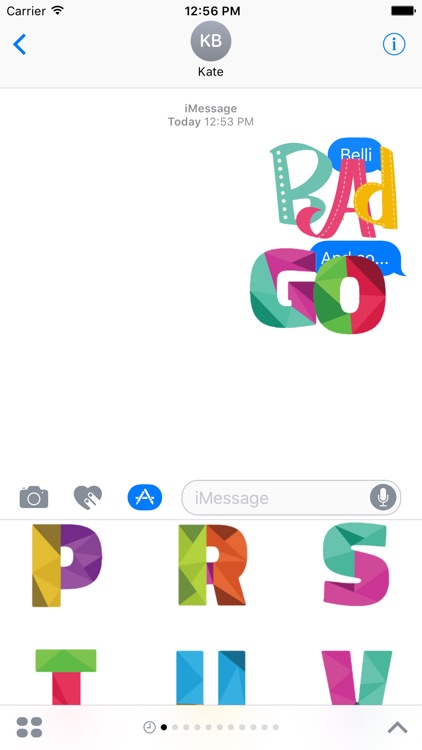
To use the sticker pack, download the app to your phone and select the emoji in the iMessage app drawer. Peel off (long press and drag) Alphabet Stickers and place them anywhere in your conversation. Tap on a sticker to quickly send a sticker reply. In order to write a word with stickers, first write a regular message and then peel off stickers to that regular message one by one.
Disclaimer:
AppAdvice does not own this application and only provides images and links contained in the iTunes Search API, to help our users find the best apps to download. If you are the developer of this app and would like your information removed, please send a request to takedown@appadvice.com and your information will be removed.
AppAdvice does not own this application and only provides images and links contained in the iTunes Search API, to help our users find the best apps to download. If you are the developer of this app and would like your information removed, please send a request to takedown@appadvice.com and your information will be removed.
