You are using an outdated browser. Please
upgrade your browser to improve your experience.

Watching media over a browser has a lot of limited options on iOS

Asobi
by Brian Dashore

What is it about?
Watching media over a browser has a lot of limited options on iOS. The default browser, safari has a ton of clutter which makes a non-immersive experience for consuming media. Asobi solves this problem.
App Screenshots


App Store Description
Watching media over a browser has a lot of limited options on iOS. The default browser, safari has a ton of clutter which makes a non-immersive experience for consuming media. Asobi solves this problem.
At its core, Asobi allows you to view media without any clutter on a mobile device because space is important when viewing a website.
There is no URL bar in Asobi. Instead, a default URL can be set to open on every app launch. This allows the user to jump right into the action instead of having a homepage on the screen.
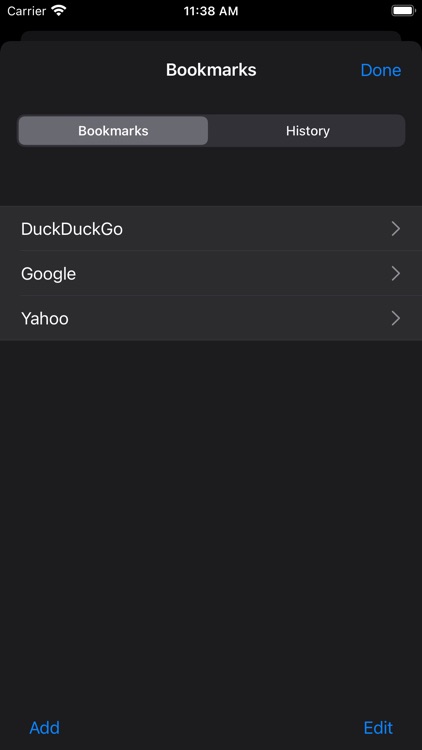
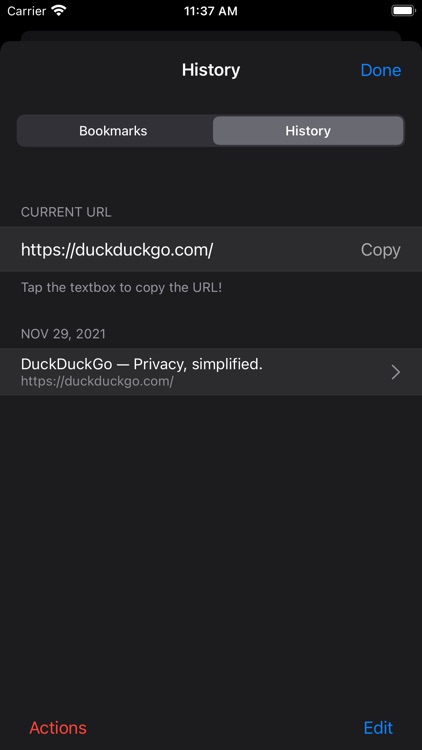
Asobi also has other hallmarks of a standard web browser such as:
- History
- Bookmarks
- Downloads
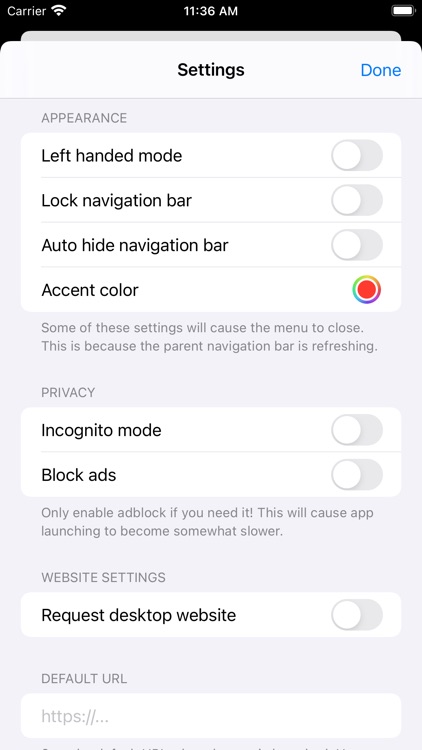
There are also privacy related features such as:
- Incognito mode
- Ad blocking
- Authentication on startup
- Hiding content in the recents menu
Asobi has a navigation bar to quickly access all the options above. This bar can be tucked away automatically or with a triple tap of the screen.
The app is free and 100% open sourced: https://github.com/bdashore3/Asobi
More information is in the app website: https://kingbri.dev/asobi
Happy browsing!
Disclaimer:
AppAdvice does not own this application and only provides images and links contained in the iTunes Search API, to help our users find the best apps to download. If you are the developer of this app and would like your information removed, please send a request to takedown@appadvice.com and your information will be removed.
AppAdvice does not own this application and only provides images and links contained in the iTunes Search API, to help our users find the best apps to download. If you are the developer of this app and would like your information removed, please send a request to takedown@appadvice.com and your information will be removed.
