You are using an outdated browser. Please
upgrade your browser to improve your experience.

================================

AutoPlay - Videos for YouTube
by Ki Tat Chung
What is it about?
================================
App Details
Version
4.0
Rating
(47)
Size
4Mb
Genre
Divertissement Musique
Last updated
June 28, 2011
Release date
June 28, 2011
App Store Description
================================
NOTE for APPLE TV (2nd Gen) Users
================================
If you have problem airplay & autoplay your videos on Apple TV, please update your Apple TV to the latest version. You can update to the latest software by going to Settings -> General -> Update Software on Apple TV and update your iPhone/iPad to iOS8 or above.
================================
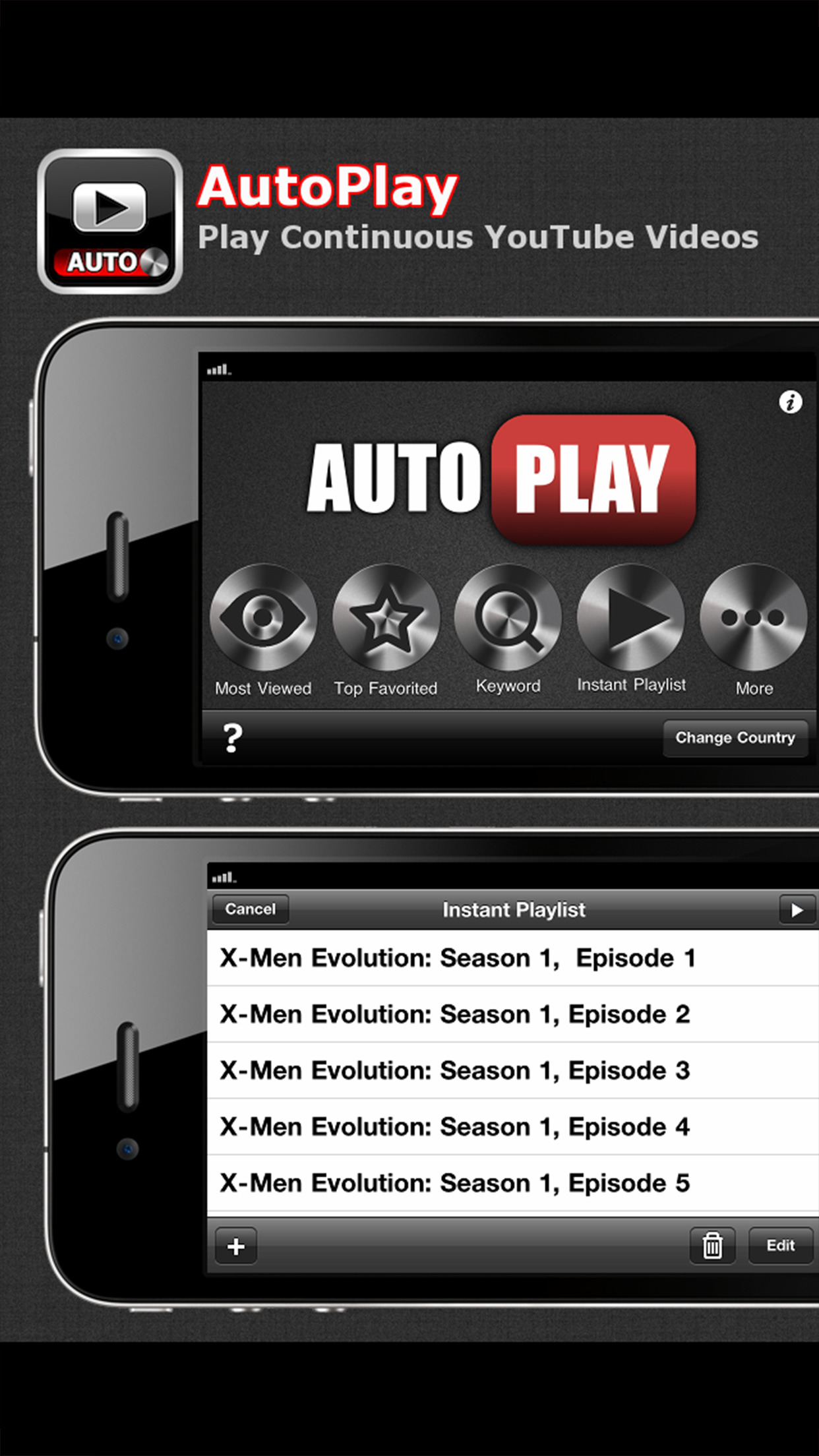
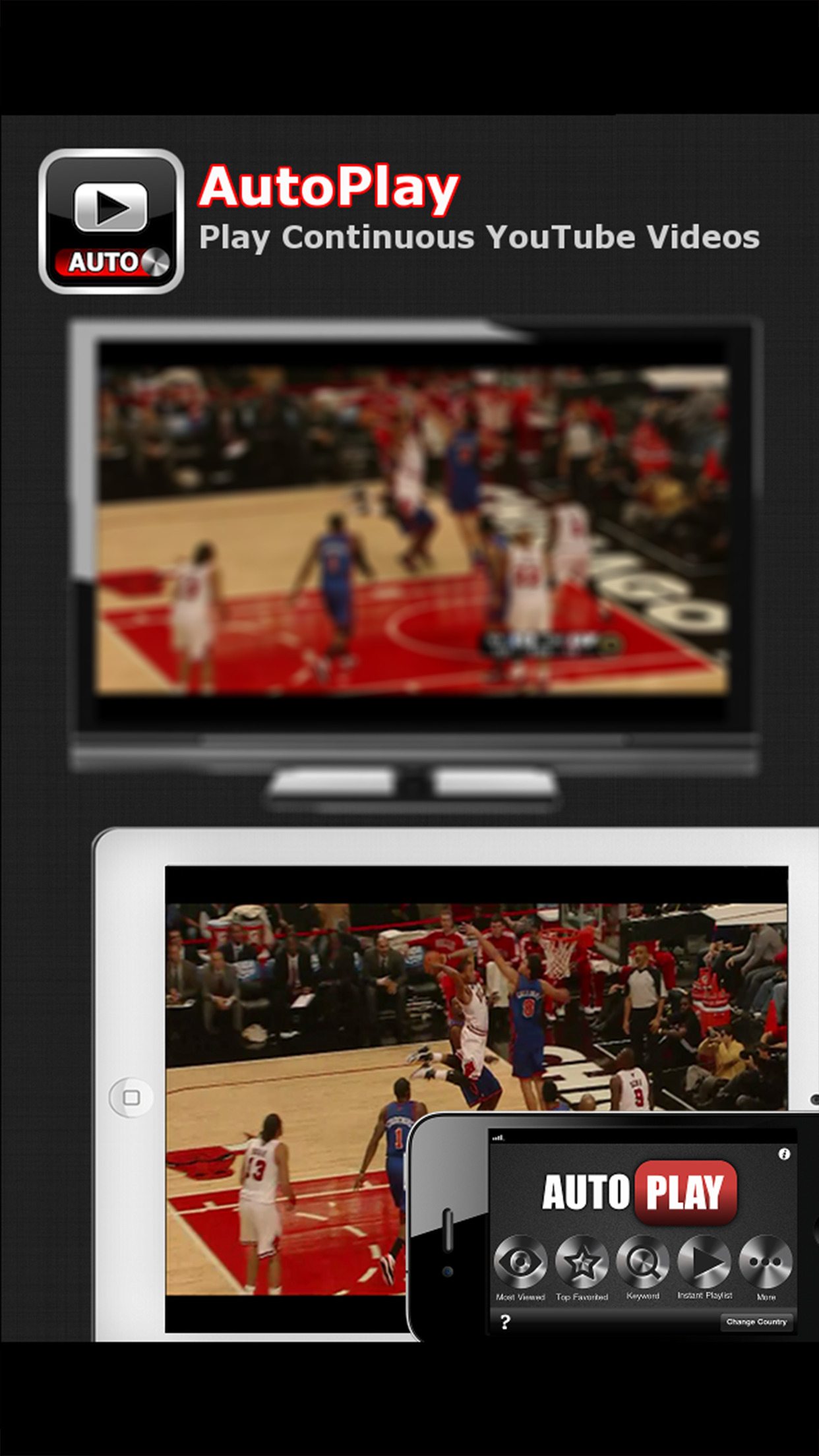
AutoPlay plays continuous Youtube videos on iPhone/iPad and on TV without tapping the next button on the screen, so you can just sit back and watch the Youtube videos. You can also create an instant playlist in AutoPlay. For example, you can add Youtube videos like X-Men Episode from 1 to 10 to the instant playlist and AutoPlay plays it automatically for you. You can even play the video in fullscreen on your HDTV / TV!
This is the missing feature of YouTube app on the iPhone/iPad that lots of people are asking for. Finally, we have an app for that now. This is AutoPlay.
Auto start & Auto play
● Auto start video in full screen mode on both iPhone/iPad and TV.
● Automatically play next video when the video is finished. No effort needed!
Build your Instant Playlist
● Find videos, add them to the Instant Playlist, and then AutoPlay it.
● You can easily browse Youtube Videos in AutoPlay and add them to the instant playlist with the In-App Youtube browser. For example, you can search videos like "X-Men Episode" on Youtube and then add them for AutoPlay.
Watch Video Feeds Continuously
● Continuously play YouTube videos from the list of "Most Viewed" , "Top Favorited", "Top Rated", "Most Shared", "Trending Video", and other feeds.
Enter Keyword & Watch Instantly
● Just type in some keywords. It will automatically AutoPlay it for you.
Connect AutoPlay to TV
● Connect iPad / iPhone 4 to TV with HDMI Cable (Require Apple Digital AV Adapter. You can get it from Apple Store for $39.00)
● Connect iPad / iPhone 4 to TV with AirPlay (Require Apple TV)
MORE FEATURES:
Create multiple playlists
Share playlist to friends by email
Open AutoPlay playlist file from email or other apps
Import or export playlist with iTunes file sharing
One-click add videos of youtube playlist
Disclaimer:
AppAdvice does not own this application and only provides images and links contained in the iTunes Search API, to help our users find the best apps to download. If you are the developer of this app and would like your information removed, please send a request to takedown@appadvice.com and your information will be removed.
AppAdvice does not own this application and only provides images and links contained in the iTunes Search API, to help our users find the best apps to download. If you are the developer of this app and would like your information removed, please send a request to takedown@appadvice.com and your information will be removed.
