You are using an outdated browser. Please
upgrade your browser to improve your experience.
Drum controlled music videos

Beats TV
by MUSICAL BRAINS LTD


What is it about?
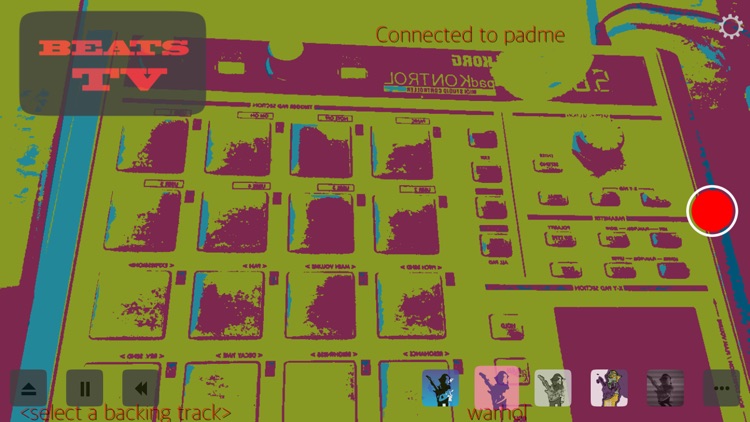
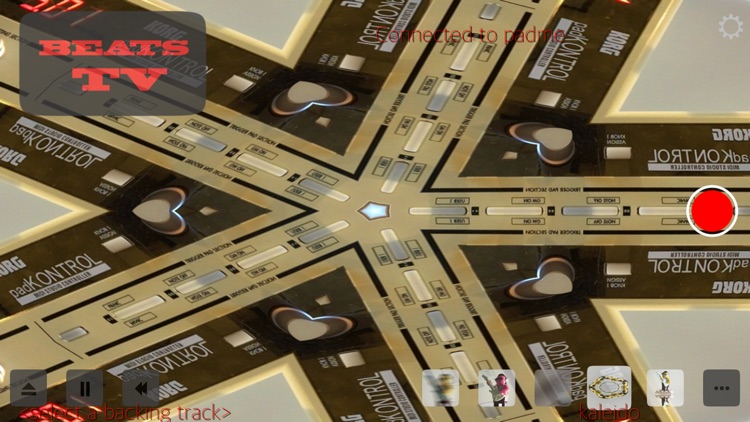
Drum controlled music videos! 25 reactive video filters respond to your MIDI drumming live as you play. Metal shaders turn your camera video into a variety of animated pop art abstractions, motion sensing effects, trippy distortions, psychadelic colors, glitches and more. Then each kit piece (kick, snare, hats, cymbals, toms) controls a different aspect of the filter to generate beat synced visual effects. You can mix in backing tracks from your iTunes library to jam to. Includes 7 sampled drum kits mapped to work with Roland’s TD-1 drum set to get started quickly, or use your own audio input.
App Screenshots



App Store Description
Drum controlled music videos! 25 reactive video filters respond to your MIDI drumming live as you play. Metal shaders turn your camera video into a variety of animated pop art abstractions, motion sensing effects, trippy distortions, psychadelic colors, glitches and more. Then each kit piece (kick, snare, hats, cymbals, toms) controls a different aspect of the filter to generate beat synced visual effects. You can mix in backing tracks from your iTunes library to jam to. Includes 7 sampled drum kits mapped to work with Roland’s TD-1 drum set to get started quickly, or use your own audio input.
INSTRUCTIONS FOR USE
1. Connect MIDI drum source (e.g. Roland TD-1 drum set, KORG padKontrol, iOS MIDI apps, or DAW via network MIDI).
2. Select backing track, drum kit sounds, adjust mixer settings for optimum audio sweetness.
3. Press big red button to RECORD video.
4. Make your most melted rock star faces and lay down sick beats to generate funky video effects!
5. Press big red button to STOP and save to camera roll.
Live drums are a great way to explore what the filters can do, but you can also connect other MIDI compatible iOS apps such as Patterning, Funktris, or even a network MIDI session with your computer DAW e.g. Logic Pro X for detailed programming like selecting different filters via MIDI program change events. This way you can make a funner-than-usual video of your singing, dancing or instrumentals even if you don't play drums.
The filters are:
- Rainbow
- Snow
- Pyrotechnics
- Swirly
- Feedback
- CMYK
- Comic book
- Halftone
- Tritone
- Ink
- Old TV
- Cat barf
- Sketch
- Warhol
- Gradients
- ASCII
- Dither
- Digi glitch
- Pixelation
- Low poly
- Waves
- Kaleido
- Strobe
- Colorspin
- Blur
Note for TD-1, padKontrol or other wired USB MIDI instruments: you also need a USB to lighting connector such as the Apple Camera Connection Kit.
And please do share your creations and/or let us know what effects you'd like to see in future updates!
Disclaimer:
AppAdvice does not own this application and only provides images and links contained in the iTunes Search API, to help our users find the best apps to download. If you are the developer of this app and would like your information removed, please send a request to takedown@appadvice.com and your information will be removed.
AppAdvice does not own this application and only provides images and links contained in the iTunes Search API, to help our users find the best apps to download. If you are the developer of this app and would like your information removed, please send a request to takedown@appadvice.com and your information will be removed.
