You are using an outdated browser. Please
upgrade your browser to improve your experience.

BeatsBuddy is a standalone audio player for iOS, iPadOS, watchOS and macOS

BeatsBuddy
by Oleg Mueller


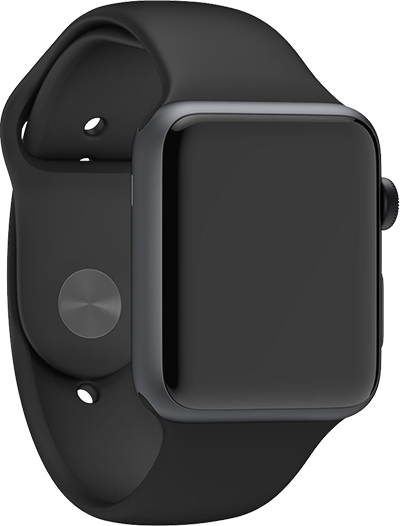

BeatsBuddy Offers Apple Watch App
Check the details on WatchAware
Check the details on WatchAware
What is it about?
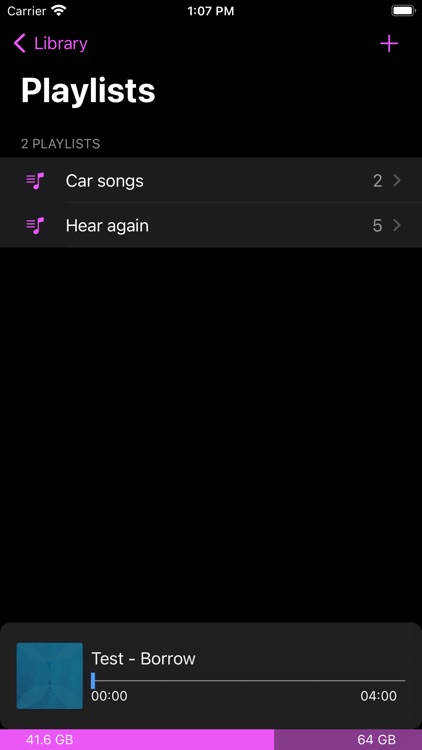
BeatsBuddy is a standalone audio player for iOS, iPadOS, watchOS and macOS. It uses iCloud automatically to sync all your tracks metadata and audio data. You can choose on you device which tracks audio data should be downloaded from iCloud.
App Screenshots



App Store Description
BeatsBuddy is a standalone audio player for iOS, iPadOS, watchOS and macOS. It uses iCloud automatically to sync all your tracks metadata and audio data. You can choose on you device which tracks audio data should be downloaded from iCloud.
BeatsBuddy can
- download and play music from your BeatsBuddy iCloud music library
- add and upload tracks to your BeatsBuddy iCloud music library
- add/remove CUE-files to tracks in your BeatsBuddy music library
- add/remove track cover image
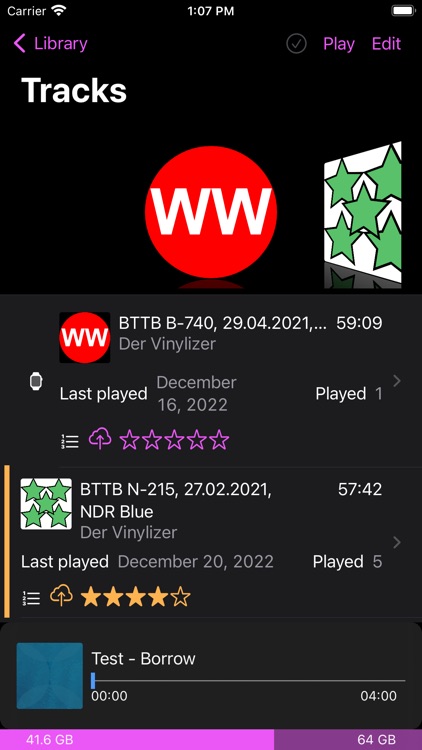
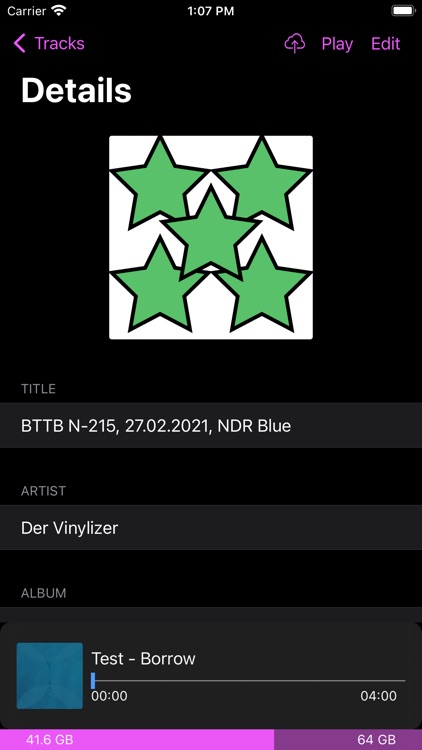
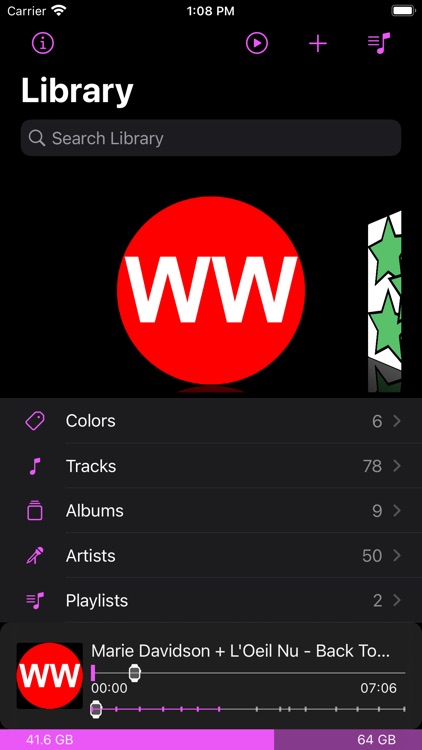
- show all your tracks and their metadata:
-- cover, title, artist, album, duration, number, genre, year, track listing, tags, added, last played, times played, size and color
- use and edit your playlists
- use smart playlists
- import music from Files or from your Music Library
- add music with drag & drop
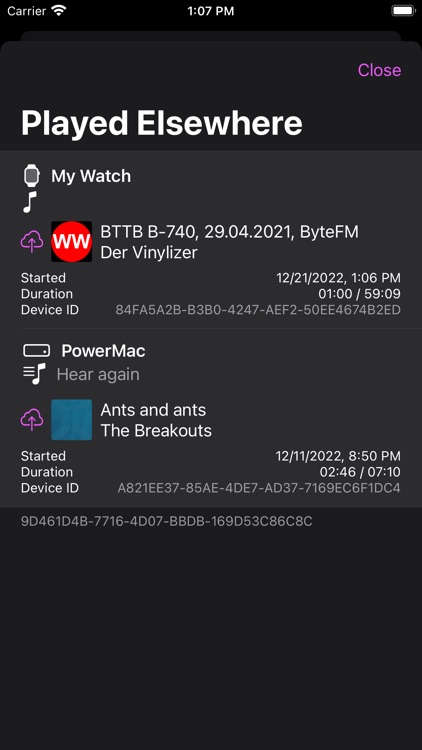
- see what is last played on your other BeatsBuddy devices (in an extra view, in lists and in music player)
- resume played track and queue from another device
- automatic audio data download for artists, albums, playlists, tracks or all tracks
- toggle automatic download for other devices (e.g. if you have a Mac and an iPhone you can activate automatic download for tracks on you iPhone via your Mac)
- use Shazam to identify a played track and import its metadata
- use Shazam to download missing artwork automatically
- Handoff support
- multi window support on iPadOS
BeatsBuddy music player will show the cover, title, album, artist, duration and duration left. If you have added a track listing (CUE-file) to your track you can also see the positions of the played tracks, their title and artist and progress of tracklisting.
BeatsBuddy will restore your last played item and queue when restarted.
BeatsBuddy does support MP3 and M4A.
You can use BeatsBuddy with up to 15 tracks for free.
Disclaimer:
AppAdvice does not own this application and only provides images and links contained in the iTunes Search API, to help our users find the best apps to download. If you are the developer of this app and would like your information removed, please send a request to takedown@appadvice.com and your information will be removed.
AppAdvice does not own this application and only provides images and links contained in the iTunes Search API, to help our users find the best apps to download. If you are the developer of this app and would like your information removed, please send a request to takedown@appadvice.com and your information will be removed.
