You are using an outdated browser. Please
upgrade your browser to improve your experience.

The new Best Trading Pro (BTP) App has once again improved trading and takes your usage experience

Best Trading Pro
by Banco Best
What is it about?
The new Best Trading Pro (BTP) App has once again improved trading and takes your usage experience
App Screenshots

App Store Description
The new Best Trading Pro (BTP) App has once again improved trading and takes your usage experience
to a higher level with the most recent technologies. It fits any device, it’s always available and secure in
your pocket and it doesn’t compromise your investments.
Find out its advantages
• BTP experience in your iPhone and iPad;
• Grab your investment opportunities any time, any place;
• Place orders and check the status of your investments whenever convenient for you;
• Trade from your favorite securities list or from the real time graphic;
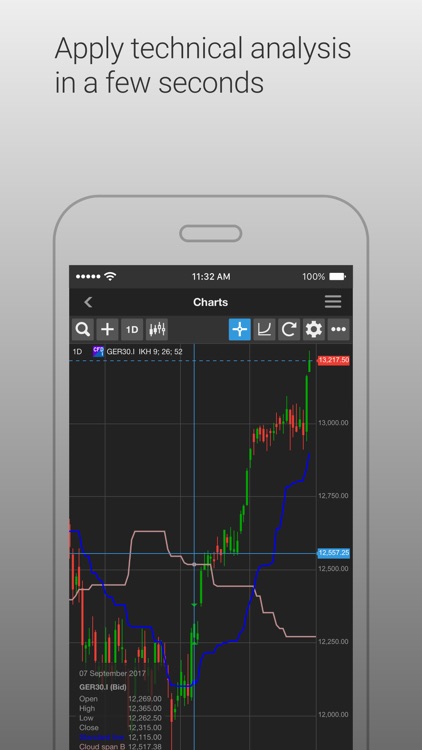
• Apply technical analysis in a few seconds;
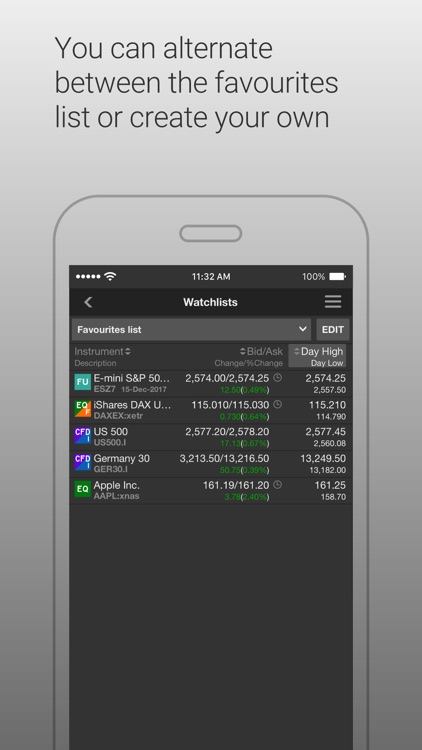
• Customize your favourites list with the most relevant securities for your investments;
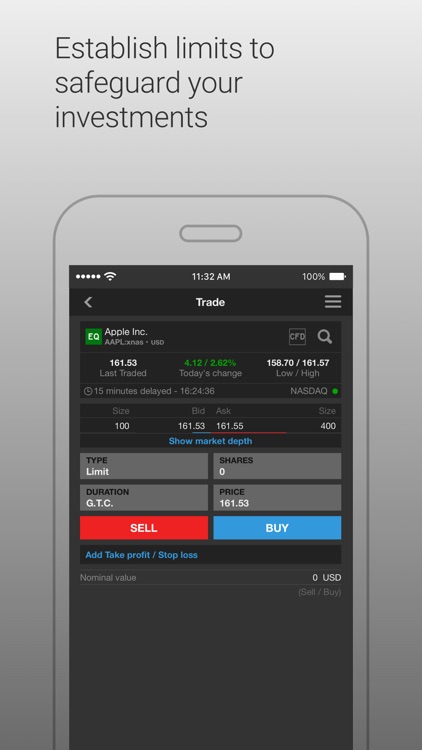
• Place market orders or establish limit orders to protect your investments;
• You can alternate between the favourites list or create your own;
• Enter your account via all devices in a quick and safe way.
Technology
• Review your positions and your portfolio evolution through interactive graphics;
• Access an intuitive interface with features that allow instant trading;
• Manage your positions and orders directly in the positions module;
Settings
• Define favourites lists;
• Choose between the 2 graphic environments - black and white;
• Customize the graphics as you wish, setting the colours of the different elements as well as the types of line and size.
Disclaimer:
AppAdvice does not own this application and only provides images and links contained in the iTunes Search API, to help our users find the best apps to download. If you are the developer of this app and would like your information removed, please send a request to takedown@appadvice.com and your information will be removed.
AppAdvice does not own this application and only provides images and links contained in the iTunes Search API, to help our users find the best apps to download. If you are the developer of this app and would like your information removed, please send a request to takedown@appadvice.com and your information will be removed.
