You are using an outdated browser. Please
upgrade your browser to improve your experience.

First Time Users: Prior to using this app you must visit Bryn Mawr Trust’s website www

BMT - Mobile Banking for iPad
by Bryn Mawr Trust
What is it about?
First Time Users: Prior to using this app you must visit Bryn Mawr Trust’s website www.bmtc.com and login to the Consumer and Small Business Online Banking system to authenticate and establish your security challenge questions.
App Screenshots
App Store Description
First Time Users: Prior to using this app you must visit Bryn Mawr Trust’s website www.bmtc.com and login to the Consumer and Small Business Online Banking system to authenticate and establish your security challenge questions.
Who would have thought viewing your account balance, transferring funds, or paying bills could be so easy… and safe?
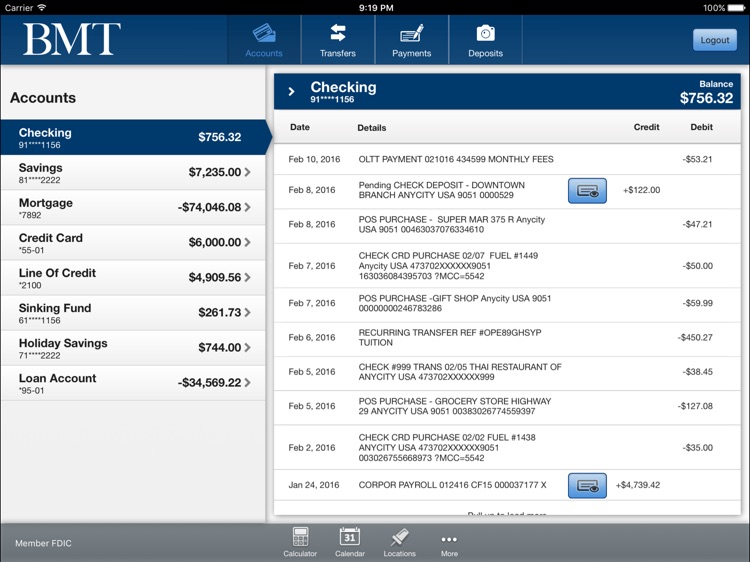
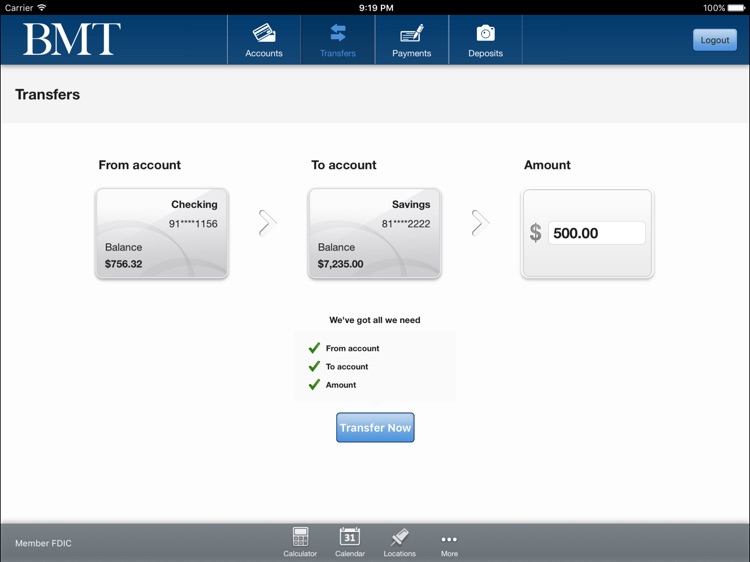
As a Bryn Mawr Trust Online Banking customer, you can use Mobile Banking to access your checking and savings accounts or any other eligible Bryn Mawr Trust account, view account balances and activity, pay your bills, transfer funds immediately to any of your Bryn Mawr Trust accounts, and locate Bryn Mawr Trust branches and ATM’s anytime via your mobile device.
Bryn Mawr Trust puts the power to bank anytime, right in your hands. You can access your account information, transfer money and even pay bills. And all you need is a mobile device. Our mobile banking solution provides you with the ultimate in convenience for managing your finances anytime, anywhere - from your mobile device.
And you can do it all for free. Are you an Online Banking customer? If not, you will need to enroll in Online Banking. Just follow the simple steps below to get started.
If you are a retail customer:
• Select enroll in online banking link following the First time user question on the Online Banking site (https:online.bmtc.com).
• You will need the following information to successfully complete the enrollment process:
1. Social Security Number
2. Account Number
3. Email Address
• Choose your own User ID.
• Choose your own password.
If you are business customer:
• You must complete a Business Online Banking Enrollment and Agreement. Forms are available through any branch location or can be e-mailed to you.
It’s that simple - It’s incredible what you can do with Mobile Banking and Bill Payment.
• Check available balances on your accounts
• Review detailed account history
• View your monthly statements electronically, with e-Statements
• Transfer funds between Bryn Mawr Trust accounts or accounts outside of Bryn Mawr Trust
• Transfer money person-to-person with Popmoney
• Deposit a check anywhere from your smart phone or tablet with Remote Check Capture
Once you are an Online Banking customer enrolling in Mobile Banking is as easy as 1-2-3.
1. Log into Bryn Mawr Trust’s Online Banking
2. Click mobile
3. Enroll your mobile device and enter the Activation Code.
3. Download the App.
You’re now enrolled in Bryn Mawr Trust’s Mobile Banking.
Disclaimer:
AppAdvice does not own this application and only provides images and links contained in the iTunes Search API, to help our users find the best apps to download. If you are the developer of this app and would like your information removed, please send a request to takedown@appadvice.com and your information will be removed.
AppAdvice does not own this application and only provides images and links contained in the iTunes Search API, to help our users find the best apps to download. If you are the developer of this app and would like your information removed, please send a request to takedown@appadvice.com and your information will be removed.
