You are using an outdated browser. Please
upgrade your browser to improve your experience.

Beautiful Body Piercing Design Ideas for Men, Women, Girls and Boys

Body Piercing Ideas for Men, Women, Girls and Boys
by J. N.
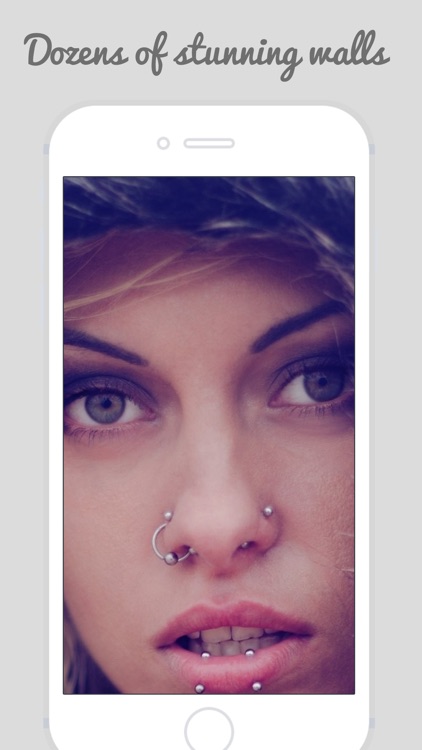

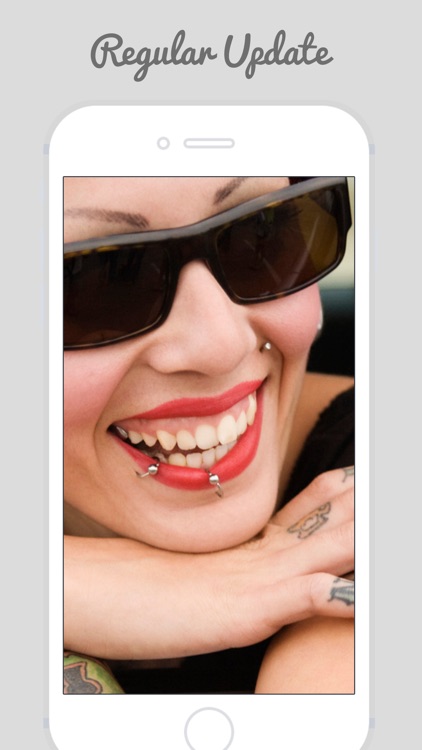
What is it about?
Beautiful Body Piercing Design Ideas for Men, Women, Girls and Boys
App Screenshots
App Store Description
Beautiful Body Piercing Design Ideas for Men, Women, Girls and Boys
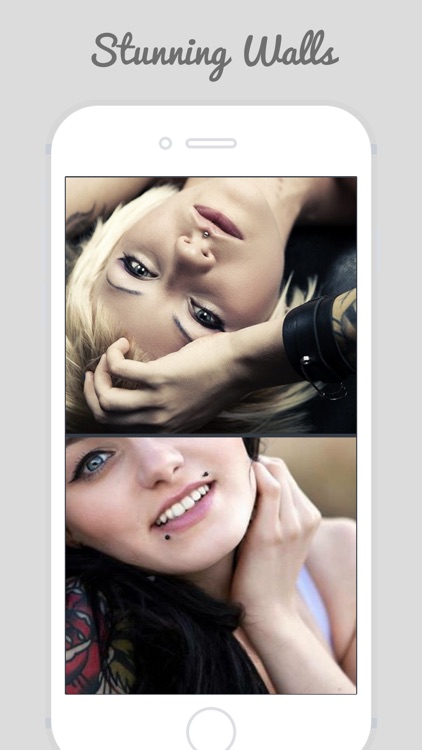
Body piercing is the practice of puncturing or cutting a part of the human body, creating an opening in which jewellery may be worn, here we present you the ideas for the body piercing for all.
Our app is a collection of over 10000+ HD (High-Density) beautiful body piercing design images for iPad iPhone6 and plus iPhone 4, iPhone 3G/3GS & iPod Touch. All images are optimized for iPhone 4 with fine details and superb resolution. iPhone 3G/3GS and iPod touch users can also use this application. All images will automatically shrink to fit the screen of your devices.
FEATURES
This application has the following features:
1) Over 10,000+ HD body piercing inspirations
2) Ability to add selected images to a "Favorite Album" for easy browsing later on
3) Save any image into the Camera Roll
HOW TO USE
To set an image as your iPhone wallpaper, follow 3 simple steps:
1 - Choose your favorite images (hint: single tapping on a image will give you a full-screen view)
2 - Press the "Save" button on the lower right corner
3 - Go to your Camera Roll, find the image, press the icon on the lower left corner and select "Set as Wallpaper"
Disclaimer:
AppAdvice does not own this application and only provides images and links contained in the iTunes Search API, to help our users find the best apps to download. If you are the developer of this app and would like your information removed, please send a request to takedown@appadvice.com and your information will be removed.
AppAdvice does not own this application and only provides images and links contained in the iTunes Search API, to help our users find the best apps to download. If you are the developer of this app and would like your information removed, please send a request to takedown@appadvice.com and your information will be removed.
