You are using an outdated browser. Please
upgrade your browser to improve your experience.

Book Generator is a new way to convert OneNote notebooks, Trello boards, Word Documents, Excel spreadsheets, Google Docs, Google Sheets, Google Classroom, CSV and Markdown files into EPUB or PDF

Book Generator
by Tiger Ng

What is it about?
Book Generator is a new way to convert OneNote notebooks, Trello boards, Word Documents, Excel spreadsheets, Google Docs, Google Sheets, Google Classroom, CSV and Markdown files into EPUB or PDF.
App Screenshots
App Store Description
Book Generator is a new way to convert OneNote notebooks, Trello boards, Word Documents, Excel spreadsheets, Google Docs, Google Sheets, Google Classroom, CSV and Markdown files into EPUB or PDF.
Core Features
* OneNote: each notebook represents a book, each section represents a group, each page represents a chapter.
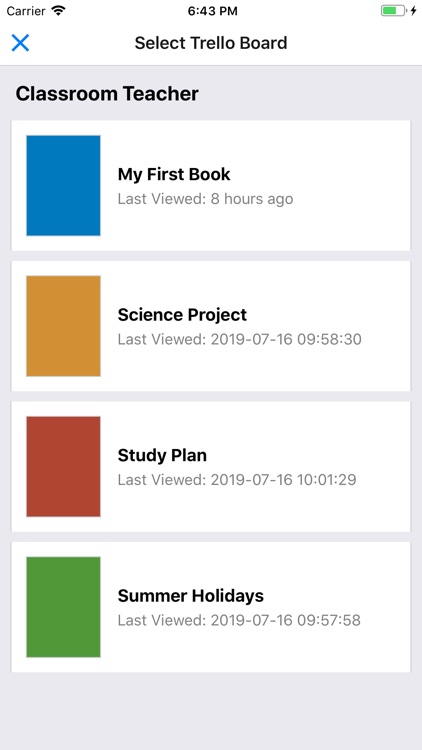
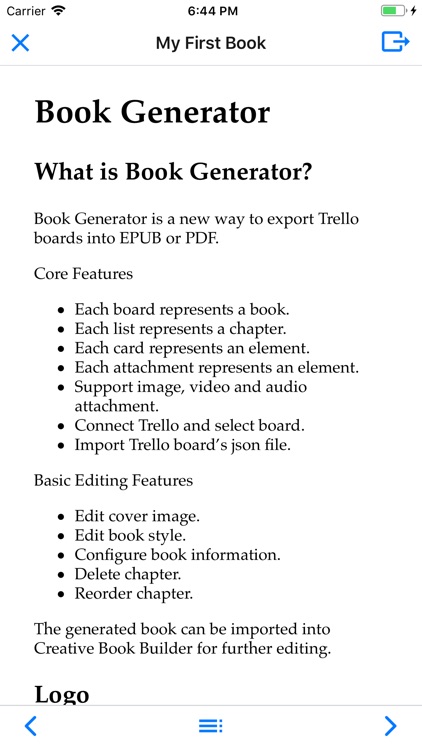
* Trello: each board represents a book, each list represents a chapter, each card represents an element.
* Word: each heading represents a page.
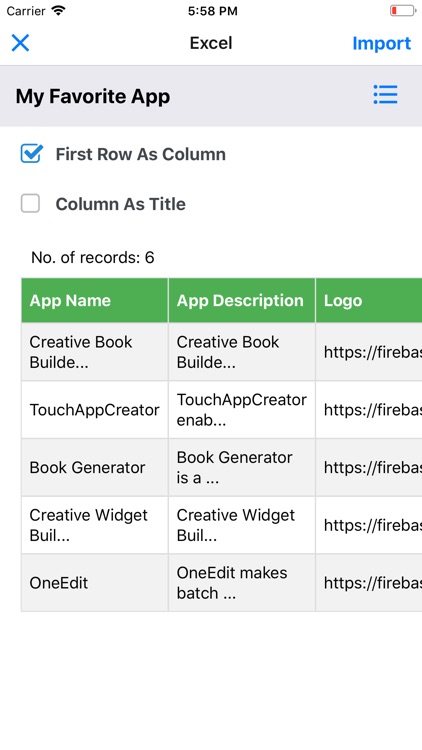
* Excel: each row represents a page, each record represents an element.
* Google Docs: each heading represents a page.
* Google Sheets: each row represents a page, each record represents an element.
* Google Classroom: each classwork represents a book, each assignment submission represents a page.
* CSV: each row represents a page, each record represents an element.
* Markdown: convert to HTML
* Support image, video and audio attachment.
Basic Editing Features
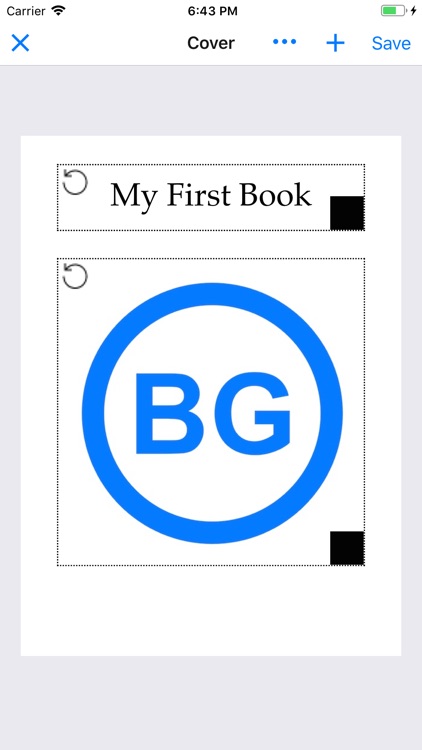
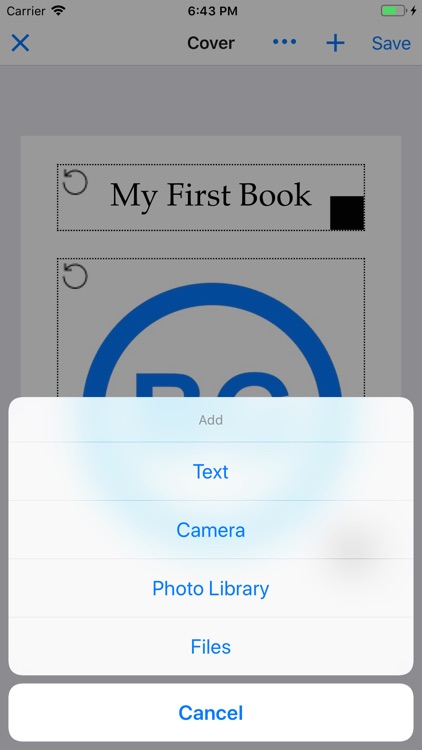
* Edit cover image.
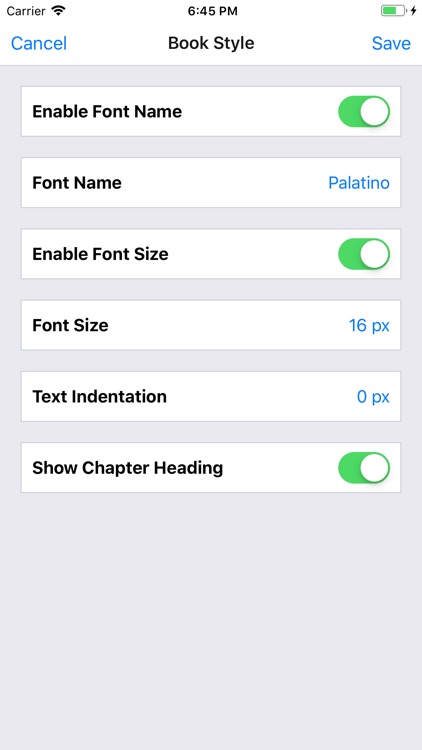
* Edit book style.
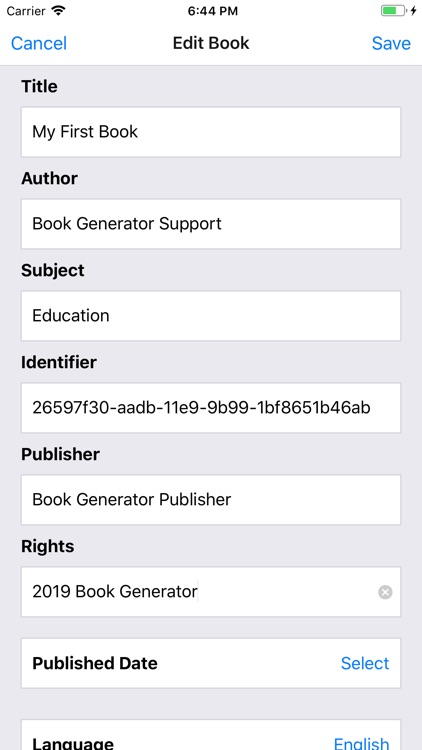
* Configure book information.
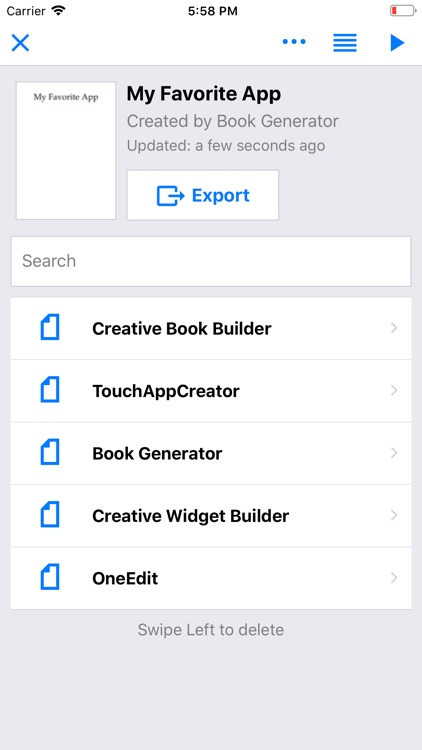
* Delete chapter.
* Reorder chapter.
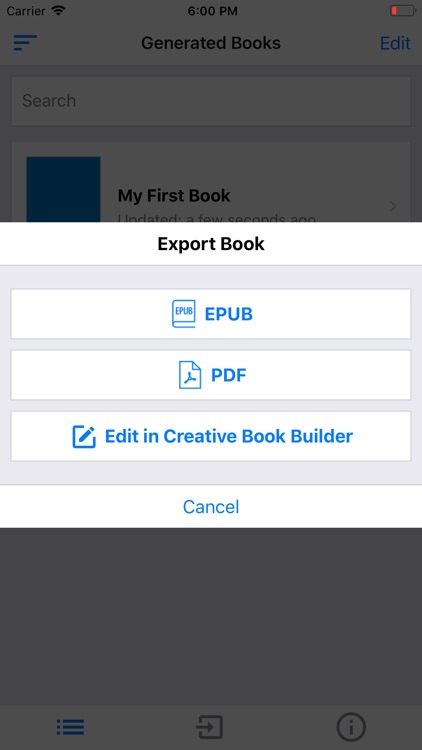
The generated book can be imported into Creative Book Builder for further editing.
Disclaimer:
AppAdvice does not own this application and only provides images and links contained in the iTunes Search API, to help our users find the best apps to download. If you are the developer of this app and would like your information removed, please send a request to takedown@appadvice.com and your information will be removed.
AppAdvice does not own this application and only provides images and links contained in the iTunes Search API, to help our users find the best apps to download. If you are the developer of this app and would like your information removed, please send a request to takedown@appadvice.com and your information will be removed.
