You are using an outdated browser. Please
upgrade your browser to improve your experience.

Analyzes a desktop browser's exported bookmarks HTML file for invalid URLs

Bookmarks Validator
by Gilbert Hansen


What is it about?
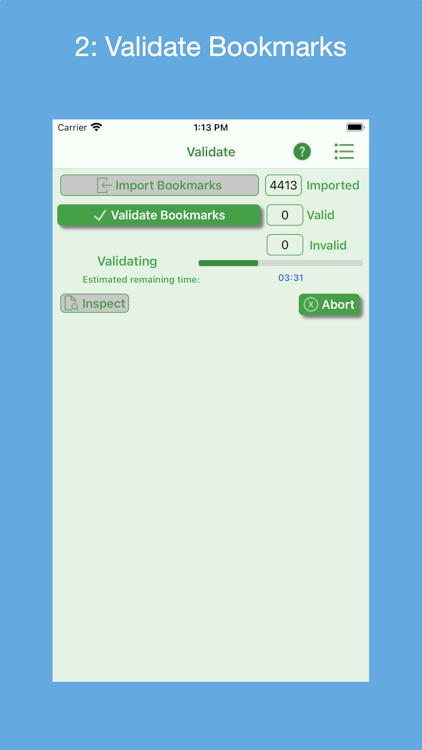
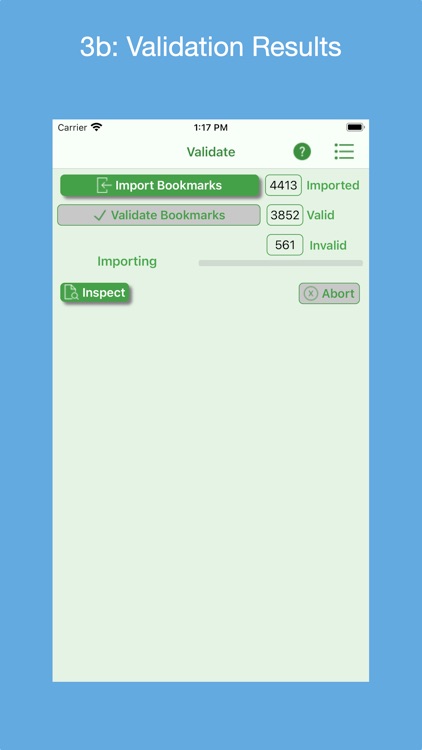
Analyzes a desktop browser's exported bookmarks HTML file for invalid URLs. The resultant invalid bookmarks HTML file, annotated with reason-invalid messages, is used to manually correct the browser’s bookmarks. At any time, the bookmarks file and the invalid bookmarks result file can be inspected. The in-progress validation process can be aborted.
App Screenshots


App Store Description
Analyzes a desktop browser's exported bookmarks HTML file for invalid URLs. The resultant invalid bookmarks HTML file, annotated with reason-invalid messages, is used to manually correct the browser’s bookmarks. At any time, the bookmarks file and the invalid bookmarks result file can be inspected. The in-progress validation process can be aborted.
Features:
* Supports bookmark HTML files exported by the Safari, Firefox, Chrome, Brave and Opera desktop browsers.
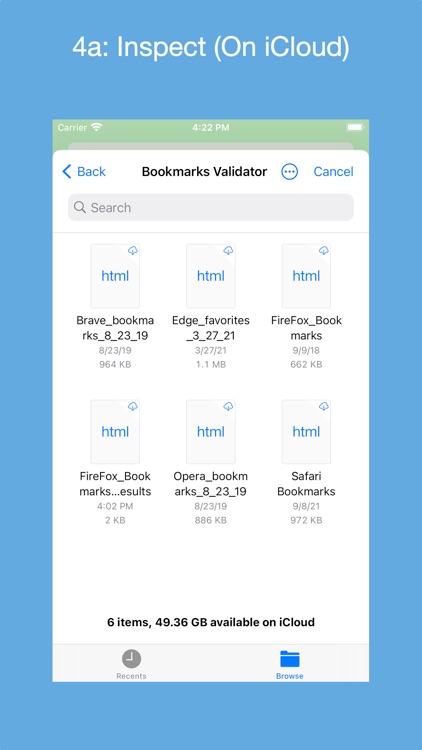
* Bookmarks files can be accessed from the iOS app's Documents folder, a macOS Downloads folder or the user's iCloud Drive.
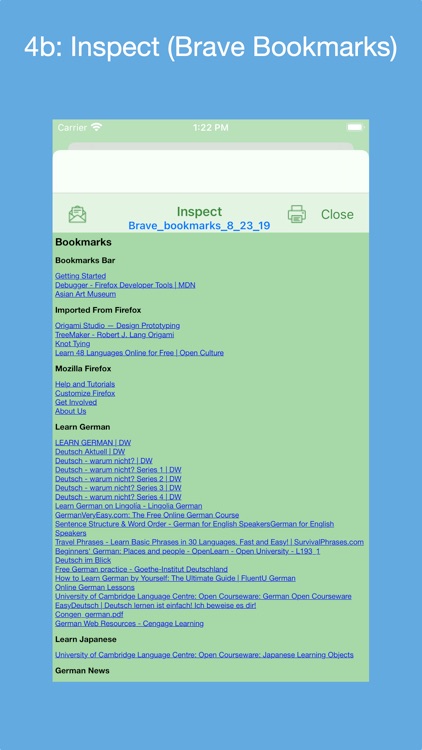
* Can display any exported Bookmarks file and any generated validation results file.
* Can e-mail the invalid HTML file as an attachment and/or print it. Likewise for any exported Bookmarks file.
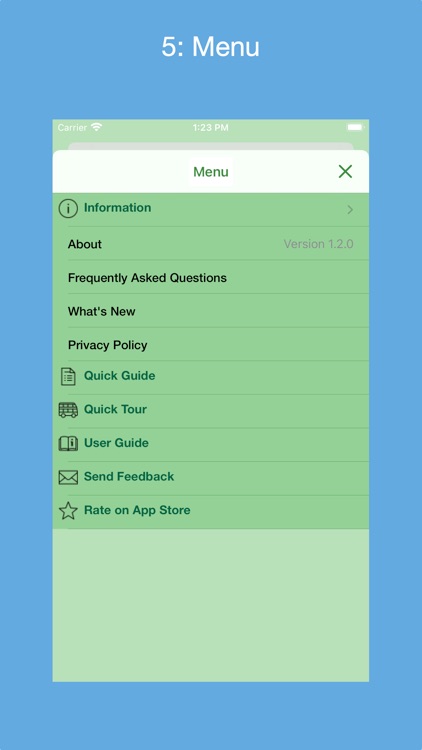
* Quick Guide provides a quick way to learn how to use the app.
* Quick Tour of app that demonstrates its features and how to use them; viewable on-demand.
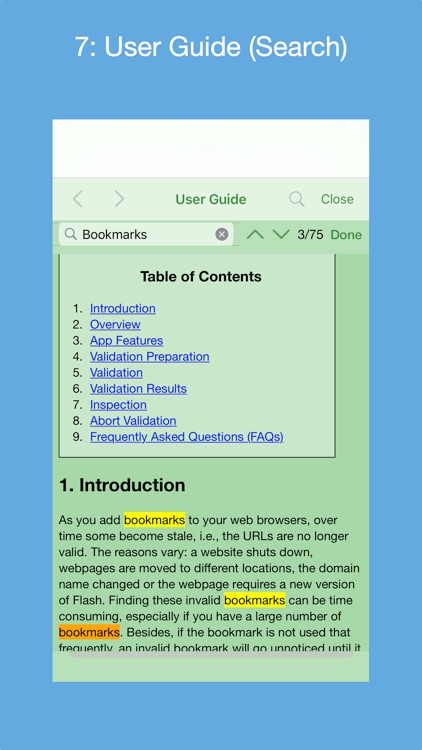
* Detailed User Guide on how to use the app; includes a list of Frequently Ask Questions (FAQs). User Guide can be searched.
* Help Tips to guide and remind user how to proceed.
* Ability to send e-mail to the developer to report an issue and get back a solution, ask usage questions and/or make improvement suggestions.
* Optionally request to rate the app in the App Store.
* Supports dark mode.
Note: Browser bookmarks files need to be placed in a "Bookmarks Validator" folder. On an iOS device, this folder resides in the Documents folder. On a macOS device, this folder resides in the Downloads folder. On iCloud, it resides in the iCloud Drive. The User's Guide provides instructions on how to set this up.
Disclaimer:
AppAdvice does not own this application and only provides images and links contained in the iTunes Search API, to help our users find the best apps to download. If you are the developer of this app and would like your information removed, please send a request to takedown@appadvice.com and your information will be removed.
AppAdvice does not own this application and only provides images and links contained in the iTunes Search API, to help our users find the best apps to download. If you are the developer of this app and would like your information removed, please send a request to takedown@appadvice.com and your information will be removed.
