You are using an outdated browser. Please
upgrade your browser to improve your experience.

Access everything you’ve previously scanned with the CameraScan app

CameraScan: PDF & JPG Scanner
by Maksim Niagolov
What is it about?
Access everything you’ve previously scanned with the CameraScan app.
App Screenshots

App Store Description
Access everything you’ve previously scanned with the CameraScan app.
Why CameraScan?
Join other satisfied users all over the world who trust CameraScan to be their tiny portable scanner. Download for Free and start scanning now with the top scanner choice!
Low on memory? No problem - this camera scanner has a tiny binary footprint of 14MB
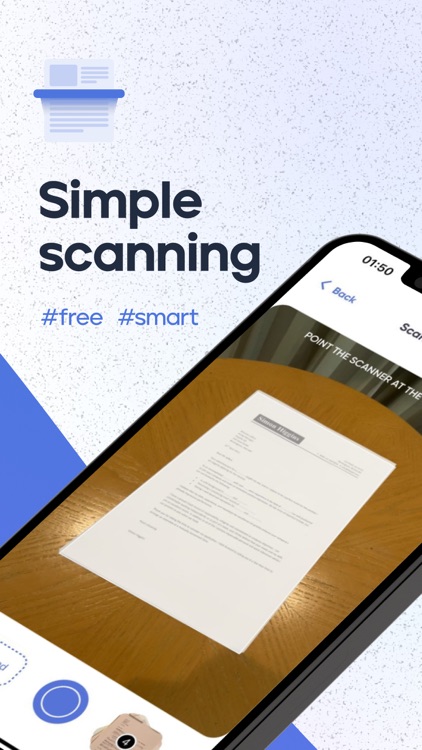
Scan to PDF
• Scan any document and convert to PDF with your mobile device.
• TapScanner has got you covered with our pdf maker and pdf reader. Receipts, documents, business cards, whiteboards, ID’s, books and photos - From image to pdf immediately
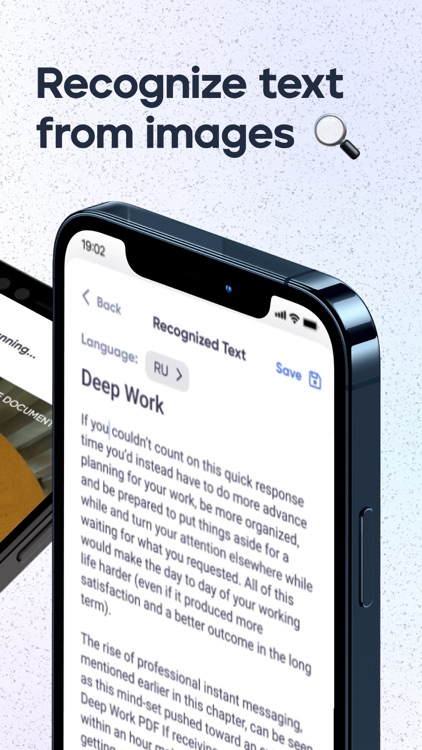
Extract text from images
• Enhanced OCR recognises typed and handwritten text in images with the highest accuracy
We do the work for you with Auto Border detection
• Scanning made easy
• Get your documents auto cropped and sorted in the way you need them
• Save time cropping each document
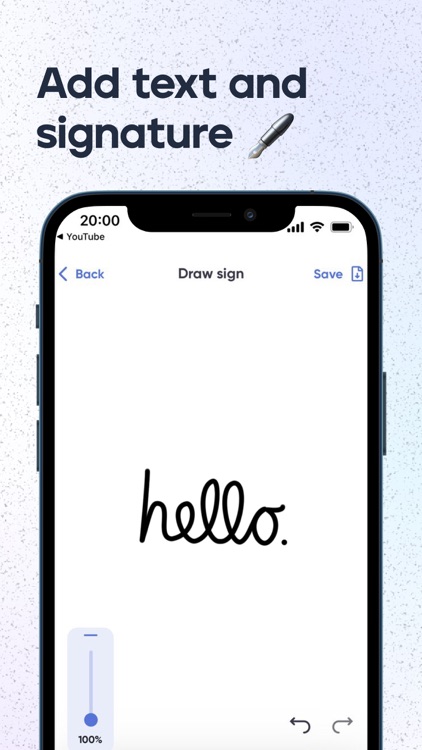
Finish your paperwork from anywhere
• Use this document scanner to attach an E-signature using pdf sign tools.
• Mark and edit fields to add everything you need with an intuitive pdf viewer.
Reduce PDF size
• Compress PDF for easy sending
• Making your PDF smaller will help you save space
Get the perfect scan - Enhance with Filters
• Filters that will make your scanned documents look professional
• Remove shadows and artifacts to enhance your scans
• Port to black and white or adjust contrast and brightness
Backup to Cloud
• Just like that, scans on your phone are backed up to your favourite cloud.
• CameraScan's PDF converter ensures you store a high-quality PDF output from our mobile scanner
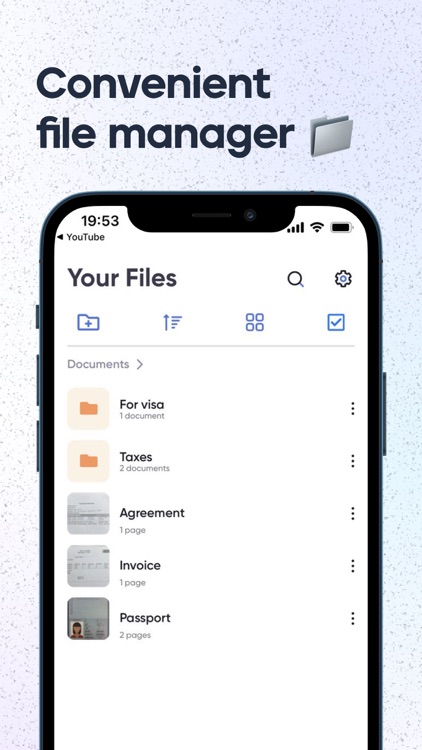
Manage your files
• Merge PDF files together to make editing easier
• Combine PDF files quickly to organize your files
Get everyone in on the loop
• Share documents easily and quickly
• Seamlessly share to email, social media and instant messaging apps
Sort
• Create folders and tag documents to organize all your scans
• Find the important docs you need inside CameraScan’s mobile pdf scanner
• Find documents in your scanned library easily by name, tag or folder
HIGH QUALITY PDF SCANNER - TRY IT NOW
For Terms of Use, please visit
https://www.digit-mind.com/cs/service
For Privacy Policy, please visit
https://www.digit-mind.com/cs/privacy
We'd love to hear your feedback: info@digit-mind.com
Disclaimer:
AppAdvice does not own this application and only provides images and links contained in the iTunes Search API, to help our users find the best apps to download. If you are the developer of this app and would like your information removed, please send a request to takedown@appadvice.com and your information will be removed.
AppAdvice does not own this application and only provides images and links contained in the iTunes Search API, to help our users find the best apps to download. If you are the developer of this app and would like your information removed, please send a request to takedown@appadvice.com and your information will be removed.
