You are using an outdated browser. Please
upgrade your browser to improve your experience.

Do you find it hard to carry a paper card visit around

CardSpark Business Card Reader
by Dinh Thi Huyen

What is it about?
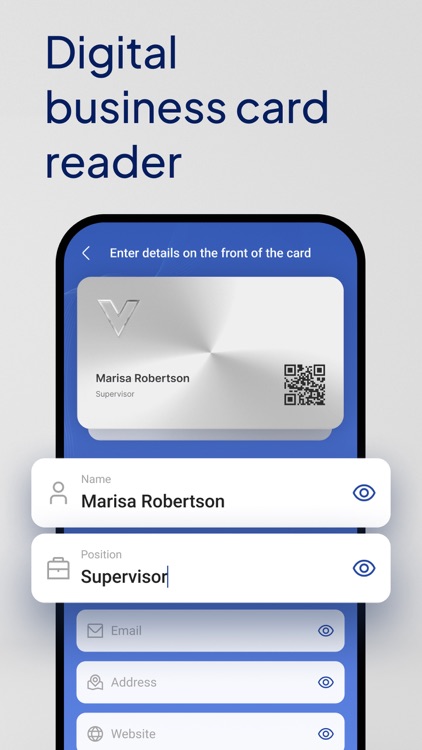
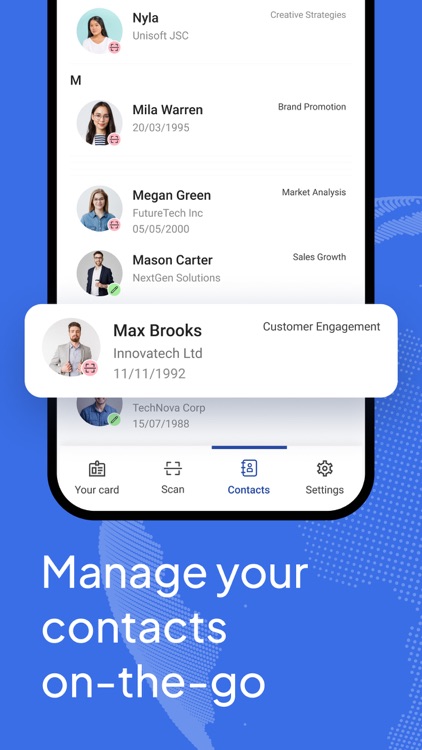
Do you find it hard to carry a paper card visit around? Are you having troubles managing all of your clients' contacts? We have a solution for you. Say goodbye to the hassle and expense of traditional business card printing and say hello to a more efficient and cost-effective way of creating professional cards for your business - CardSpark: Business Card Reader.
App Screenshots
App Store Description
Do you find it hard to carry a paper card visit around? Are you having troubles managing all of your clients' contacts? We have a solution for you. Say goodbye to the hassle and expense of traditional business card printing and say hello to a more efficient and cost-effective way of creating professional cards for your business - CardSpark: Business Card Reader.
WHAT CAN YOU DO WITH US?
- Scan your business cards and auto-save them right on your phone
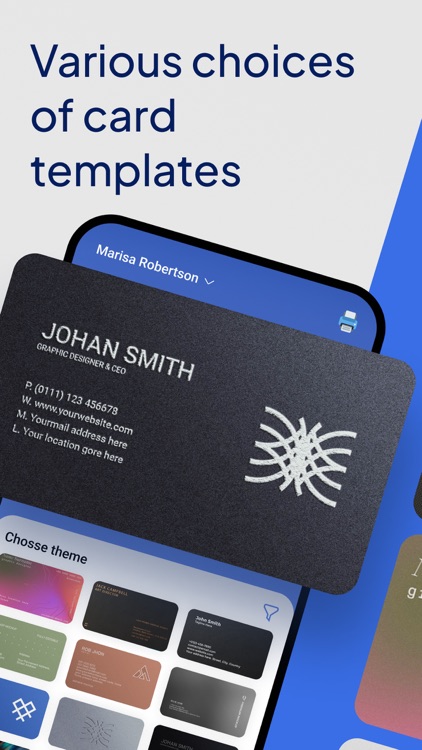
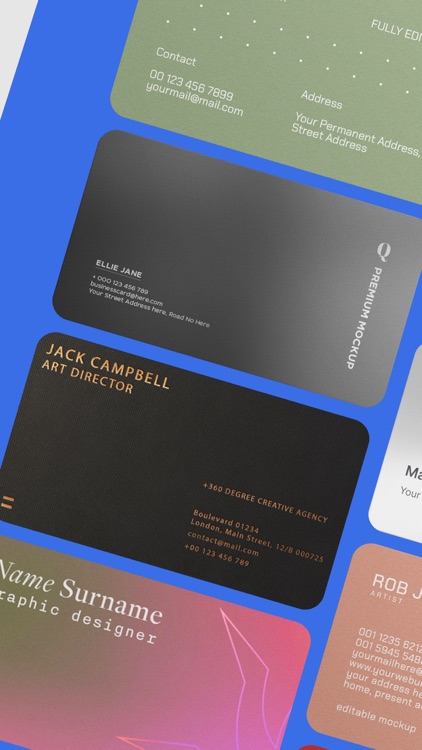
- Select cards of your preference in our card template bank
- Special feature: Add your social networks to your card visit
- Create multiple cards on one account
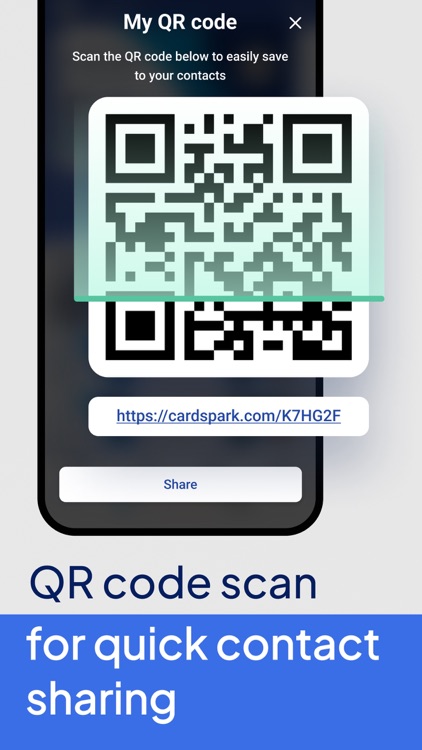
- Share contacts easily using QR Code Scan
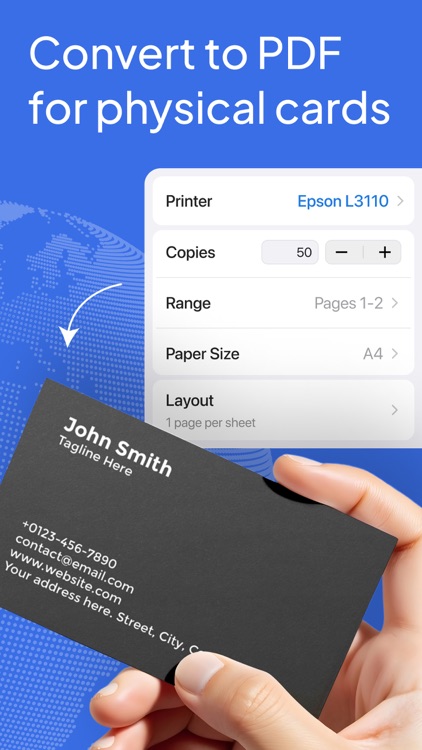
- Convert your cards to PDF for printing
Our card visit reader app makes it easy for you to scan your client's contact on their business card. The steps are very simple: Open our app -> Open scan camera -> Put your client's card in the camera -> Tap "Scan" and our app will recognize and save your client's card on your phone!
We know that making connections is vital to elevating your business, and we are here to help you with the first step: save your potential client information right on-the-go!
Scanning or sharing is accomplished without the involvement of the CardSpark development team or any third party.
Download our card visit scanner app today and take your business to the next level!
Privacy Policy: https://doc-hosting.flycricket.io/cardspark-digital-card-make-privacy-policy/8861d077-4125-48b1-a7fd-60ac10399e3f/privacy
Terms & Privacy: https://doc-hosting.flycricket.io/cardspark-digital-card-maker-terms/f8cf659d-1d29-4a26-ae93-484966f4cf87/terms
Disclaimer:
AppAdvice does not own this application and only provides images and links contained in the iTunes Search API, to help our users find the best apps to download. If you are the developer of this app and would like your information removed, please send a request to takedown@appadvice.com and your information will be removed.
AppAdvice does not own this application and only provides images and links contained in the iTunes Search API, to help our users find the best apps to download. If you are the developer of this app and would like your information removed, please send a request to takedown@appadvice.com and your information will be removed.
